How To Fix Packet Loss In Less Than 2 Minutes
Автор: IT Explainer
Загружено: 2025-07-22
Просмотров: 5554
Описание:
🚀 This is how to fix packet loss on Windows 11 fast and without wasting time.
In this video, you’ll learn how to identify and fix packet loss that’s messing with your connection and making your online experience laggy or unstable.
✅ Run a real-time ping test in Terminal to confirm packet loss
✅ Update network adapter drivers the right way through Device Manager
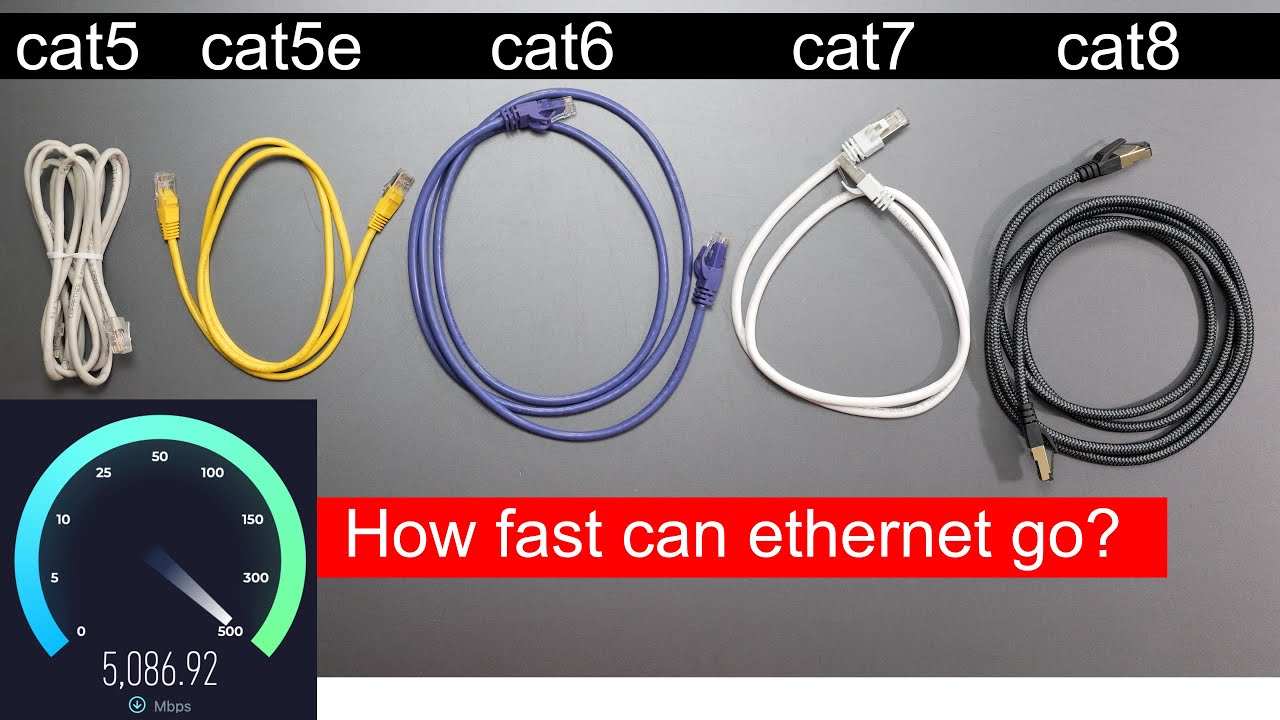
✅ Inspect and reseat your ethernet cable to fix physical connection issues
✅ Use powerful terminal commands to reset Winsock and IP settings
✅ Restart your router and swap in Google DNS servers for a cleaner connection
✅ Diagnose high bandwidth usage on your network that might be causing spikes
✅ Know when it's time to contact your ISP if none of the fixes work
🎥 Sections:
0:00 How to test for packet loss on Windows 11
0:29 Update your network drivers
0:52 Check your ethernet cable connection
1:07 Reset network settings using terminal
1:25 Restart your router to fix packet loss
1:37 Change DNS servers to Google DNS
2:04 Reduce bandwidth usage during gaming
2:16 When to contact your internet provider
👍 Like & Subscribe if you found this helpful!
Повторяем попытку...

Доступные форматы для скачивания:
Скачать видео
-
Информация по загрузке: