Скачать
Ricoh print queue setup Mac
Автор: UBEO Business Services
Загружено: 2024-11-18
Просмотров: 1325
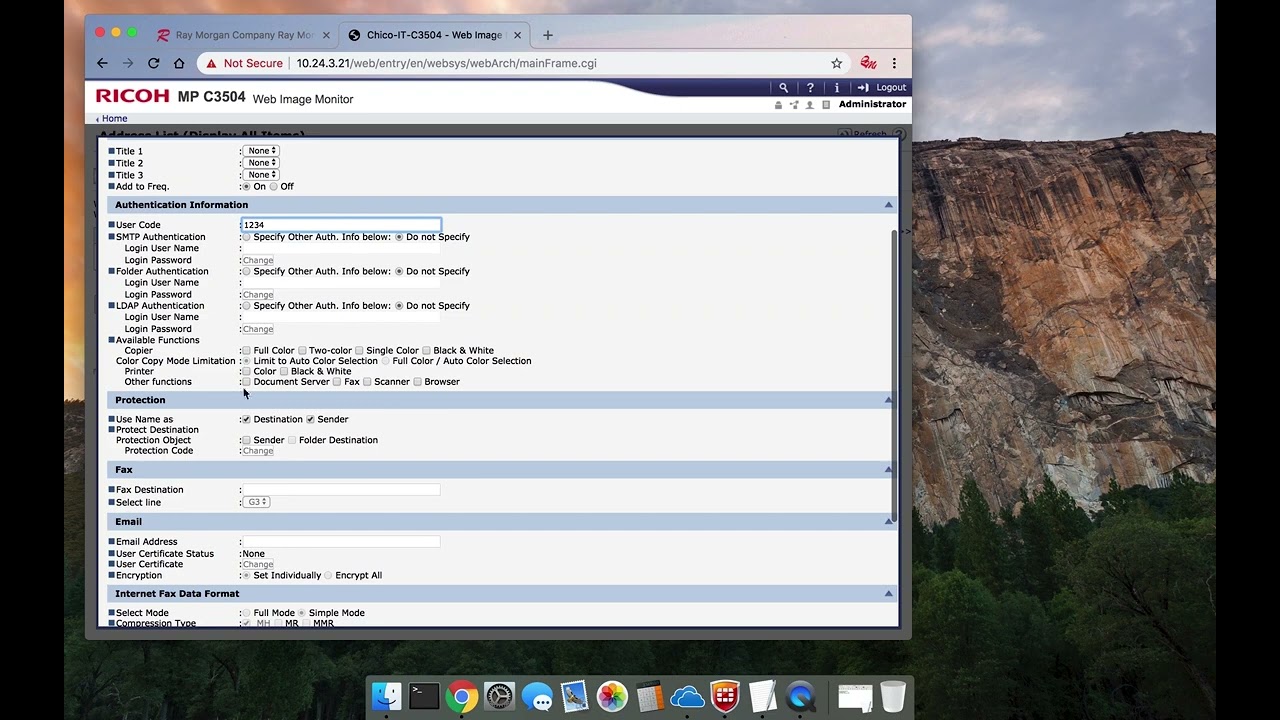
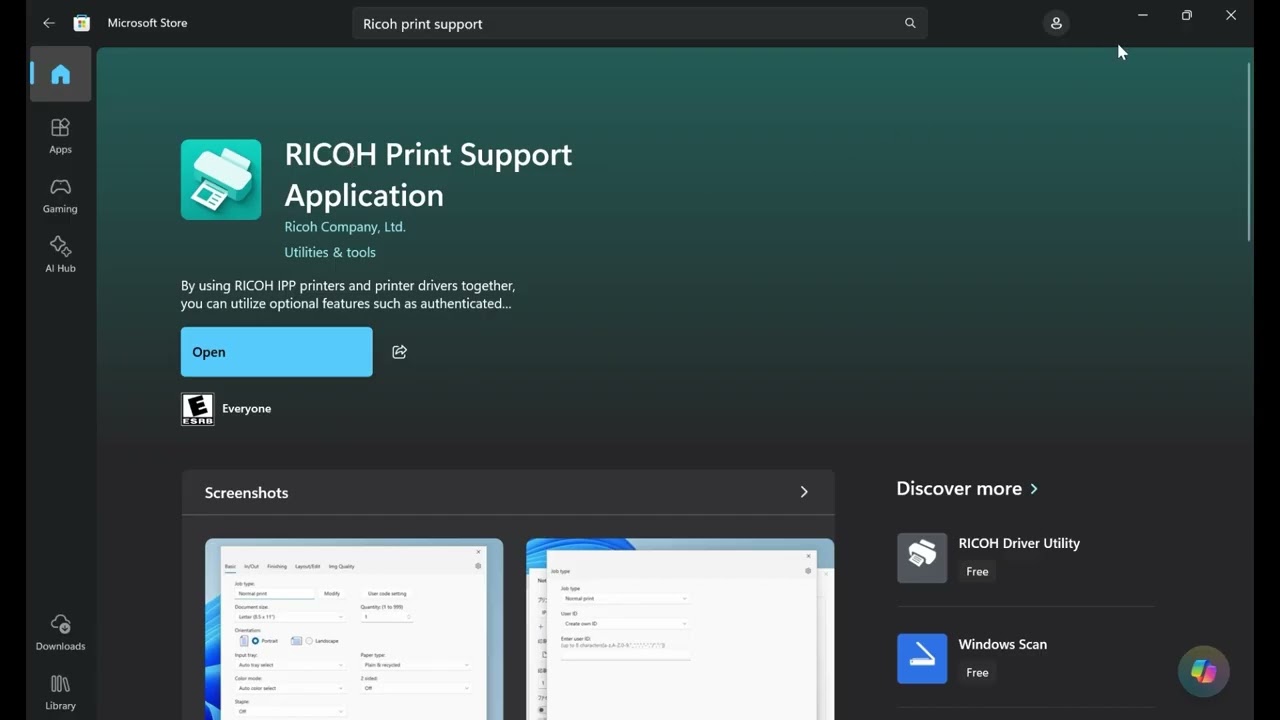
Описание: Set up a Ricoh printer and print queue on your Mac with this step-by-step guide. We’ll cover the essentials: identifying your Mac OS version, copier model, and IP address, as well as downloading the right driver. Starting with Ricoh's support site, we'll select and install the correct driver for a smooth setup. Then, learn how to configure your printer in System Preferences, add it via IP, name the print queue, and complete installation. Finally, test your setup by printing a test page and confirming job history. Perfect for getting your Ricoh printer ready on Mac!
Не удается загрузить Youtube-плеер. Проверьте блокировку Youtube в вашей сети.
Повторяем попытку...
Повторяем попытку...

Доступные форматы для скачивания:
Скачать видео
-
Информация по загрузке: