POCO M7 - Speed Up Tricks
Автор: HardReset_Tricks
Загружено: 2026-02-16
Просмотров: 38
Описание:
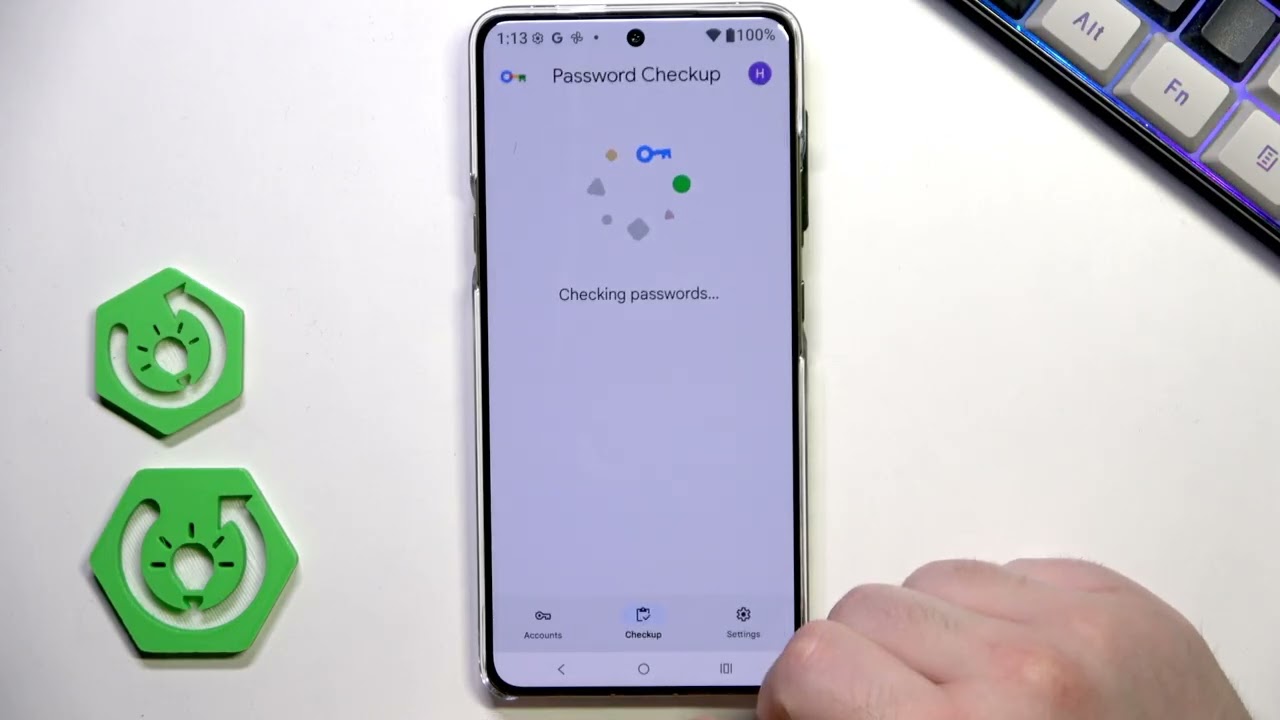
In this video you will learn simple and effective steps to make your POCO M7 4G run faster and more smoothly. I show how to enable Developer Options, reduce or turn off animation scales, limit background processes, enable Memory Extension (virtual RAM), uninstall unused apps, clear cache, use the built-in Security optimizer and check for software updates. These easy tweaks free up RAM and storage, reduce lag, and improve everyday responsiveness on POCO M7 4G.
How to speed up POCO M7 4G?
How to enable Memory Extension (virtual RAM) on POCO M7 4G?
How to reduce animations and limit background apps on POCO M7 4G?
0:00 Introduction
0:03 Enable Developer Options (tap OS version)
0:13 Open Developer Options & confirm
0:38 Reduce Window/Transition/Animator animation scale to 0.5 or off
1:15 Set Apps & background process limit (at most 3–4)
1:32 Enable Memory Extension (virtual RAM) and restart
2:03 Uninstall unused apps and clear app cache (Chrome example)
3:53 Close recent apps to free RAM
4:34 Use Security app: Optimize, Clean and Boost speed
6:08 Check for software updates and apply restart
6:34 Outro – Like, comment & subscribe
#POCOM7 #POCO #AndroidTips #SpeedUp
Find out more:
https://www.hardreset.info/devices/po...
Follow us on Instagram ► / hardreset.info
Like us on Facebook ► / hardresetinfo
Tweet us on Twitter ► / hardreseti
Support us on TikTok ► / hardreset.info
Use Reset Guides for many popular Apps ► https://www.hardreset.info/apps/apps/
Повторяем попытку...

Доступные форматы для скачивания:
Скачать видео
-
Информация по загрузке: