How to Hide/Unhide a File or Folder in Windows 8/ 10 / 11 PC
Автор: Sadaat TV
Загружено: 2024-07-01
Просмотров: 32
Описание:
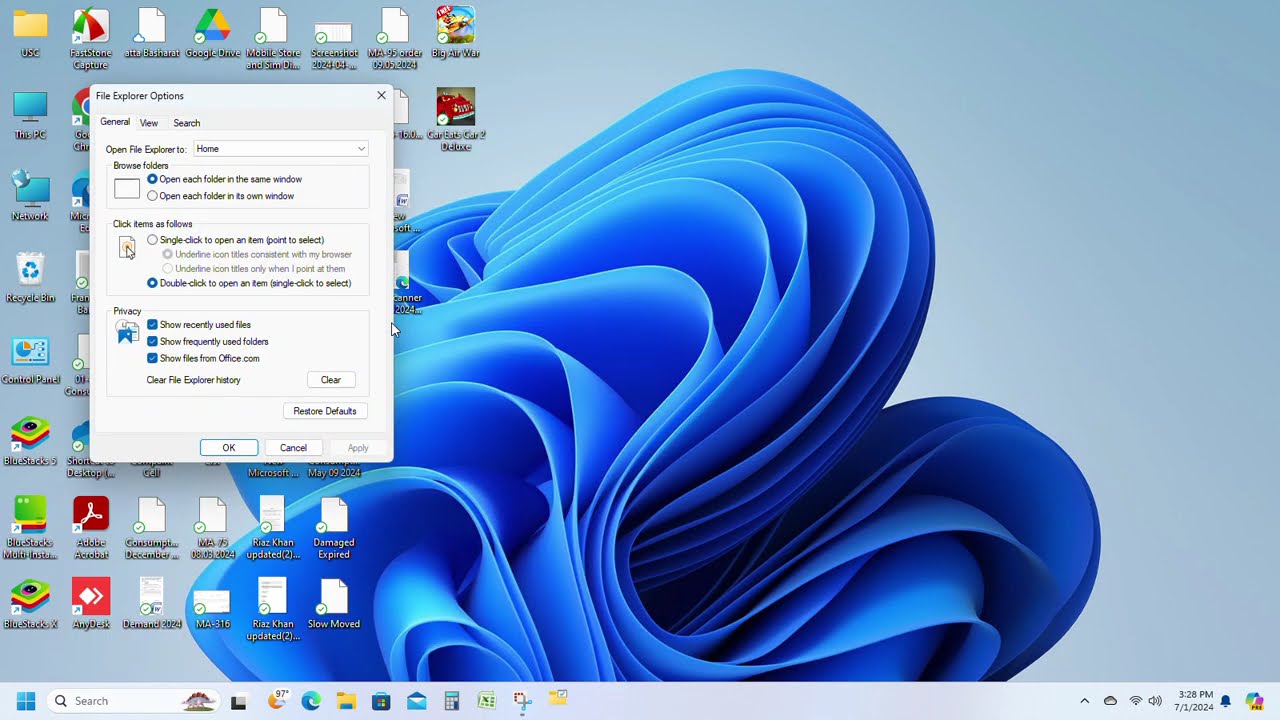
To show or hide files on Windows, follow these steps:
Show hidden files:
1. Open File Explorer.
2. Click on the "View" tab in the ribbon.
3. Check the box next to "Hidden items".
4. Hidden files and folders will now be visible.
Hide files:
1. Select the file or folder you want to hide.
2. Right-click on it and select "Properties".
3. In the Properties window, check the box next to "Hidden".
4. Click "OK" to save the changes.
Alternatively, you can also use the keyboard shortcut "Alt + H" to toggle the visibility of hidden files and folders in File Explorer.
Note: Hidden files and folders are not encrypted or secured, they are just not visible by default. Make sure to keep your important files and folders in a secure location and consider using encryption or other security measures to protect them. @shahtechtv2314
Повторяем попытку...
Доступные форматы для скачивания:
Скачать видео
-
Информация по загрузке: