MFCJ497DW restore missing colors
Автор: Brother Office USA
Загружено: 2019-08-06
Просмотров: 31185
Описание:
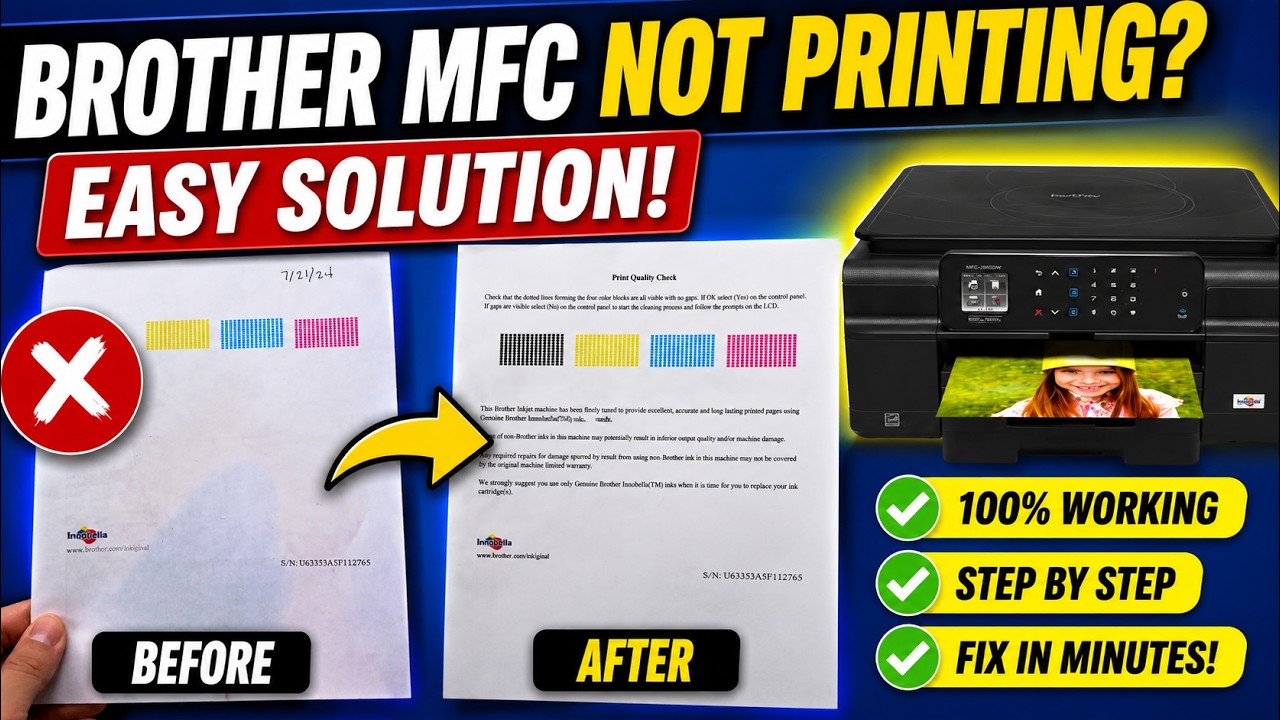
Learn how to restore missing or blank colors on documents printed from your Brother MFC-J491DW, or MFC-J497DW inkjet all-in-one printer.
Models covered:
Brother MFCJ491DW
Brother MFCJ497DW
For more videos, tutorials, and FAQs visit our support site at: http://www.brother-usa.com/support
Quick Links / Table of Contents:
Models covered 00:09
Check platen 00:30
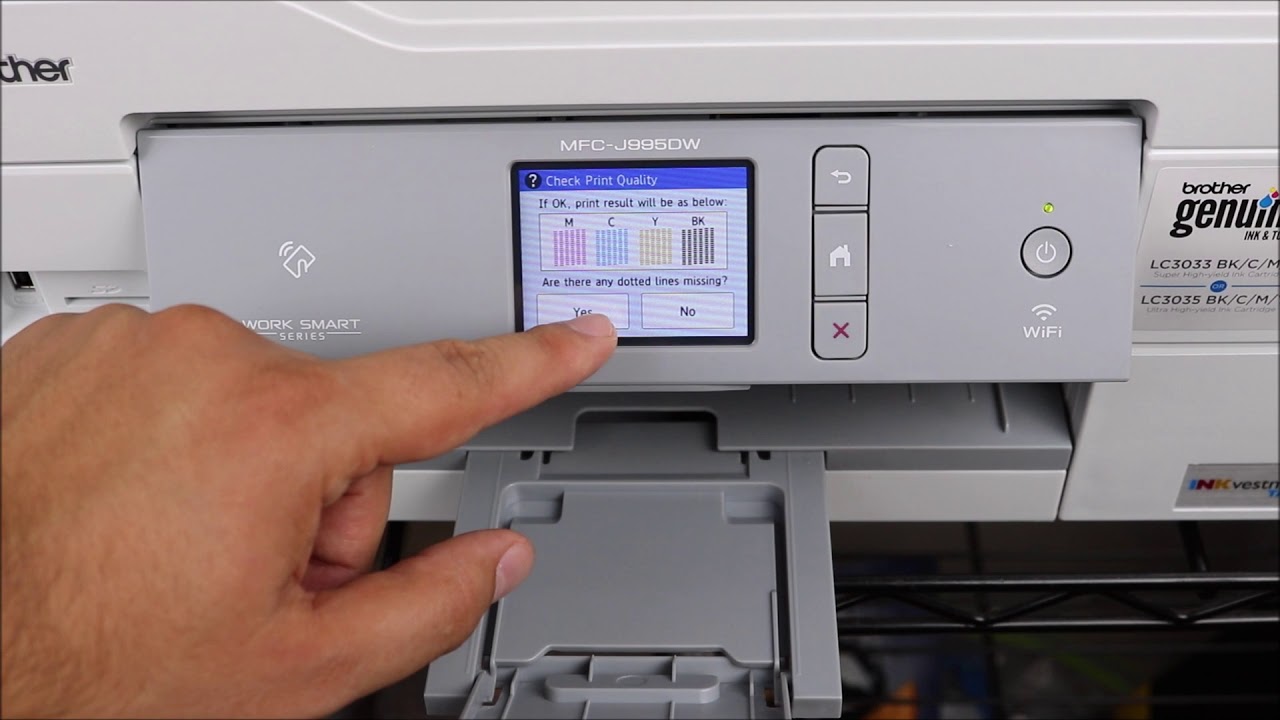
Print quality check sheet 01:06
Clean printhead 02:12
Print quality check sheet 02:35
Ink low message 02:52
Clean printhead – pattern four 03:17
Print quality check sheet 03:34
Initial purge 03:50
Print quality check sheet 05:05
Second initial purge 05:14
Print quality check sheet 05:18
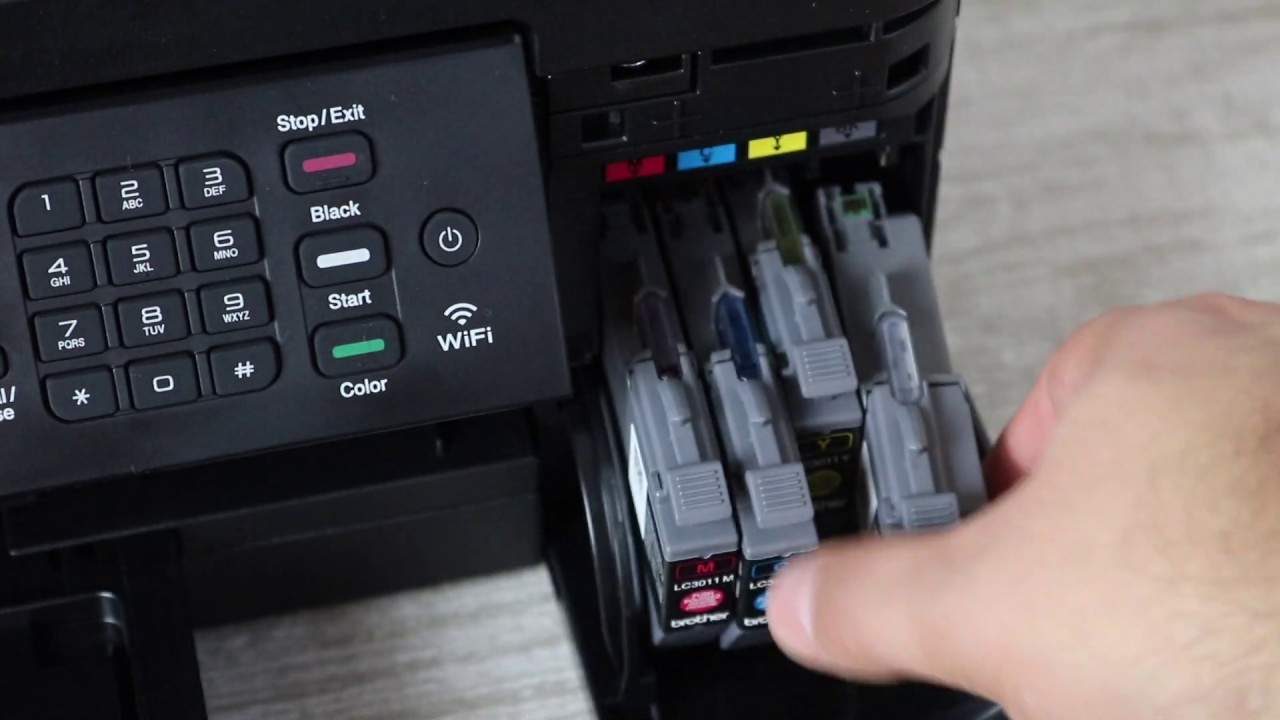
Verify ink 05:25
For more Tutorials, FAQ's and Videos, visit us at brother-usa.com
Thank you for choosing Brother
Customers also searched:
Brother MFC J491DW missing colors
Brother MFC J497DW missing colors
An official Brother printer support resource
Повторяем попытку...
Доступные форматы для скачивания:
Скачать видео
-
Информация по загрузке: