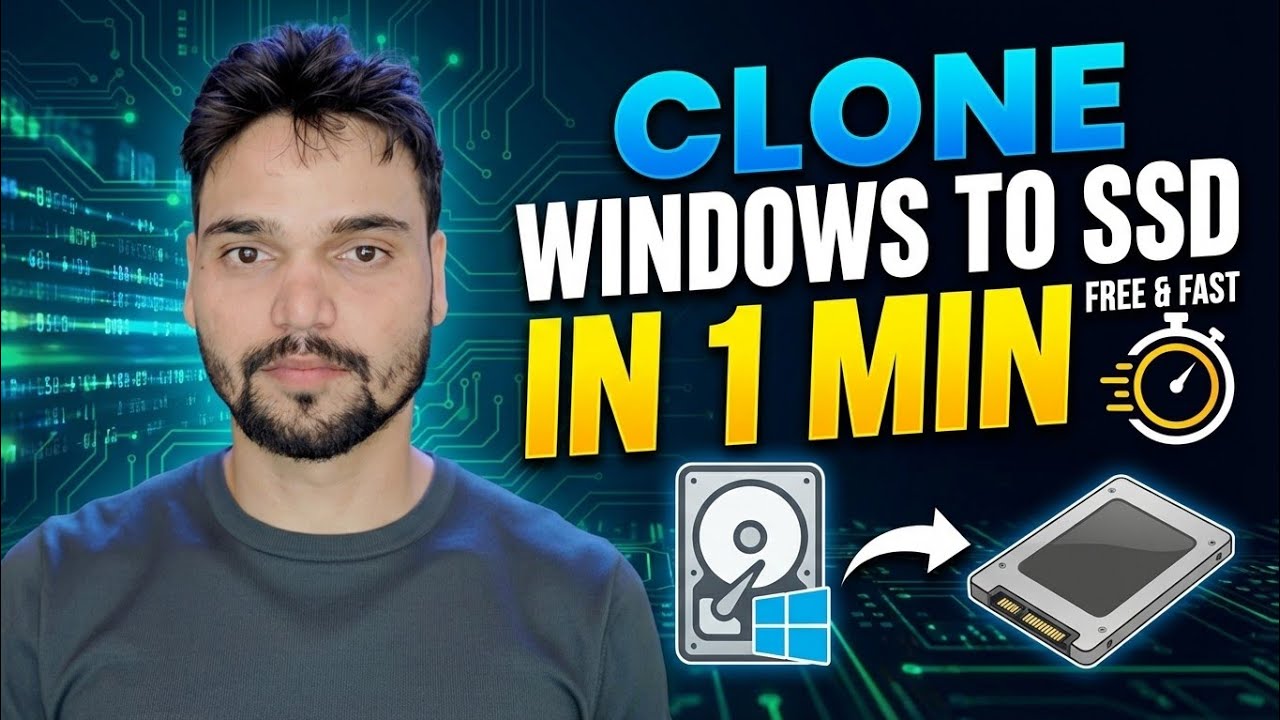
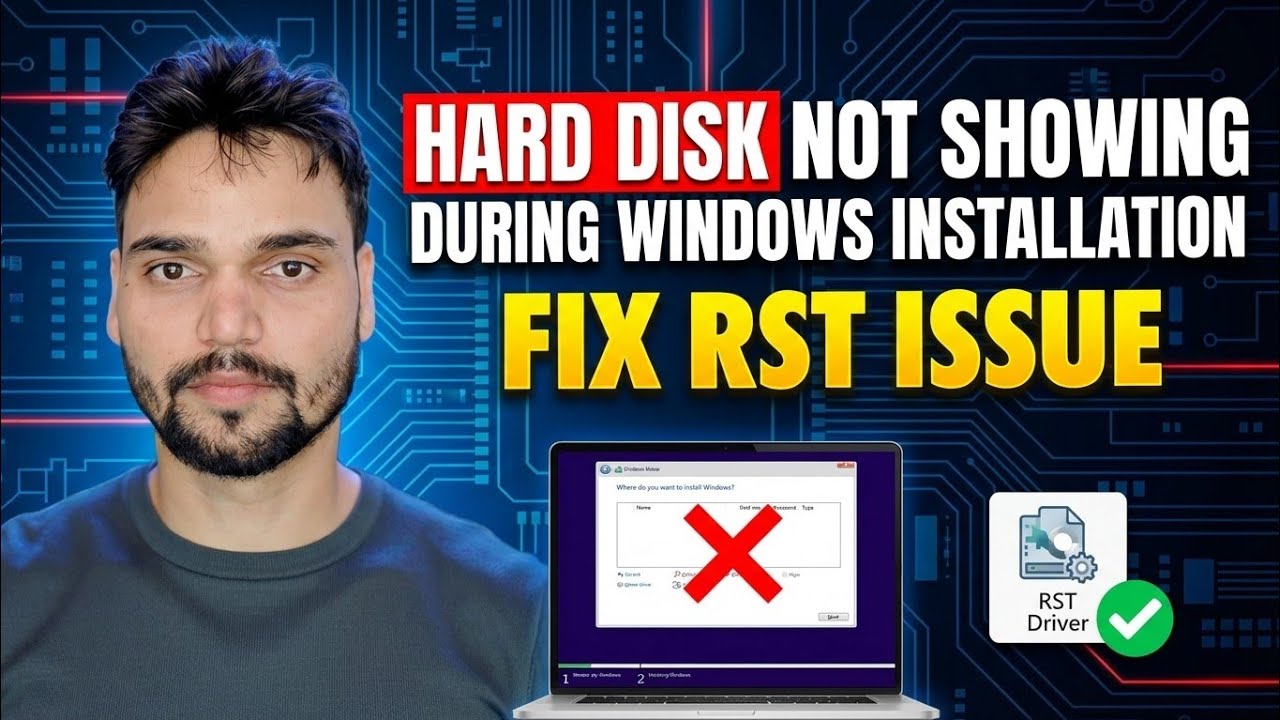
Fix HDD Not Showing During Windows Install 🔥 Disable RST / VMD / RAID
Автор: Technical Anshu
Загружено: 2026-02-13
Просмотров: 795
Описание:
00:00 HDD / SSD Not Showing During Windows Install
00:51 Cause – Intel RST, RAID & VMD Explained
01:35 Warning Before Changing RAID / VMD Settings
02:04 Enter BIOS Setup
02:55 Navigate to Storage / Advanced Settings
03:08 Disable VMD Controller
04:40 Switch RAID to AHCI Mode
04:50 Alternative Method – Load Storage Driver
05:33 Download RST Driver from Manufacturer Website
05:55 Load Driver During Windows Installation
08:38 HDD / SSD Detection After Loading Driver
10:25 Change RAID Mode to AHCI
11:54 Find Laptop Model Number for Driver
13:17 Extract Storage Drivers
13:27 Use CMD to Extract Drivers
13:54 Copy Drivers to Bootable USB
Windows install ke time HDD or SSD show nahi ho rahi? Is video me complete fix dikhaya hai.
Disable Intel RST, VMD or load storage driver to detect hard disk easily.
Works on Dell, HP, Lenovo and all modern laptops.
Windows installation ke time kabhi-kabhi HDD ya SSD detect nahi hoti.
Ye problem mostly Intel RST (Rapid Storage Technology), RAID mode, ya VMD enabled hone ki wajah se hoti hai.
Is video me maine complete solution explain kiya hai:
used cmd in video .\SetupRST.exe -extractdrivers C:\RSTdriver
Software file link https://drive.google.com/file/d/1q08u...
Fix Methods Covered:
Intel RST disable kaise kare
BIOS me VMD disable kaise kare
RAID mode se AHCI me switch kaise kare
Storage driver download karke load kaise kare
HDD/SSD detect problem fix during Windows install
Ye problem common hai in laptops:
Dell
HP
Lenovo
ASUS
Acer
Useful for:
IT support engineers
Computer technicians
Windows installation learners
Laptop repair technicians
This tutorial is created for educational and IT support purposes only.
#IntelRST
#WindowsInstall
#SSDNotDetected
#ITSupport
#ComputerRepair
#WindowsFix
#TechTips
Agar aapko Windows Server, Tally Server, ManageEngine Endpoint Central, Veeam Backup, Macrium Site Deployment, Nextcloud ya Antivirus Server ka setup karwana hai to direct message karein 📩.
Yeh paid professional service hai jisme end-to-end complete setup diya jata hai. Aap sirf blank server provide karein, baaki installation, configuration aur security sab kuch main handle karunga. Reliable, secure aur production-ready setup guaranteed 💻✅
Welcome to Technical Anshu, ek professional channel jahan IT Support, Networking, Server Administration aur Cybersecurity ke practical tutorials Hindi me diye jate hain. Is video me main aapko step-by-step batata hoon ki kaise Windows Server, Endpoint Management, Firewalls, DLP aur MDM se related common IT tasks ko configure, manage aur troubleshoot kiya jata hai. Yeh tutorial IT Engineers, System Administrators, Desktop Support Engineers aur Beginners ke liye useful hai jo real-world practical IT skills develop karna chahte hain.
Is video me aap seekhenge Windows & Linux Server Setup, ManageEngine Endpoint Central Configuration, Firewall Setup & Troubleshooting, BitLocker, DLP & MDM concepts, Open-Source & Free IT tools, aur real-world IT problem solving.
Technical Anshu channel par aapko milenge IT Hardware & Networking tutorials, Windows & Linux Server guides, ManageEngine product tutorials, Endpoint Security & Device Management, VMware ESXi & Virtualization, aur practical IT support tutorials Hindi me.
⚠️ Disclaimer: Yeh video sirf educational aur informational purpose ke liye hai. Sabhi demonstrations test ya learning environments me perform kiye gaye hain. In methods ko apply karte waqt hone wale kisi bhi system issue, data loss ya configuration problem ke liye creator responsible nahi hoga.
📩 Need IT Guidance or Help?
WhatsApp (Paid IT Support): https://wa.me/qr/T5LUZZUYRUD7P1
Email: [email protected]
Main personally IT setup, troubleshooting aur guidance provide karta hoon.
🔗 LinkedIn: linkedin.com/in/anshar-ahmad38 | 📘 Facebook: facebook.com/Anshar.Ahmad.Anshu | 📸 Instagram: instagram.com/anshar_ahmad_anshu | ▶️ YouTube: Technical Anshu
Agar video helpful lage to Like, Comment, Subscribe aur Share zaroor karein 🙌
#TechnicalAnshu #ITSupportHindi #WindowsServerHindi #EndpointCentral #ManageEngineHindi
Повторяем попытку...
Доступные форматы для скачивания:
Скачать видео
-
Информация по загрузке: