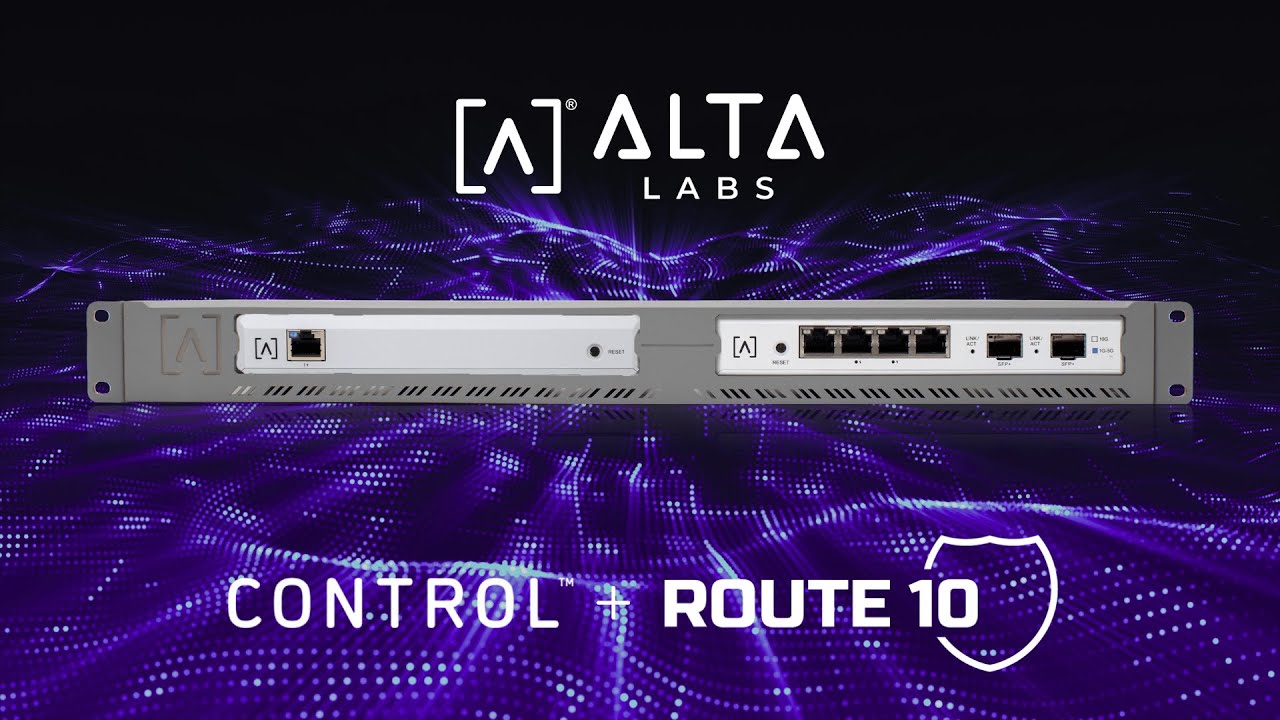
Setting Up the Control and Route10 | Alta Labs
Автор: Alta Labs
Загружено: 2026-01-23
Просмотров: 586
Описание:
If you prefer to use our local hardware controller for managing your Alta Labs devices and sites, check out this video on setting up an out-of-the-box Control and Route10, together! We have 3 controller options - our cloud controller, our hardware controller, and our self-hosted downloadable controller. You can use our cloud controller and self-hosted for free - with any purchase of Alta Labs gear!
Get started on our cloud controller: www.manage.alta.inc
Download our Self-Hosted controller: https://www.alta.inc/control
[00:00] - Introduction to setting up the Route 10 and Control local controller.
[00:30] - Step 1: Unboxing the Route 10 and performing a Power On Reset (POR) for initial firmware updates.
[01:17] - Step 2: Replacing your primary router with the Route 10 and connecting your PC.
[02:11] - Step 3: Unboxing and powering up the Control device using PoE.
[02:34] - Step 4: Setting up the Control software, including identifying the IP address and creating an administrator account.
[03:32] - Step 5: Adding the Route 10 to the Control interface for management.
[04:00] - Updating the Control appliance firmware to the latest version.
[04:29] - Changing the default subnet and power cycling devices to apply changes.
[04:55] - Closing remarks and support resources.
Повторяем попытку...
Доступные форматы для скачивания:
Скачать видео
-
Информация по загрузке: