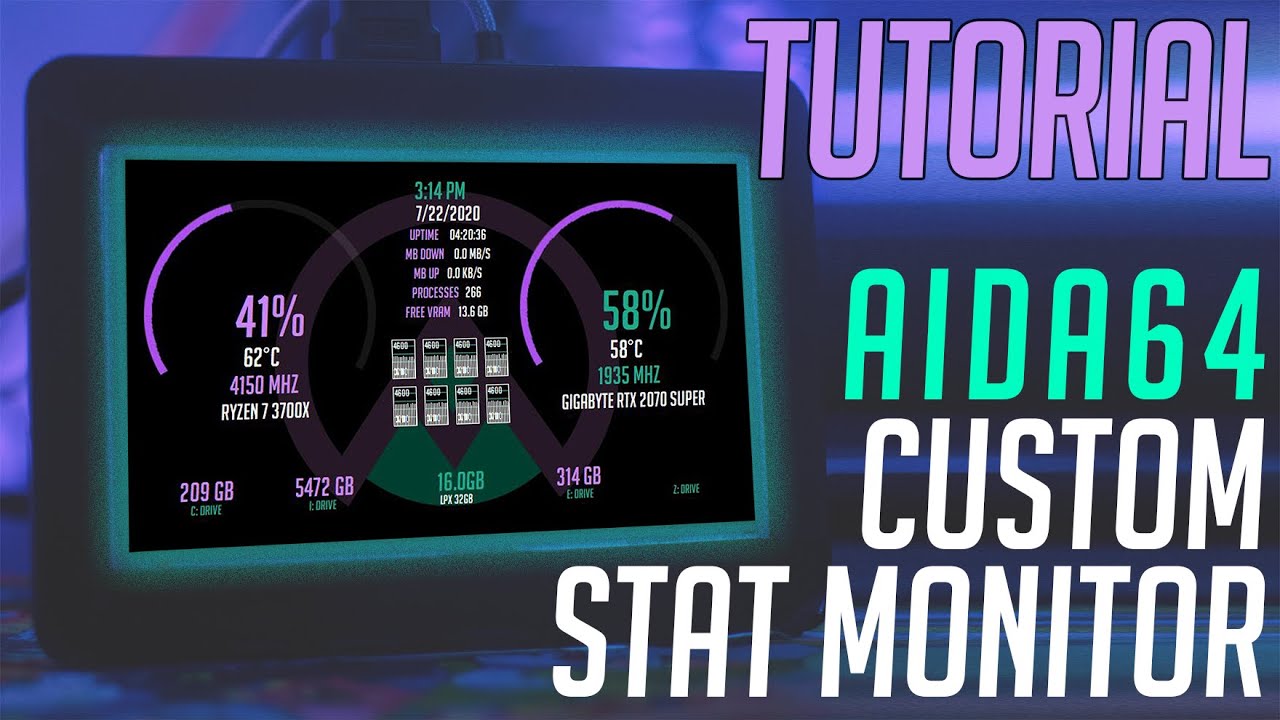
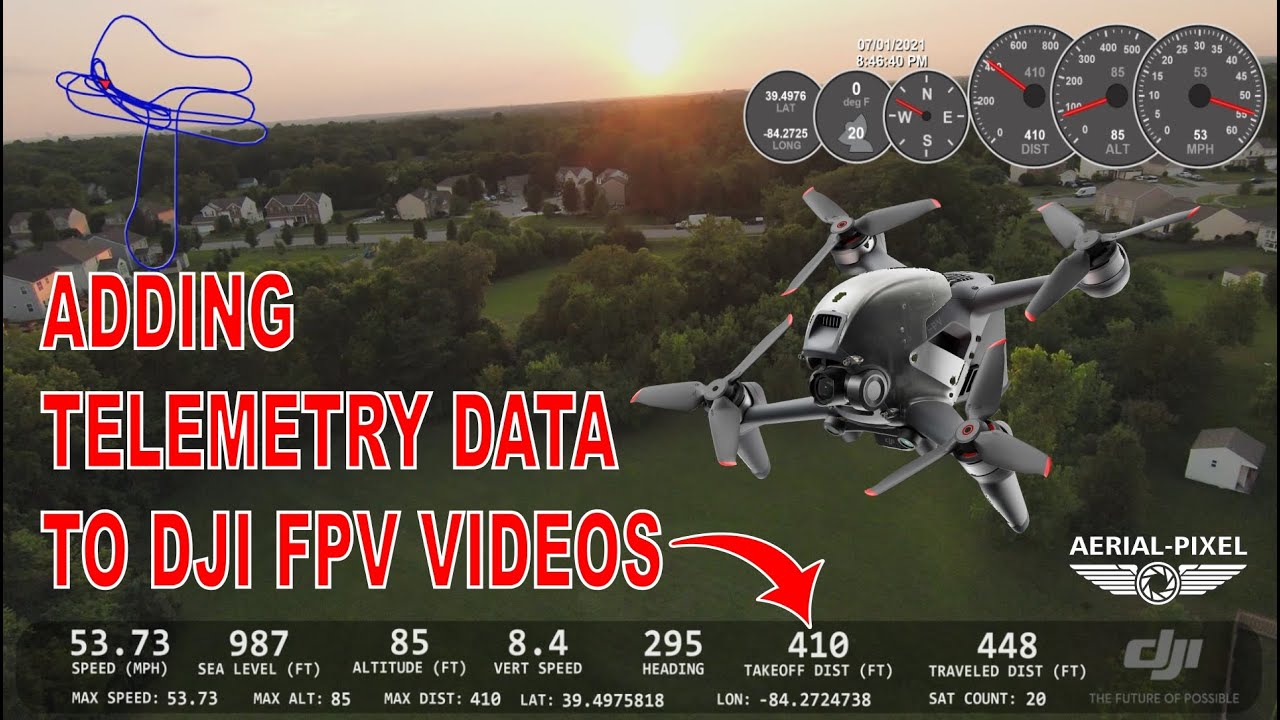
Custom Sensor Gauges and Personal Gauge Gallery
Автор: TinMan Systems
Загружено: 2016-09-14
Просмотров: 2843
Описание:
V2.1.5 update of TinMan RealTime is available! Released - Sep. 13th, 2016. http://tinmansystems.com/realtime
NEW! V2.1.5 Provides the new Custom Gauge component - which allows you to create virtually any size and any format gauge possible. You can create transparent gauges, gauges with imported bitmap faces, or a fully customized face of your own. Add color and ranging with the new Range Arcs, and add and move text around to enhance scale information. Export face bitmaps for use in presentations or other applications. Or export the bitmap face to use as backdrop to other gauges. Drag to any size, copy and paste with single clicks. Scaling, rotation, arc length, fonts and over 110 elements fully customizable to make your live sensor data much more meaningful.
NEW! V2.1.5 Provides the new Personal Gauges and Charts Gallery – allowing you to save your cool gauges and charts to your own custom gallery for use in other projects. Simply right click on a configured gauge and select Save to Gallery! A mini icon snapshot will be taken of your gauge and a custom component is automatically created and saved for you within TinMan RealTime. Gallery components are automatically loaded in your custom gallery components pane.
To update your version of TinMan RealTime, launch the application and in the Help menu of the ribbon bar, choose “Check for Updates”. From the update dialog box, click on the “Install Update” button.
Повторяем попытку...

Доступные форматы для скачивания:
Скачать видео
-
Информация по загрузке: