How To Enable Commissioning Mode On A Texecom Premier Elite 64-W Security System
Автор: TexecomLtd
Загружено: 2024-04-25
Просмотров: 1831
Описание:
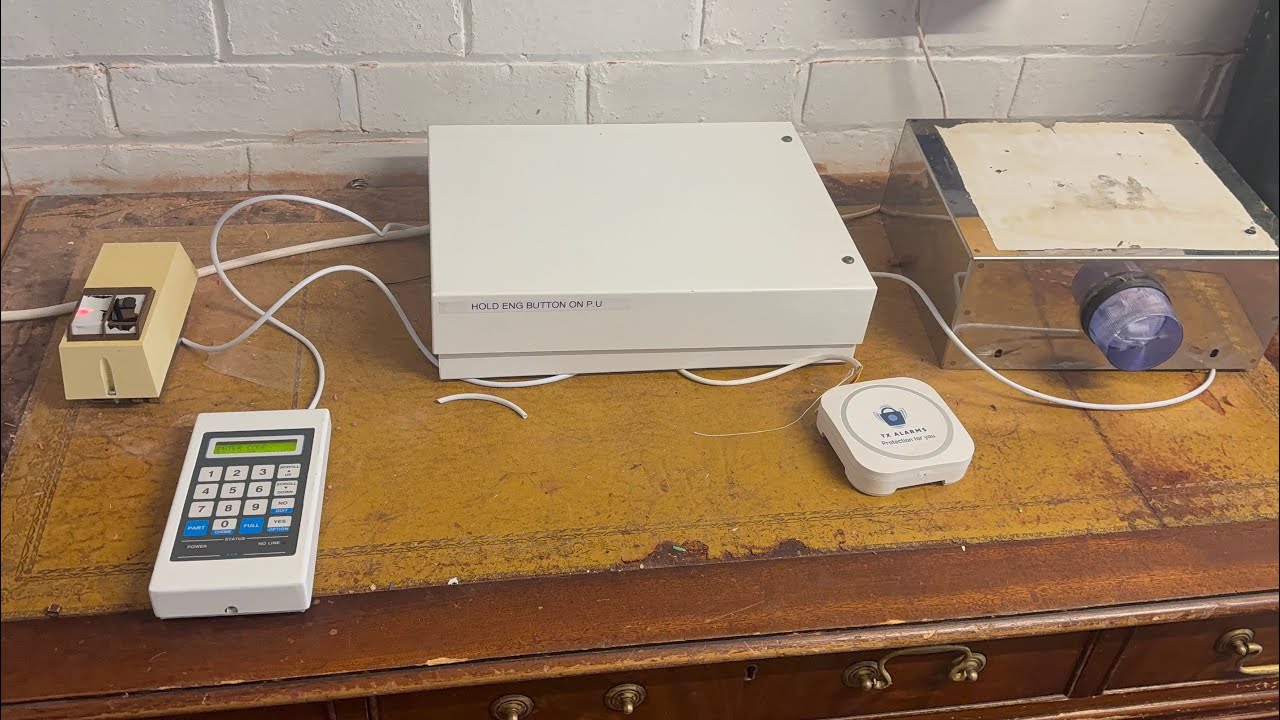
Ensure optimal performance of your Premier Elite 64-W control panel's built-in wireless expander by commissioning the mesh network with this essential installer tutorial. Commissioning the mesh network is crucial to establishing reliable communication among Ricochet devices. Follow these steps to complete the commissioning process seamlessly:
Step-by-Step Guide:
Enter the engineer code.
Remove the control panel lid.
Move the jumper to the fit for commission position.
Allow the jumper to remain in position for 15 minutes to facilitate mesh network building.
Once commissioned, move the jumper back to its original position.
Replace the control panel lid.
Press 'Menu', 'menu', 'yes' to log out to day mode.
Optimize Communication, Ensure Reliability:
Commissioning the mesh network of your Premier Elite 64-W control panel is essential to ensure reliable communication among Ricochet devices, enhancing overall system performance and security.
Watch, learn, and optimize your installations. Follow our tutorial to commission the mesh network and ensure optimal performance of your control panel.
Get Involved:
Don't forget to subscribe for more tutorials on Texecom security systems and smart device installations. Stay secure and in the know with our easy-to-follow guides! Liked our video? Give us a thumbs up and comment with your thoughts.
Need More Help?
Should you have any questions or need further assistance, please reach out to us at: https://www.texe.com/help-and-support/
Повторяем попытку...
Доступные форматы для скачивания:
Скачать видео
-
Информация по загрузке:

![Best of Deep House [2026] | Melodic House & Progressive Flow](https://imager.clipsaver.ru/Il-ZpBuC8tA/max.jpg)