Stop Scrolling in Excel – Create Clickable Tabs (No VBA)
Автор: Office Freak
Загружено: 2026-03-06
Просмотров: 1663
Описание:
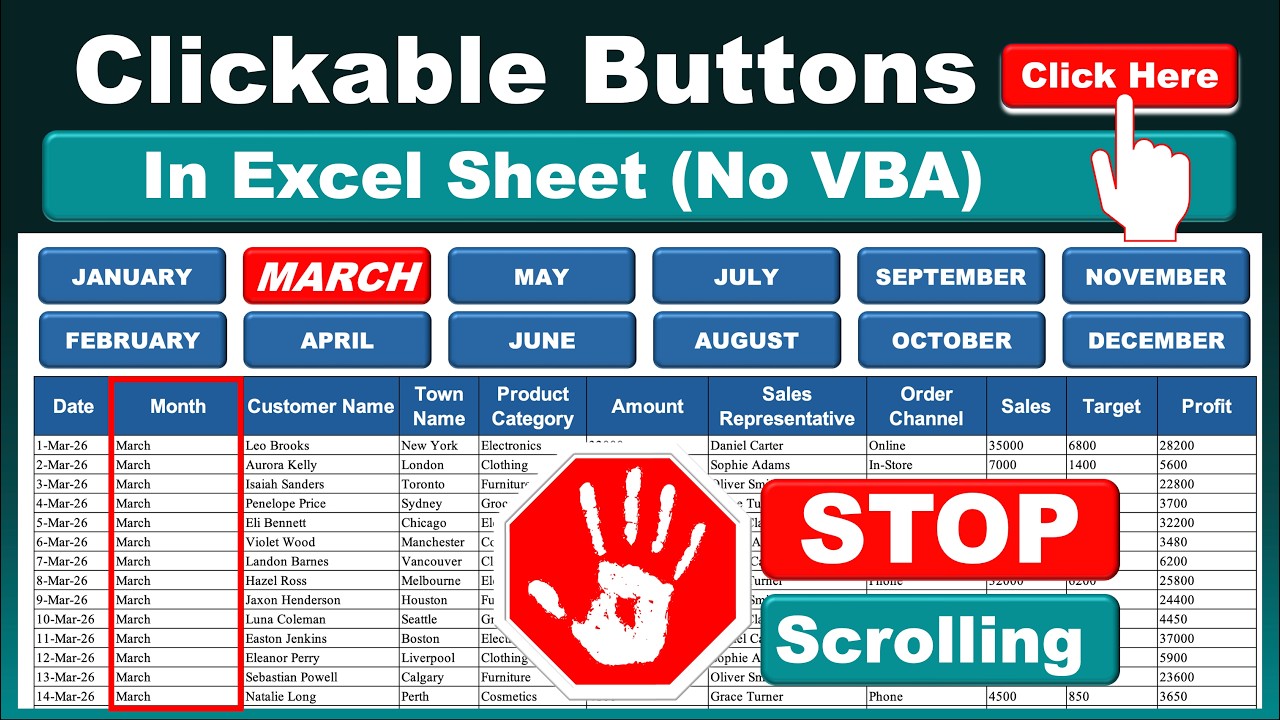
in today's video we will learn how to create clickable tabs inside an Excel sheet without using VBA. This simple Excel trick helps you navigate large datasets instantly and stop scrolling through long spreadsheets.
Instead of manually searching through thousands of rows, you can create interactive buttons or tabs that instantly jump to the data you want. This technique makes your Excel files look more professional and easier to use.
This method works perfectly for:
Excel dashboards
Sales reports
Monthly data sheets
Large databases
Interactive Excel reports
You will learn step by step how to design clickable month buttons in Excel and link them to the relevant data so users can quickly switch between sections.
If you work with large Excel files, this trick will save time and improve navigation.
What you will learn
✔ Create clickable navigation tabs in Excel
✔ Link buttons to specific sections of your sheet
✔ Design an interactive Excel layout
✔ Organize large datasets for easy navigation
✔ Build a professional looking Excel interface
This trick works in Microsoft Excel without any VBA or macros, so anyone can use it.
You can join the Channel Membership to support the Channel
/ @officefreak
File Link (Free)
https://docs.google.com/spreadsheets/...
#excel
#exceltips
#exceltutorial
#exceltricks
#exceldashboard
#microsoftexcel
Повторяем попытку...
Доступные форматы для скачивания:
Скачать видео
-
Информация по загрузке: