Rhino.Inside | How to Automate Setting Revit Materials Per Panel
Автор: 7fold | Technology Consultant for Architects
Загружено: 2021-04-09
Просмотров: 3397
Описание:
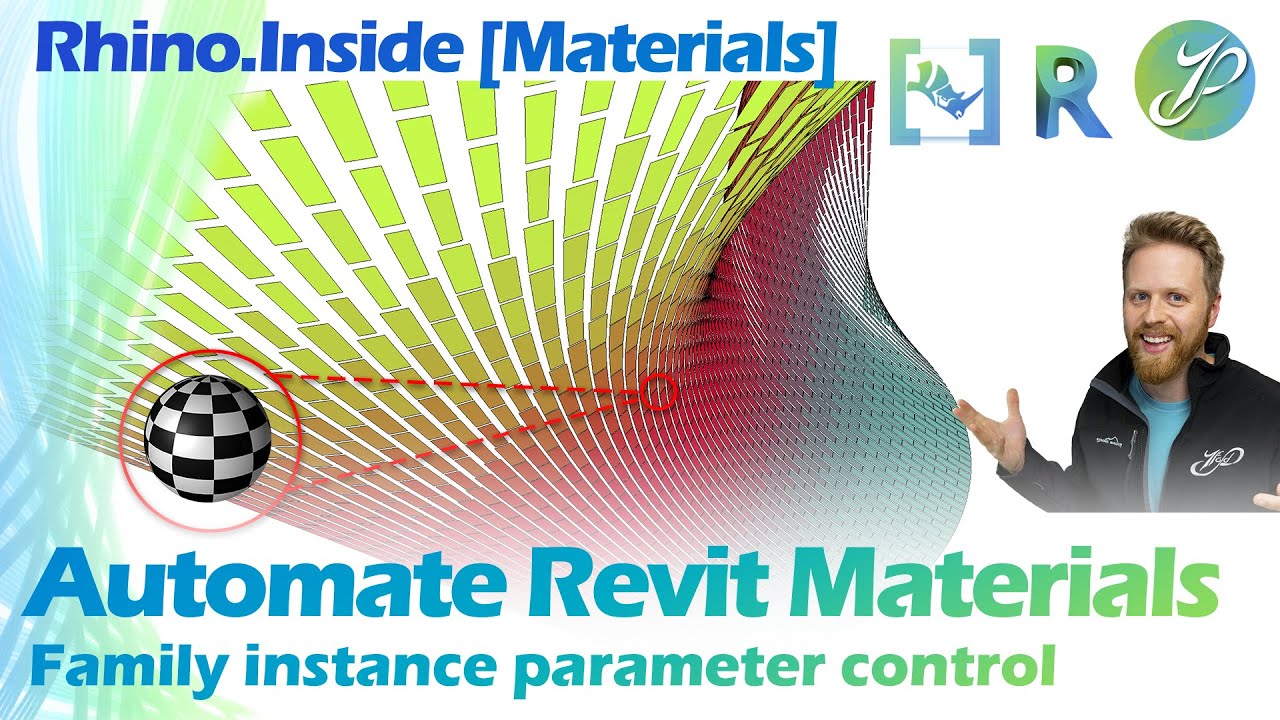
Learn how to set material parameter values in Revit with Rhino Inside. This complete workflow shows you how to take existing panels in your architecture design model and swap out the materials for each family instance. Make sure you have the latest version of Rhino Inside at the time of this recording so you don't experience a bug attempting to write to a material parameter type in Revit. Use the timestamps below to skip between different sections of the workflow.
👉Get the files in this video and more as part of this YouTube Bundle: https://architecturetraining.com/reso...
👉Download Rhino Inside : https://www.rhino3d.com/inside/revit/...
#7foldLearning #RhinoInside #Revit
We do explore the essential Rhino Inside components to make this script work. Those components include the Create Material component, Material Graphics component, Query Materials component, Extract and Replace Materials Assets components, Create Appearance Asset (Generic) component and Modify Appearance Asset (Generic) component. The rest is fairly common logic covered elsewhere on 7fold regarding how to query elements, query geometry and working with logic filters to narrow what you work on in Grasshopper from Revit.
[Timestamps]
00:00 Intro
01:40 Start of Tutorial
04:20 Query Elements from Revit
08:20 Query Element Material Values
10:40 Setting up logic test for evaluating colors
16:30 Prep Values to feed logic test
23:00 Feed into Gradient to select colors
26:40 Generate Materials in Revit
27:50 Understand Materials & Assets in Revit
32:20 Working with Rhino Inside Material Components
42:15 Material Graphics Component
47:22 Assigning Colors to Panel Material Types
52:11 Change out material assets for rendered appearance to work
Sign-up for the 7fold newsletter and stay informed on fresh content releases. https://architecturetraining.com
What go to features do you use that I missed? Leave a comment in the description below on what you would have done!
'Til Next Time,
Tim from The 7fold Team
Повторяем попытку...
Доступные форматы для скачивания:
Скачать видео
-
Информация по загрузке:



![[WORKSHOP] Controlling advanced Revit families via Grasshopper](https://image.4k-video.ru/id-video/ZGrf_napj3I)


