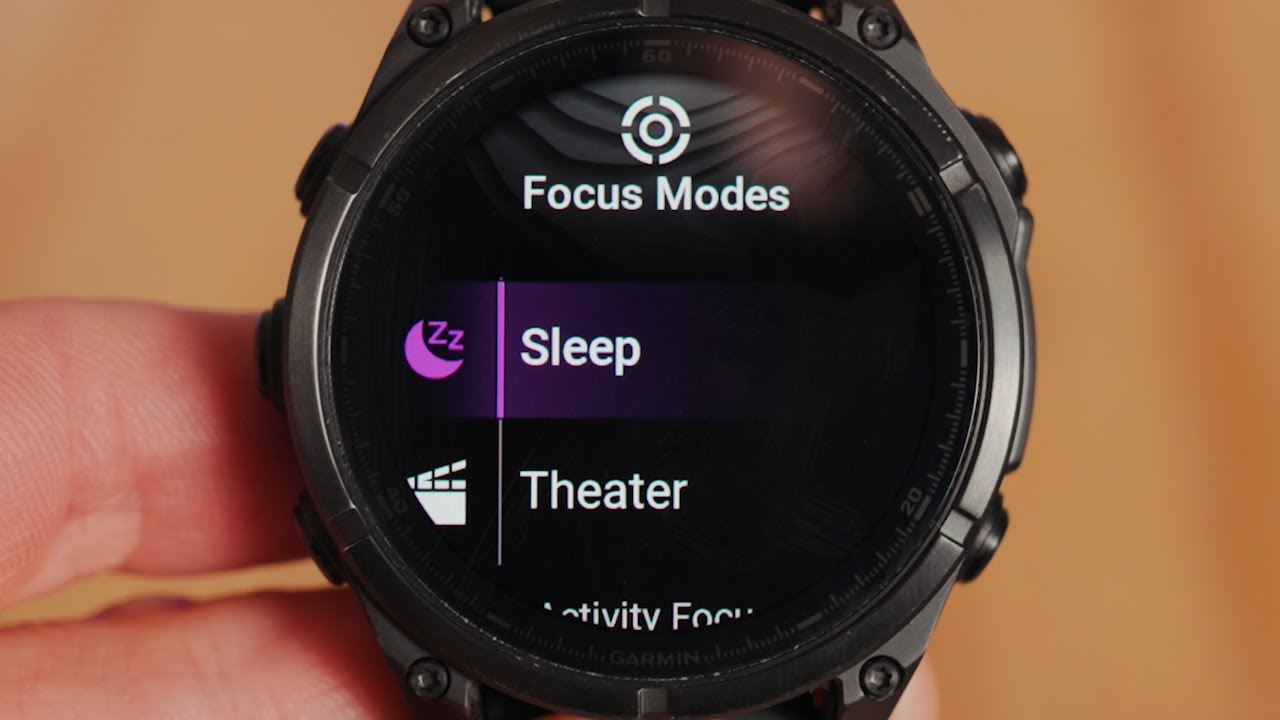
Garmin Fenix 8: Set Up Focus Modes to STOP Nighttime Texts 🌙📵 + NEW TriSchedule Friends Activities!
Автор: TriSchedule
Загружено: 2026-01-26
Просмотров: 43
Описание:
TriSchedule iOS App here👉 https://tinylink.net/VEThU
TriSchedule Android App here👉https://tinylink.net/p9AYG
Tired of your Garmin Fenix 8 buzzing at night from texts and notifications? In this video, I’ll show you exactly how to set up Focus Modes so your watch stays quiet while you sleep—without missing important alerts during the day.
Then I’ll walk through the latest TriSchedule Friends Activities update, which makes it easier than ever to see what your friends are training, stay motivated, and stay connected.
In this video, you’ll learn:
How to enable and customize Focus Modes on the Garmin Fenix 8
How to stop nighttime text messages and alerts
The best settings for sleep, recovery, and workouts
What’s new in TriSchedule Friends Activities
How social training features boost consistency and motivation
Perfect for athletes who want better sleep, fewer interruptions, and smarter training.
👍 Like the video if this helped, subscribe for more Garmin + TriSchedule tips, and comment if you want a Focus Mode setup for workouts or races next.
Повторяем попытку...
Доступные форматы для скачивания:
Скачать видео
-
Информация по загрузке: