Lemonn Scalper Mode FULL Tutorial: Fastest Way to Trade Nifty Options on Mobile
Автор: Lemonn
Загружено: 2025-12-07
Просмотров: 2898
Описание:
In this video, we take you through a complete walkthrough of the Lemonn App’s Option Scalper Mode — the fastest, cleanest, and most intuitive way to trade Nifty & Bank Nifty Options directly from your mobile.
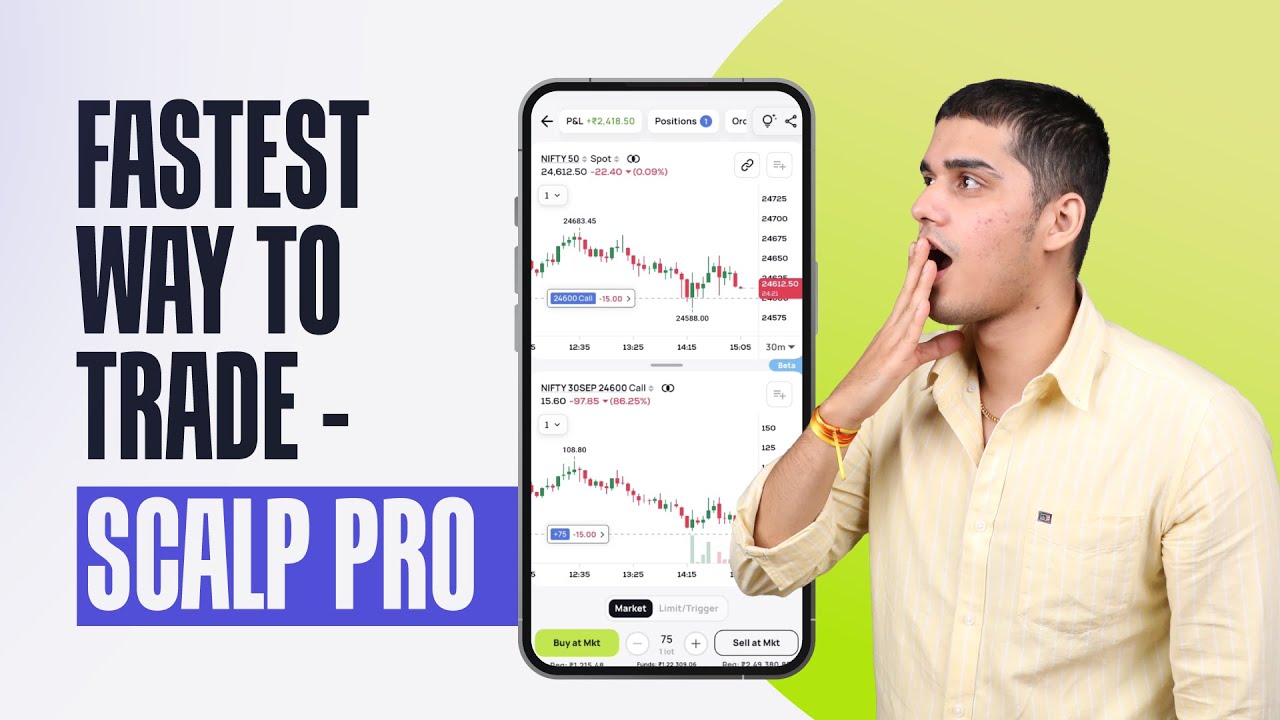
Whether you're a scalper, day trader, or F&O enthusiast, the Lemonn Scalper Mode gives you real-time charts, instant order placement, chart-based exits, synced indicators, and a smooth multi-chart experience — all inside one mobile screen.
This step-by-step guide covers entry to exit, along with indicators, triggers, position management and more, so you understand exactly how to scalper-trade using the Lemonn interface.
📌 What You’ll Learn in This Lemonn Scalper Tutorial
1️⃣ Entering Scalper Mode
– How to access Option Scalper from the Nifty screen
– Dual-screen interface: Nifty chart on top & Option chart below
– Tap-to-trade widget for instant Buy/Sell actions
2️⃣ Placing Orders (Market & Limit)
– “Buy at MKT” explained
– Modify orders by dragging them on the chart
– Adjust quantity based on lots (75, 150, 225 etc.)
– How limit orders appear on the chart
3️⃣ One-Tap Exit at Profit
– Exit button for instant square-off
– Real-time P&L updates + confirmation toast
4️⃣ Chart Movement & Controls
– Dragging, zooming, pinching charts
– Independent movement of upper & lower charts for deeper analysis
5️⃣ Switching Index & Options
– Switch between Nifty 50, Sensex, and more
– One-tap toggle for Calls & Puts
– Open Option Chain inside Scalper Mode
6️⃣ Indicators & Drawing Tools
– Add EMA, Volume, and multiple indicators
– Modify length, color, thickness
– Combine indicators for scalping decisions
– Setting targets using chart + indicators
7️⃣ Position Management
– Track live P&L across all positions
– Open & closed orders
– Real-time updates without switching screens
– Manage everything from one scalper window
8️⃣ Setting Triggers (Target/Stop-Loss)
– How to set a target or SL using the TG button
– Drag line up/down to set your levels
– Auto-execution when price hits your trigger
9️⃣ Sync Your Charts
– One-button Sync for upper & lower charts
– Perfect alignment for scalpers
– No need to manually adjust timeframes or chart positions
⚡ Why Traders Love Lemonn Scalper Mode
✔ Ultra-fast chart trading
✔ One-screen order placement & exit
✔ Real-time synced charts
✔ Built for Nifty & Bank Nifty scalping
✔ Indicator-friendly interface
✔ Lightning-fast performance for mobile traders
If you’re a scalper or F&O trader, this tool makes mobile trading faster and more intuitive than ever.
If you found this helpful, hit LIKE and comment below what tutorial you want next!
Subscribe for more Lemonn platform guides, option trading tutorials, and F&O strategies.
Повторяем попытку...
Доступные форматы для скачивания:
Скачать видео
-
Информация по загрузке: