Creating Custom Radial Menus with Pablo Muñoz Gómez
Автор: Wacom
Загружено: 2024-11-07
Просмотров: 1121
Описание:
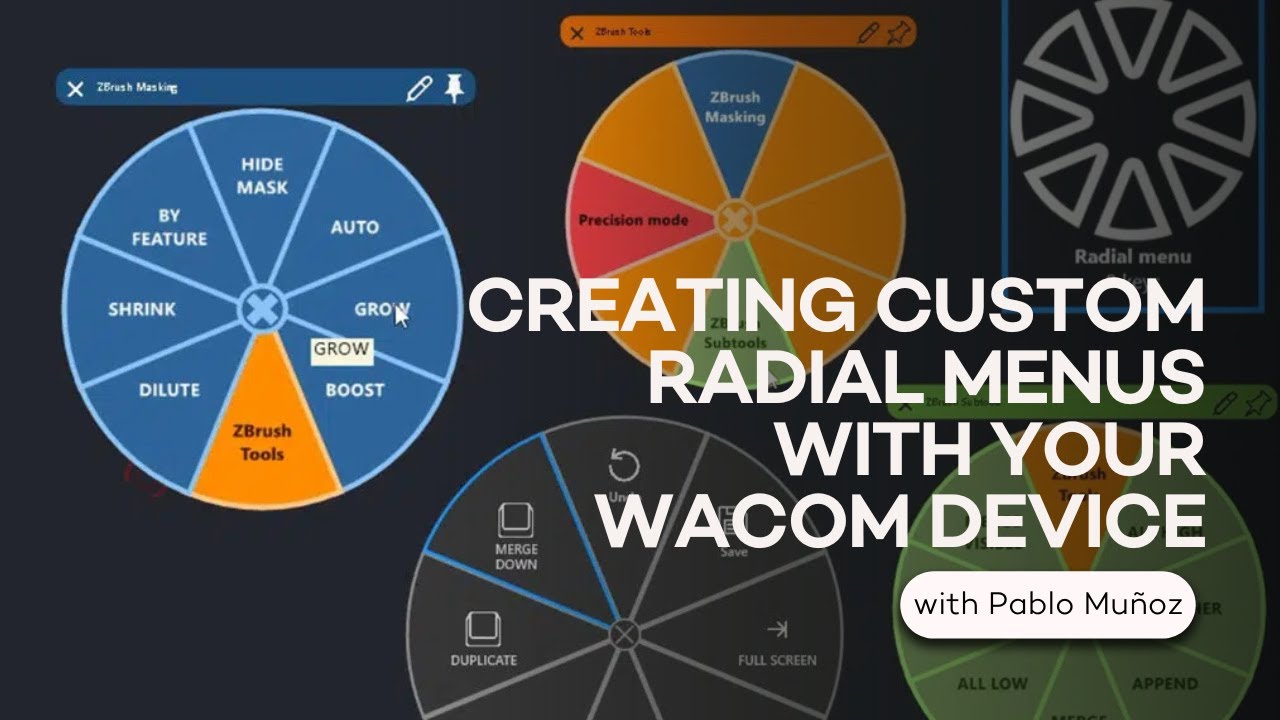
In this video, Pablo goes in-depth into a little-used but powerful tool, especially for pen display users: customized radial menus.
From Pablo: "Iʼm going to show you how you can increase the functionality of your Wacom device by creating your own ‘Radial Menusʼ. The idea of custom radial menus is that you can map some of the tools or shortcuts that you use on a daily basis and bring the radial menu up with the click of a button (from your pen or express keys).
In a previous video, I showed you how you can customize the buttons of your pen to perform and action or trigger a shortcut. This process is the same but instead of one action, you can tap the button to bring in the radial menu and have quick access to 8 or more tools instead of just one."
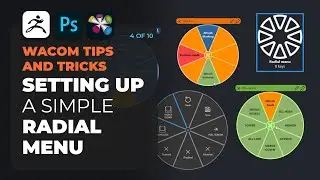
Stay tuned: this is Part 4 of a 10-part series!
-----
Pablo Muñoz Gómez is a concept and character artist based in Melbourne, Australia. He runs ZBrushGuides.com and teaches online at 3DConceptArtist.com. A long-time Wacom user, 3D sculptor, and creative educator, he's the perfect person to give in-depth insight into the best ways to maximize the combo of Wacom + ZBrush -- and to get the most out of your Wacom in general!
To follow Pablo's work or to learn more, check out:
https://www.artstation.com/pablander
/ pablomunozgomez
https://www.zbrushguides.com/
https://www.3dconceptartist.com/
/ pablander
https://x.com/pablander
/ pablander
/ pablander
-------
Subscribe to our channel and Follow us on social media:
Instagram: / wacom
Twitter: / wacom
Facebook: / wacom
TikTok: / wacom.com
Visit our eStore:
https://estore.wacom.com/
Повторяем попытку...
Доступные форматы для скачивания:
Скачать видео
-
Информация по загрузке:






![How to Hold a Graphics Tablet Pen Correctly [ ERGONOMICS! ]](https://image.4k-video.ru/id-video/OwqLzyusElM)