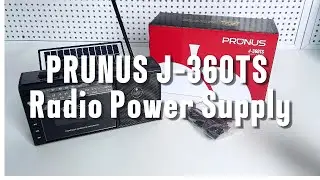
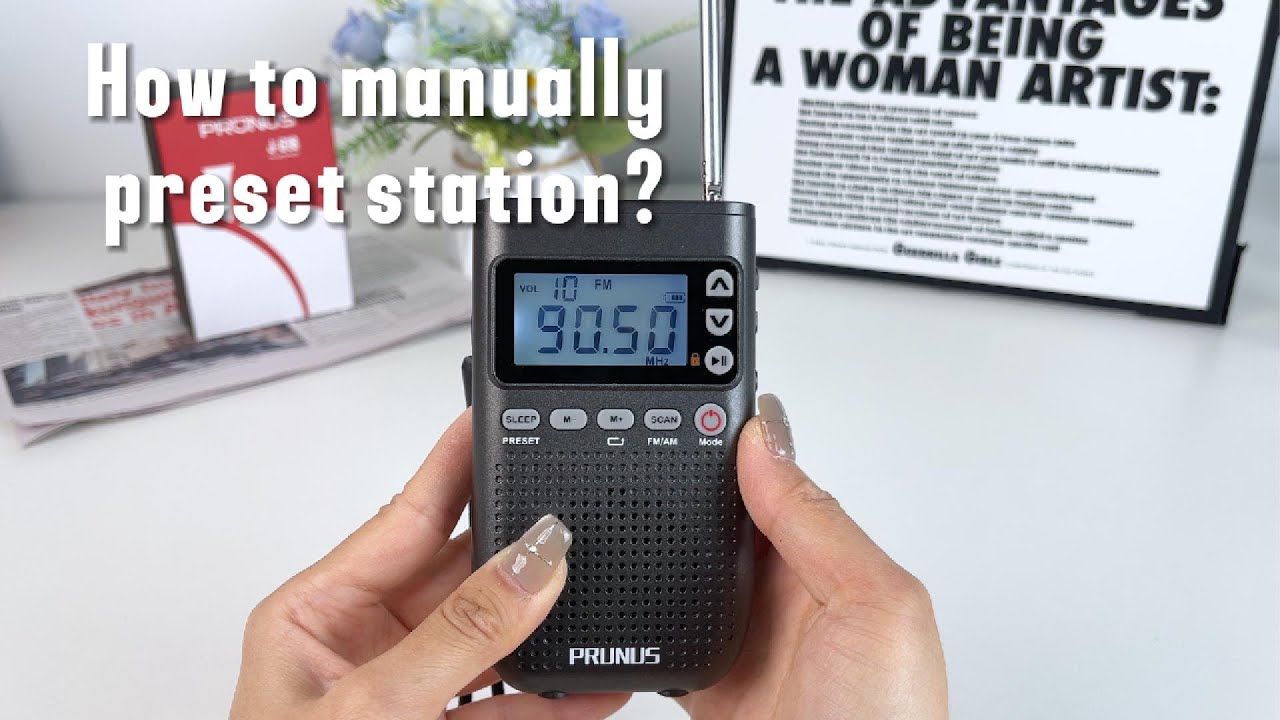
【FAQ of PRUNUS J-618 Radio】How to manually preset station?
Автор: PRUNUS RADIO
Загружено: 2025-04-22
Просмотров: 701
Описание:
【Manual Preset】
1) Tune in to the station you want to store.
2) Press and hold [SLEEP], and a blinking number will be displayed.
3) Press [ M+ ]and [M] to assign a number to the station.
4) Press the [Lock / Play / Pause]to store the station to this number.
Note: If you save your favorite radio stations in the preset slots after scanning, they will replace any stations previously stored during scanning.
Know More Details and Purchase it at Amazon:
Amazon US: https://www.amazon.com/dp/B0CQ4L3S22
Know More details and Purchase it at PRUNUS Official Website:
https://www.prunustech.com/h-product-...
#radio#fm #amfmradio #prunusradio #prunusj618 #digitalradio #protableradio #walkmanradio #bluetoothearphonesradio #bluetooth speaker #bluetooth #manualidades
Повторяем попытку...
Доступные форматы для скачивания:
Скачать видео
-
Информация по загрузке: