Philodo Bike - How to change the top speed
Автор: Philodo Bikes
Загружено: 2022-10-08
Просмотров: 213862
Описание:
Changing the Top Speed
You must check your local laws and regulations to determine if it is lawful to ride this bike on public roads before adjusting the bike’s top speed. Laws vary by trail, path, and road so be sure to check in each new location you will be riding.
To change the top speed of the bike:
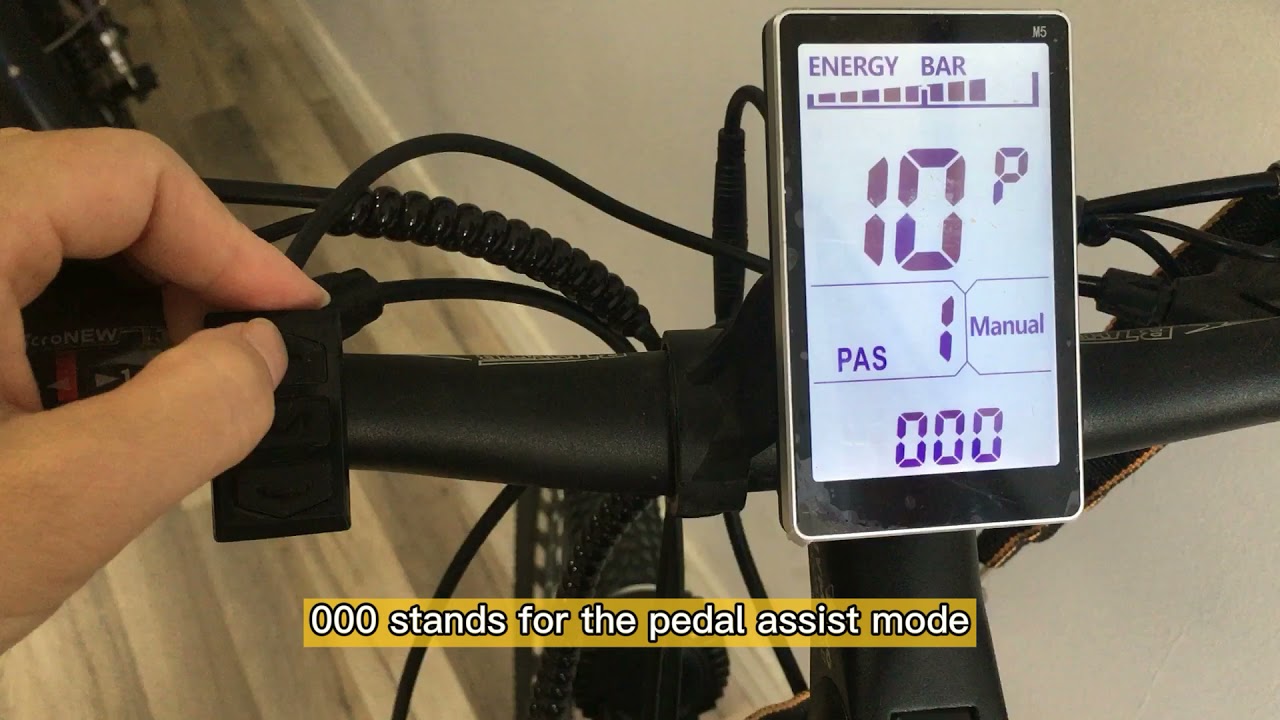
1. Access the settings menu by pressing and holding the up and down buttons of the display simultaneously until the screen says “P01”.
2. From here you can cycle through settings by hitting the power button of the display and adjust the settings by pressing the up or down buttons.
3. Please go to setting “P08” and change this setting from 100 to 25 (Suppose you want to adjust the maximum speed to no more than 25km/h).
4. Press and hold the up and down buttons on the control pad until the main screen is shown once again.
5. Power the bike off by holding the power button to save the settings you have just changed.
Повторяем попытку...

Доступные форматы для скачивания:
Скачать видео
-
Информация по загрузке: