Lumsciope® How to Use the Advanced Wrist Blood Pressure Monitor | How-to Instruction Video
Автор: Graham-Field
Загружено: 2020-06-22
Просмотров: 11635
Описание:
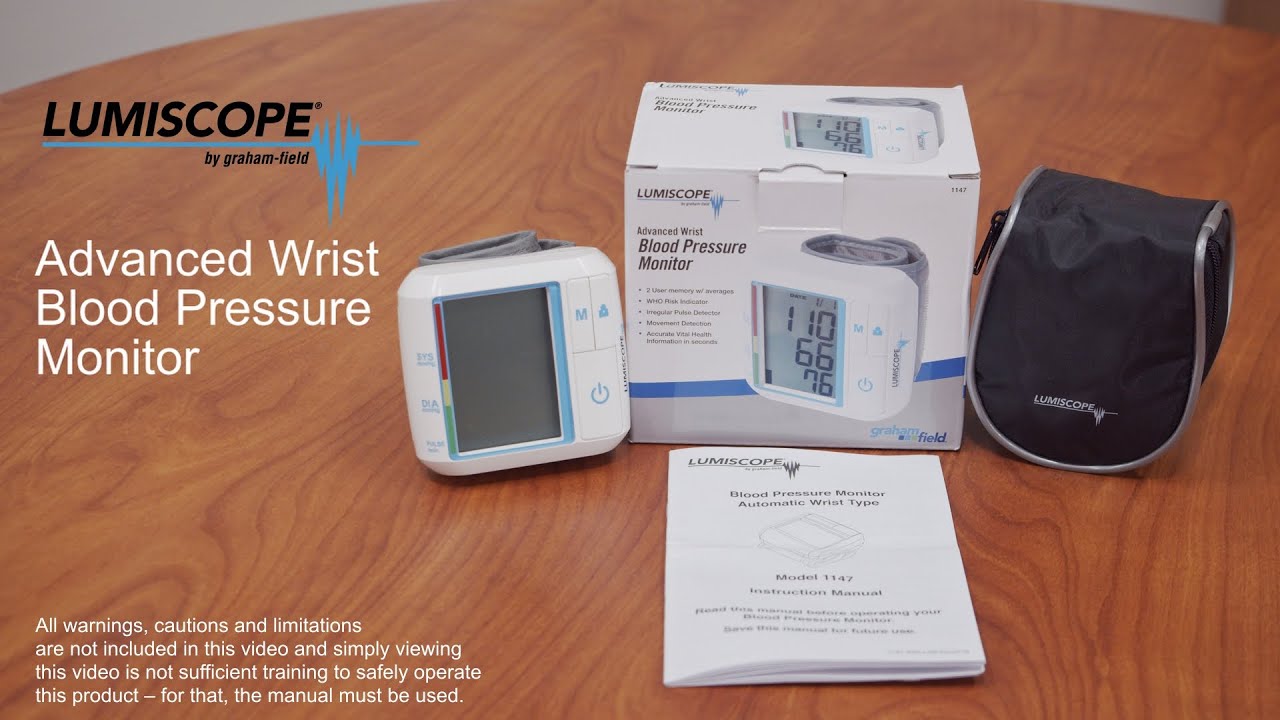
Lumsciope’s Advanced Wrist Blood Pressure Monitor is a fully automatic unit intended for the noninvasive measurement of systolic and diastolic arterial blood pressure and pulse rate in adults. This Fully Automatic unit makes blood pressure management simple with ease of use, convenient features, and helpful classifications of blood pressure measurements. When preparing to take a blood pressure measurement remember to wait at least thirty minutes after finishing a caffeinated drink or cigarette before measurement. Sit down in a chair in a comfortable position with your elbows placed on a table and both feet on the ground. Do not interlock your legs during the measurement. Sit with your hand relaxed, your arm extended in front of you, and your palm facing up. Ensure the circumference of your wrist is within the applicable cuff range. Attach the cuff around your bare-skinned left wrist through the cuff with the display aligned with your palm Fasten the cuff with its bottom edge approximately 5/8 inch above your palm line. Ensure the cuff is not wrapped too tightly. Sit upright in a chair with your feet flat on the floor in a natural, comfortable position and relax. 5. Steadily rest your forearm on a table with the cuff at heart level. Press the POWER button to start automatic measurement. The measurement can be interrupted anytime by pressing the POWER button again. When the measurement is completed, the systolic pressure, diastolic pressure, and pulse rate will be displayed. The display will indicate which category your blood pressure reading belongs to according to the classification defined in the 1999 WHO / ISH Guidelines for Management of Hypertension. Optimal and normal categories are indicated with 1 or 2 bars from the bottom which fall within the green indication, high-normal is indicated with the 3rd bar from the bottom which falls within the yellow indication, and grade 1-3 hypertension categories are indicated with 4-6 bars from the bottom which fall within the red indication. Press the POWER button to turn off the device or it will turn off automatically after 150 seconds of non-operation. Readings will be saved into memory automatically while powering off. When using the Memory feature press the USER button to select the desired user number for memory recall. Press the MEMORY button to show the latest three readings’ average, then press the MEMORY button again to recall the last reading stored in memory. Press the MEMORY button repeatedly to recall the next set of previous readings. Press the POWER button to exit the memory function. When using the Average Mode feature press and hold the USER button for three seconds to enter average mode from standby mode. 2. The latest three readings’ average will display (-L03); press the USER button to show the 7-day (-d07), 14-day, 21-day, and 28-day (-d28) all-day average sequentially. 3. Press the MEMORY button to show morning, evening, and all-day average sequentially. For example The last reading average in the morning (AL03) and the 7-day night average (Pd03). To exit average mode, press the POWER button. Remember to take the measurement at room temperature in a quiet and stress-free environment. Do not move or speak during the measurement. Blood pressure varies naturally depending on the time of day and is affected by many factors. Blood pressure is usually highest at work and reaches its lowest level during sleep. Blood pressure measurements should be assessed by a physician or trained healthcare professional who is familiar with your medical history. If you use the unit and regularly record the results, keep your physician informed of any changes in your blood pressure.
#gfmedicalitems #gfmedicalgear #medicalsupplies2022 #medicalequipment2022 #medicalitems2022 #medicalgear2022
Повторяем попытку...
Доступные форматы для скачивания:
Скачать видео
-
Информация по загрузке: