Randomness and Tiling - Getting started with Blender Nodes Part 2
Автор: Erindale
Загружено: 2020-04-22
Просмотров: 27481
Описание:
Get my Beginner's Shader Course: https://www.canopy.games/p/procedural...
Jump on the Discord server for more procedural goodness: / discord
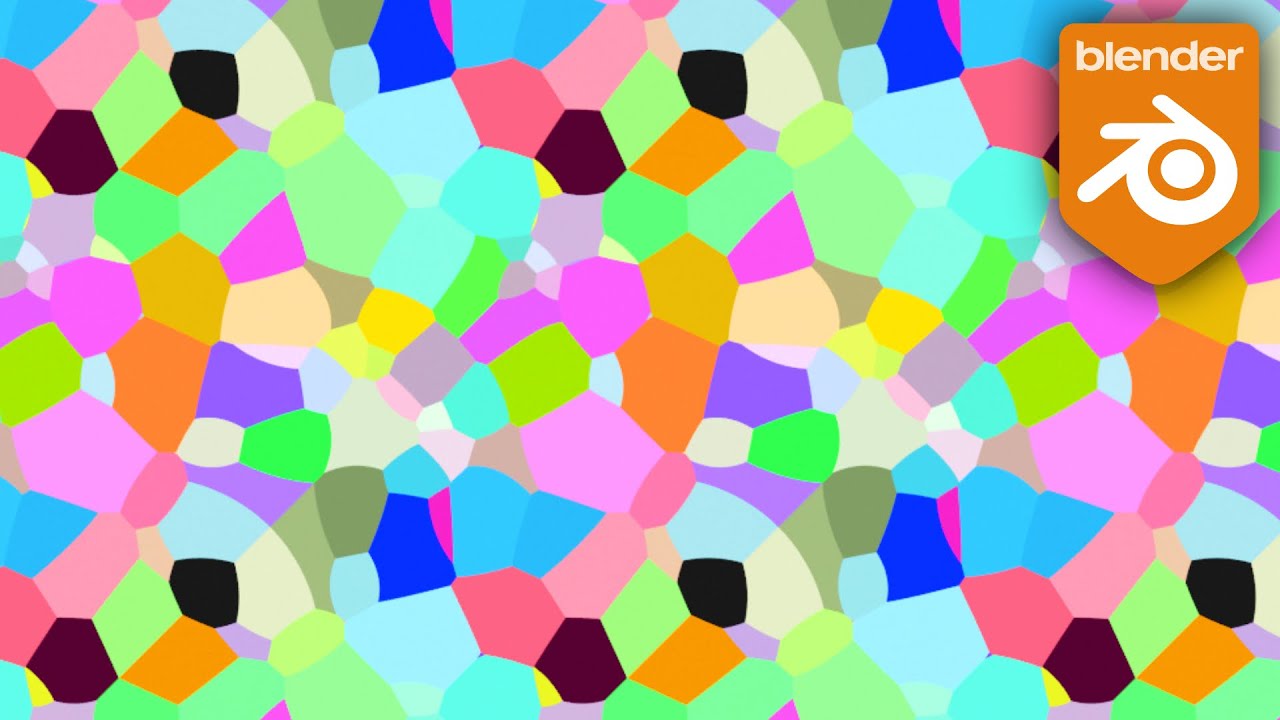
This time we're learning a simple way to create a grid pattern and using randomness in a controlled way with procedural nodes in Blender!
Have you got a favourite node technique? Let me know down below!
Contents:
00:00 - Intro
01:23 - Making a grid pattern
05:02 - Appending and setting up our Shapes node (from Part 1)
07:32 - Adding random values to our system to control Scale and Rotation
13:06 - Making a gate to distribute multiple shapes randomly
16:00 - Adding random colours to our shapes
18:06 - Creating the group node
22:11 - Bonus Gate tip
Find a screenshot of the completed node group here: https://imgur.com/7AV7YXt
And the gate is here: https://imgur.com/zpRFhrM
Please let me know how I can improve these videos!
NB: At 05:58 I state that Object Coordinates have point (0,0,0) in the "middle" but I should have said "at the object's origin". With more complex meshes that are 3D (not just a flat plane like we're using), you may well do better working with UV not Object coordinates with this material -- just make sure you unwrap!
Patreon: / erindale
Twitter: / erindale_xyz
Instagram: / e.r.i.n.d.a.l.e
Повторяем попытку...

Доступные форматы для скачивания:
Скачать видео
-
Информация по загрузке: