Audio Technica LP120 Turntable Setup (How To)
Автор: Tanner Miller
Загружено: 2016-12-05
Просмотров: 217956
Описание:
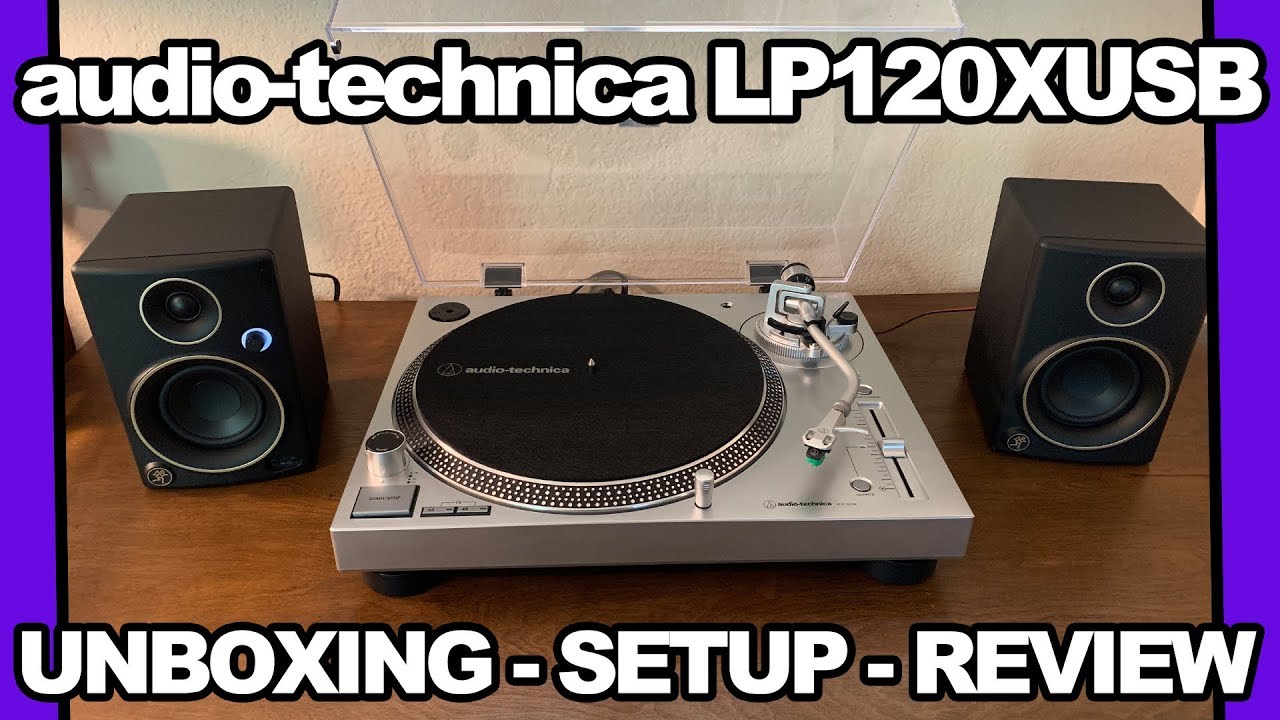
This is a full walkthrough of the initial setup of the Audio Technica LP120 - USB Turntable. I tried to be as comprehensive and concise as possible, but didn’t delve into connecting to speakers, an amplifier, the computer or anything beyond the turntable. If there comes to be an interest or demand for this sort of video then I will happily cover this process, though it is pretty rudimentary for anyone familiar with common household media devices. Additionally, this sort of thing is going to vary so much from one configuration to the next that my personal setup would be unlikely to benefit many people. Nothing too special about connecting some RCA cables to an input anyway.
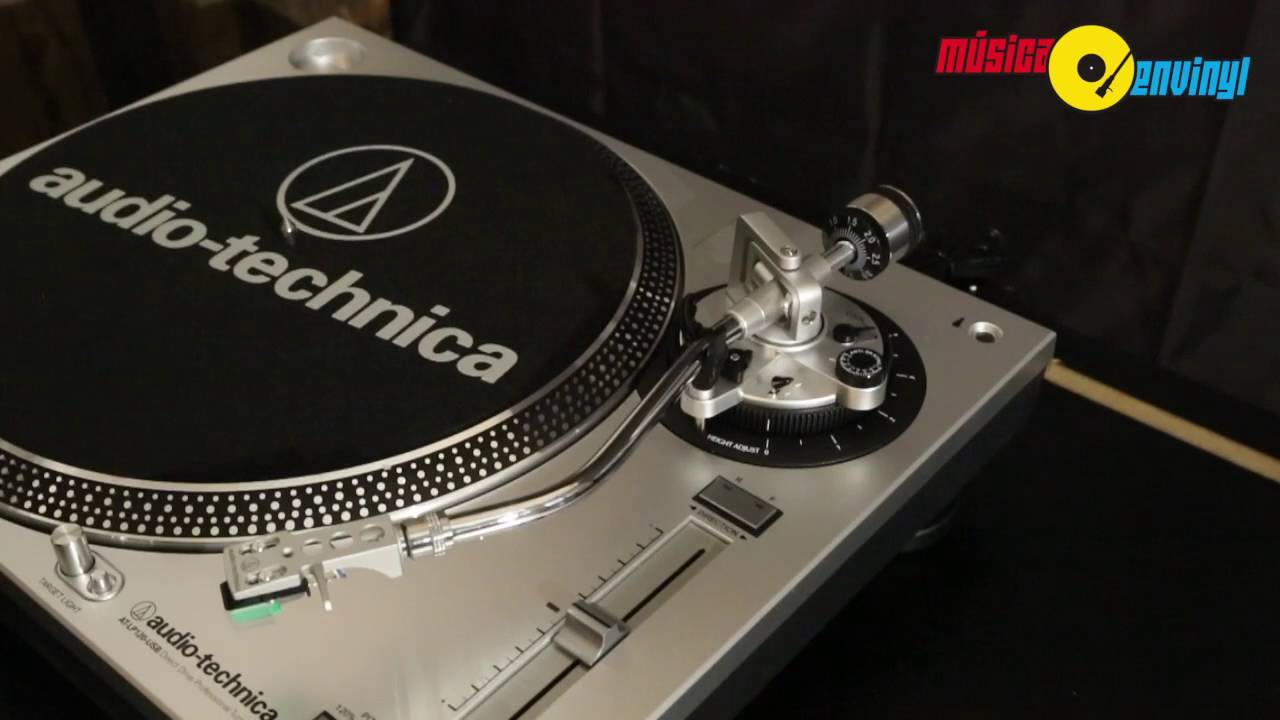
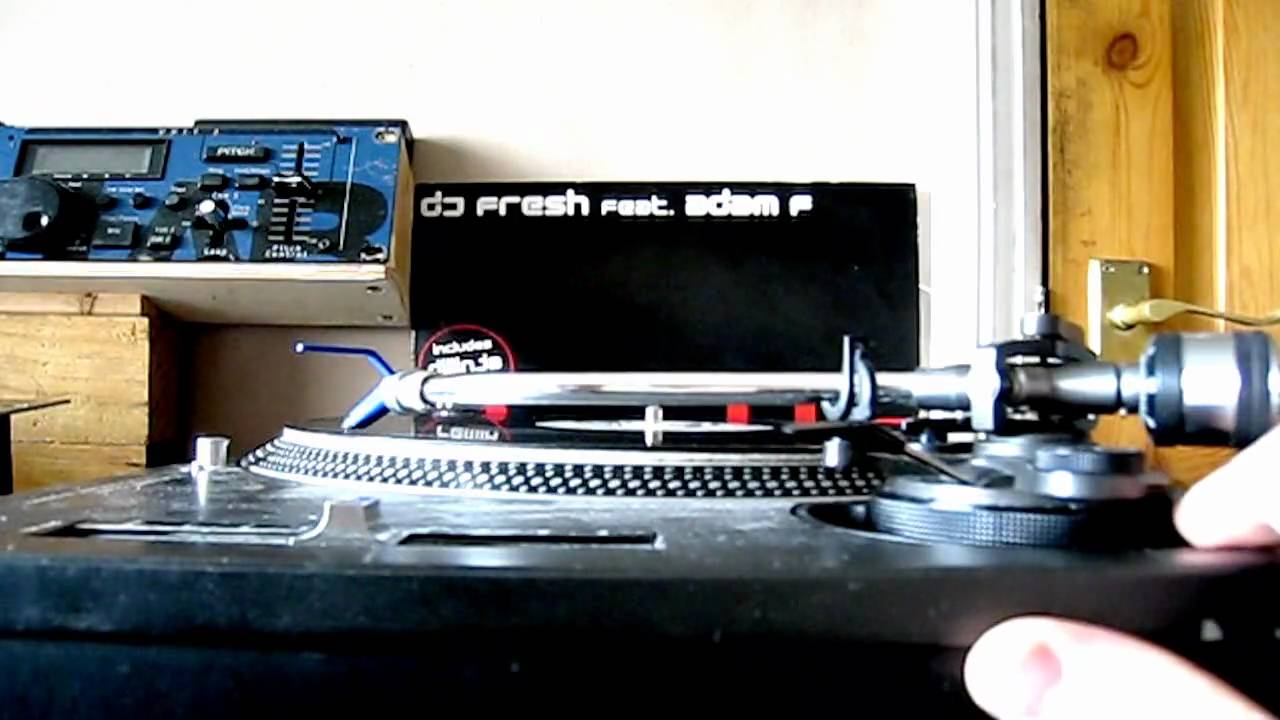
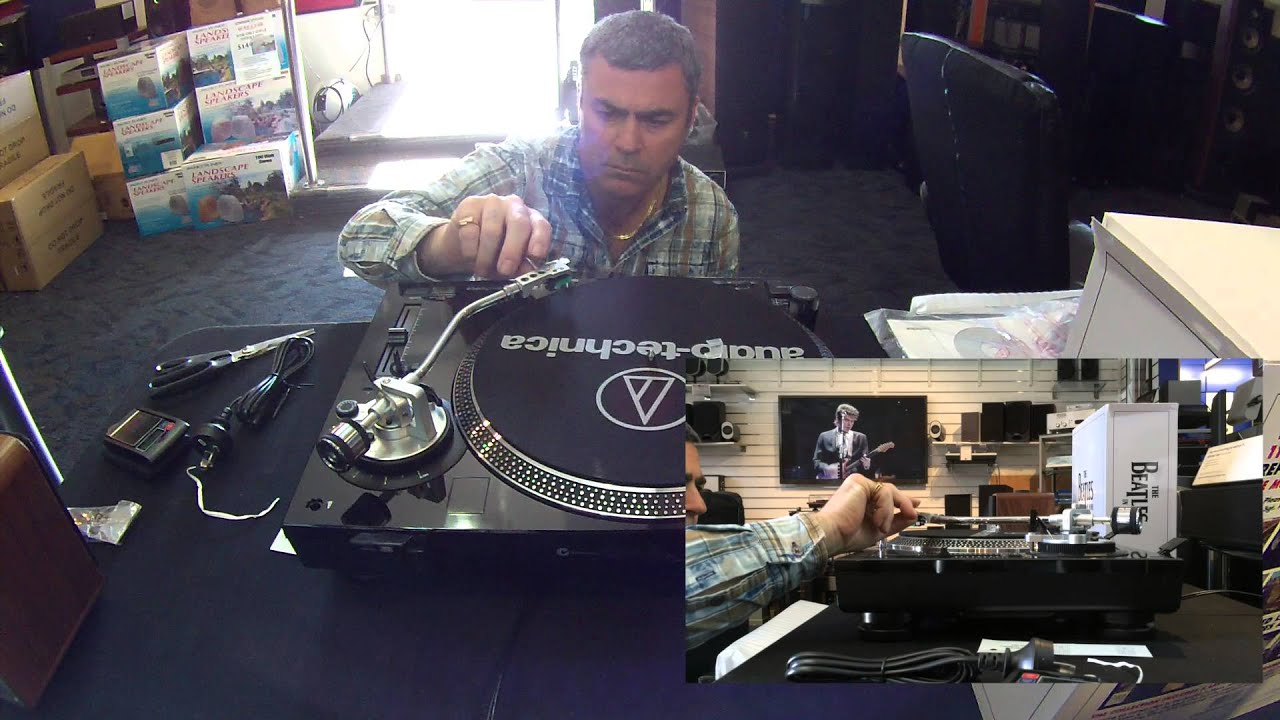
Now, what WILL be covered in this video? Everything to get you from unpack to playing. We start off by getting the head shell attached and locked in place. The Audio Technica makes it pretty simple to swap out the head shell or to remove it for maintenance. The cartridge is already installed and only needs to have the leads placed into the collar at the end of the tone arm. Once inside, rotating the collar gently will pull the head shell in and seat it properly without any real force or finagling. I have had to swap this component on older turntables and it is a lot more of a pain in the ass and I think it is a small touch on the LP120 that really does a lot for the user.
Moving forward with our setup, we will go ahead and get the counter weight in place on the rear of the tonearm. The tone arm isn’t actually threaded, but rather has a small ball bearing that moves along a machined groove in the back of the arm. I prefer this to an actual tooth and groove system because it ensures you won’t accidentally over torque, mar, or just generally fuck up something. I kept the counter weight at the very ass end of the tone arm because I knew that I would have to balance the whole thing in a few minutes and it helps to not have your supple little stylus dragging all around on the spread thighs of the slip mat. Just ruins the mood, man.
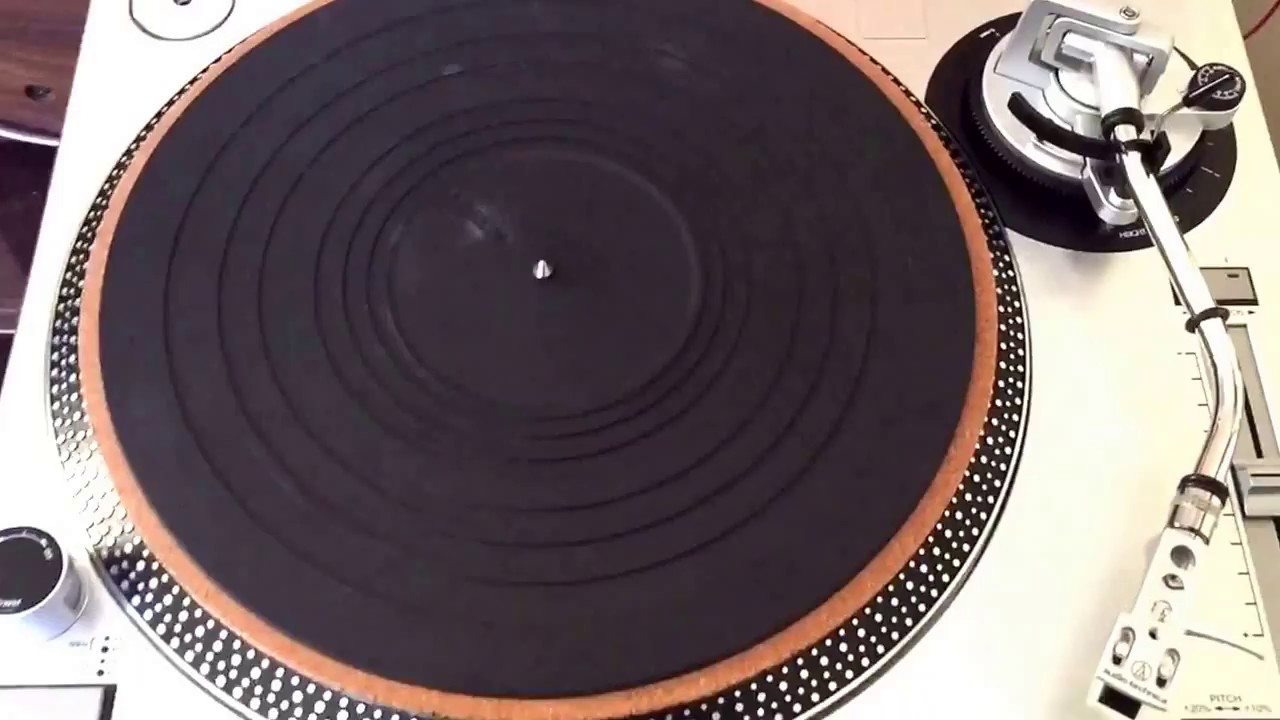
I take a look at the voltage selector switch, but honestly you probably won’t even have to fuck with it. I am not sure if adjusting it too low when you should be high or vise-versa will fry something, but I would recommend looking it up if you are unsure. The best part about this switch is that you can now stick the spindle right through the LP120’s platter’s sphincter and forget that it ever existed! Once you slip that sweet little slip mat condom over the surface, it is permanently out of site; better hope you set it right, Sparky! All jokes aside, there is nothing more to the platter than sticking it on the spindle and then putting the slip mat on top of it. If you manage to mess that up then Audio Technica will probably laugh in your face when you contact them saying THAT is the part you messed up.
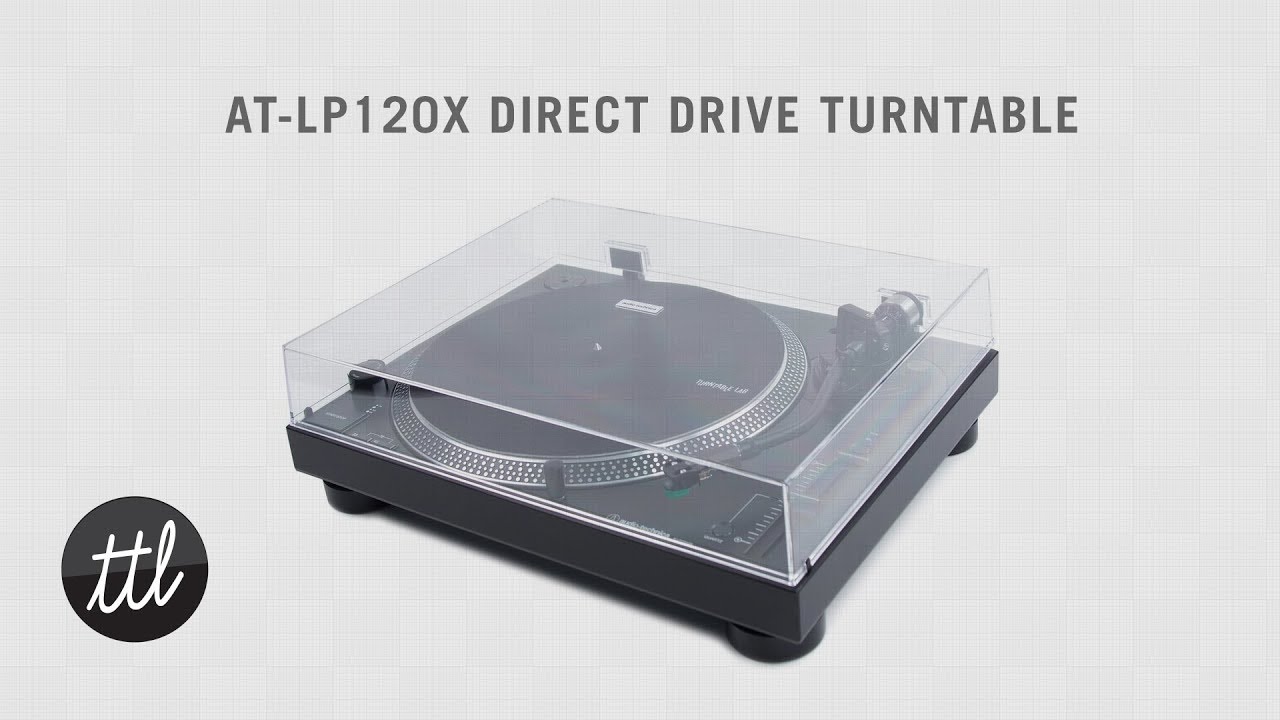
Continuing with the easy stuff in the setup we have the dust cover which is pretty self-explanatory again, but we will cover it just in case. Get it? Cover it. Dust cover. Ha. I know, I’m hilarious and nobody is reading this anyway. Take the hinges and slip them into the T-Channels on the backside of the turntable and keep them cocked back. The rectangular hunks of plastic will slip right into the channels that match on the back of the dust cover and then you can flip it down. I tried pulling the cover off while it was flipped down and it was a terrible idea. Fucking hinges were under a lot of pressure apparently and one went flinging out, almost taking one of my nuts with it. Never trust a dust cover, viewers.
Now onto the real hunk of scariness surrounding the LP120 setup: balancing the tone arm. It really isn’t that bad once you get it done and realize you did it right. I was scared that I was going to destroy the entire turntable and my entire record collection once I pressed play and had fucked this up, but it really isn’t that big of a deal. When you unlock the tone arm and slip it out of the rest, it should spring up in the air like the crotch of your pajama pants at 9:00am. You can remove the protective cover from over the cartridge and keep ahold of the head shell. As you twist the counter weight to the left you will start to notice the stylus coming closer and closer to the slip mat, just make sure you keep it off of the fuzzy little sucker. The tone arm is finally balanced when you let go of the head shell, get down eye-level with the turntable and can see that it is parallel with the surface of the slip mat/platter/table. You can now return it to the rest and lock it into place.
If you tried to play a record now then you would be sad as you watched the stylus float teasingly over the surface of you record, so shift the black dial back to 0, then turn the entire counter weight until the 2.0 lines up on the black line. If you want to lock it into place out of fear of an earthquake then you may. Now, just set the anti-skate to 2.0 as well and you are ready to jam! Thanks for the easy setup Audio Technica!
Повторяем попытку...

Доступные форматы для скачивания:
Скачать видео
-
Информация по загрузке: