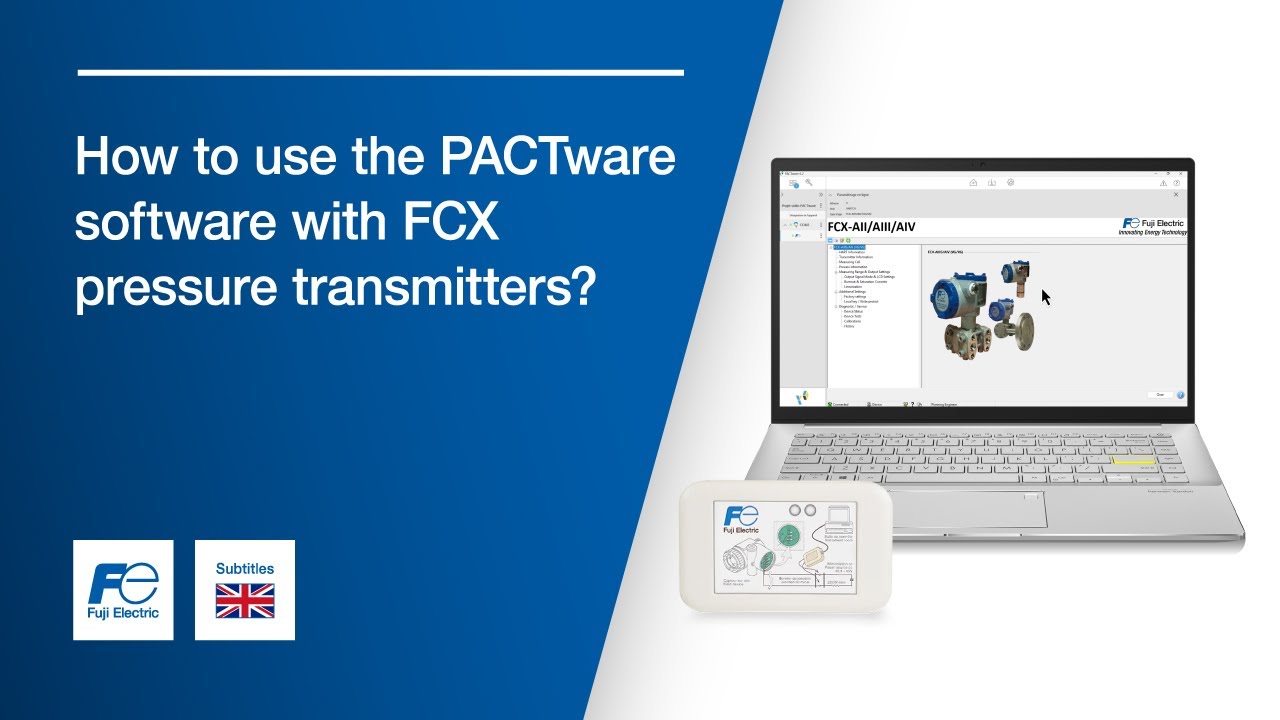
Tutorial FCX pressure transmitter, HART® modem: How to use the PACTware software ?
Автор: Fuji Electric France
Загружено: 2025-06-23
Просмотров: 51
Описание:
In this tutorial, learn step by step how to use the PACTware software with your FCX pressure transmitter from Fuji Electric and a HART® modem.
0:01 Go to the Fuji Electric France website to download the software (link in the description)
0:04 Open the PACTware software
0:08 Create a new project
0:14 Select the "HART Communication" device by double-clicking
0:22 Select the desired device model
0:24 Click on the selected device to open the menu
0:34 Click "Connect" in the first tab ("COM3")
0:39 Click "Connect" in the second tab ("FCX")
0:46 Click again on the second tab ("FCX") after the connection is established
You are now connected to your FCX pressure transmitter using PACTware and a HART® modem. You're ready to configure and monitor your device with ease.
► Discover all our measurement solutions for energy and the environment: https://www.fujielectric.fr/en
► Follow us on LinkedIn: / fuji-electric-france-s-a-s
► Stay in the loop! Subscribe to our channel for the latest tutorials and updates! / @fujielectricfrance
#FujiElectric #PACTware #HARTProtocol #PressureTransmitter #IndustrialAutomation
Повторяем попытку...
Доступные форматы для скачивания:
Скачать видео
-
Информация по загрузке:


![[4K FULL HD] Relaxing Water Background | 1 HOUR | Calm Water Wallpaper (No Sound)](https://image.4k-video.ru/id-video/y9PTNTSpGJs)


