Cristiano Vecchi - MikroKanon Snapshot 325 _ 20 01 2026 _ 8D AUDIO
Автор: Cristiano Vecchi
Загружено: 2026-01-20
Просмотров: 18
Описание:
The MikroKanon Snapshots Series is a collection of pieces quickly created by myself with the MikroKanon App.
Install MikroKanon from Google Play: https://play.google.com/store/apps/de...
Download free this audio file from Bandcamp:
http://cristianovecchi.bandcamp.com
Copyright ©2026 by Cristiano Vecchi
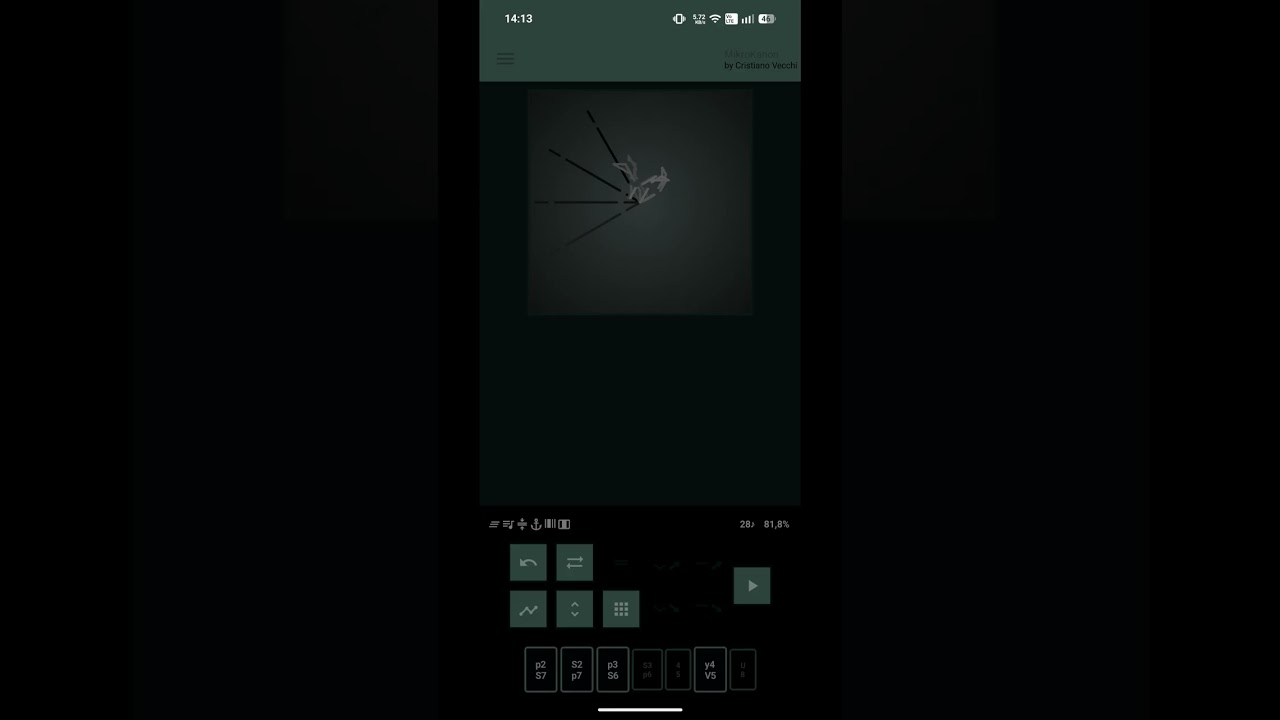
The MikroKanon app allows to create and play music pieces in Quantistic Counterpoint (multiple counterpoint on sets of vertical and horizontal intervals), also export them as MIDI files.
How to use
Starting from the Sequence Selection View, it's possible to create a new note sequence or edit an old one.
After a Sequence is selected, clicking on a function button the Working View starts, with a new counterpoint created, and further operations on it are possible.
To play the single counterpoint just click on it and stop it with the stop button, while clicking on the play button the building and playing process of the entire structure of the piece will start.
It's possible to edit the structure in Options Menu (Icon) -- Architecture (Icon) -- Row Forms, where the counterpoint selected is represented by a numberless letter, while numbered letters represent counterpoints previous saved in slots (1-9 A-G). For the building process outcome counterpoints can be changed in the four serial forms (O = original, I = inverse, R = retrograde, IR = inverse of the retrograde), affected by Tritone Substitution (Rotate Icon), separated following the first rhythm pattern (Vertical Line Icon). Warning: if all the counterpoints in the structure are empty, the app will not play!
Repetitions and cyclic transpositions can be added to the structure by the Ritornello and Transpose options.
How to use slots: from the Working View, clicking on a Slot Button in the Functions Dialog will save the selected counterpoint in the slot (a number appears next to the Disk Icon), while, from the Sequence Selection View, clicking on a Slot Button will load the counterpoint previously saved in the Working View (or an empty counterpoint if the slot is empty). Counterpoints saved can be used in the structure together with the counterpoint selected in the Working View (this one if the Working View is displayed).
Interval Sets: change the Vertical Interval Set with buttons at the bottom of the Working View, and the Horizontal one with the Graph Button (under the Undo Button). This changes immediately modify the result of the last operation if Sets are involved in it. Warning: the Undo Button does not work on interval choices!
Tips: in the Working View, tap on the Percentage to quickly change the View of the counterpoints (Table, Marble, Quantum) or tap at the left/right side of the Quantum View to quickly change the App Colors.
Exporting MIDI file: to export the last played MIDI file, click on Menu (Icon) -- Disk (Icon) -- Export MIDI file, where is displayed the length in cells and the date of creation of the last app playing (single counterpoint or entire structure), then select the destination folder and optionally rename the file.
#generativemusic #winter #ambientmusic #hiems #wintermusic #winter2026 #inverno #hiver #invierno #avantgarde #avantgardemusic
#generativeArt #algorithmicMusic #AI #ambient #MikroKanon #8Daudio #8D #quantum #quantummusic #electronicmusic #androidapp #soundforming #newyear2026 #italianbrainrot #tralalerotralala #2026 #trulimerotrulichina #tungtungtungsahur #ballerinacappuccina #brainrot #theartofsoundforming
Повторяем попытку...
Доступные форматы для скачивания:
Скачать видео
-
Информация по загрузке:


