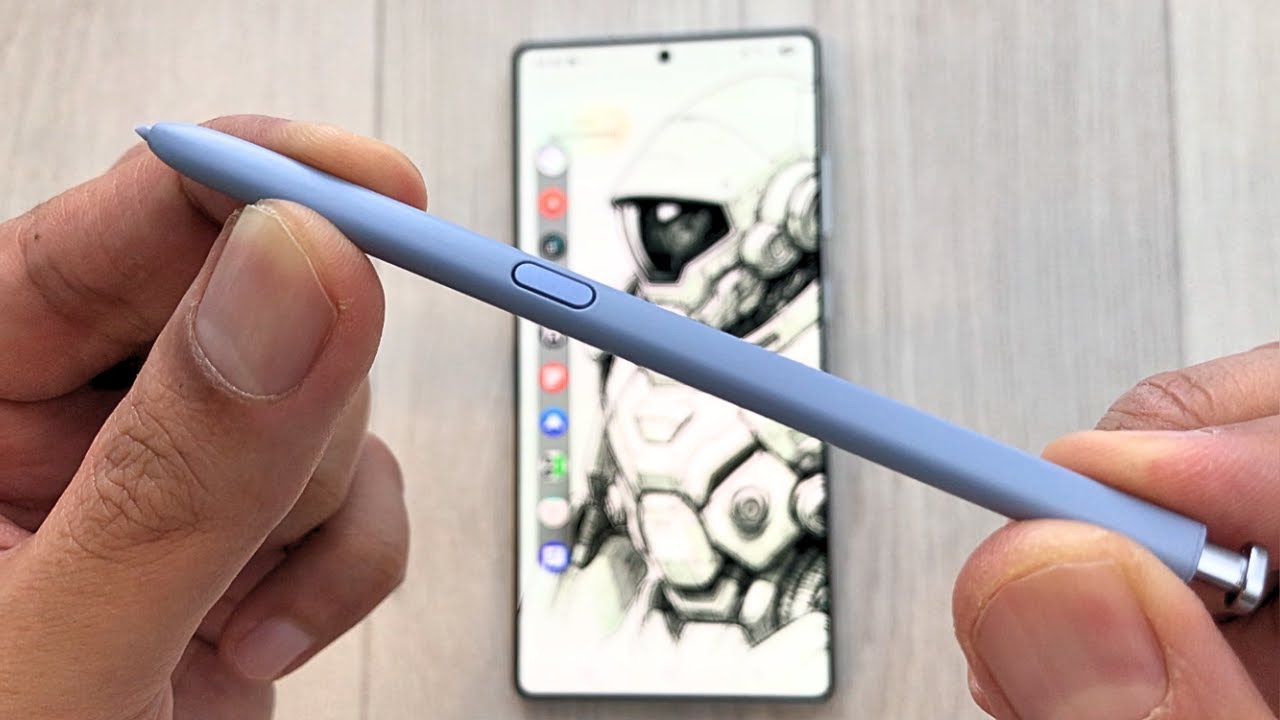
SAMSUNG Galaxy S25 - How to Enable Easy Mode (Senior Mode)
Автор: TimeToFixThis!
Загружено: 2025-01-30
Просмотров: 309
Описание:
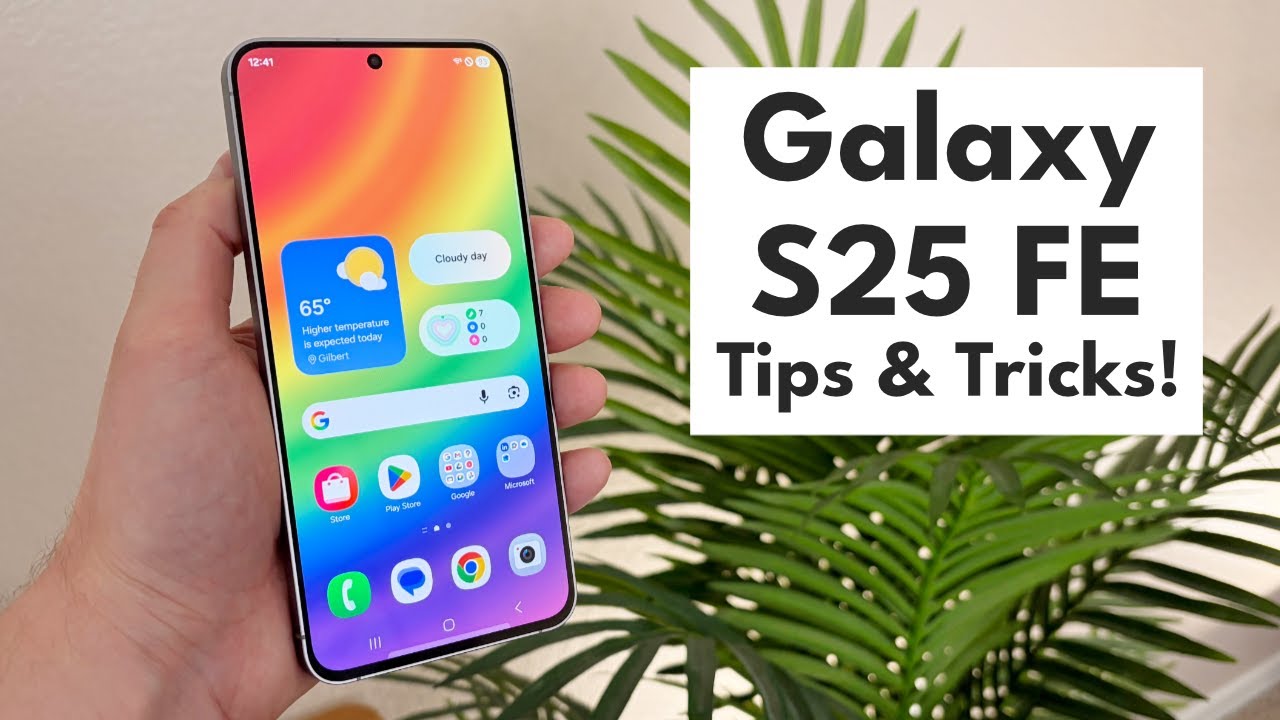
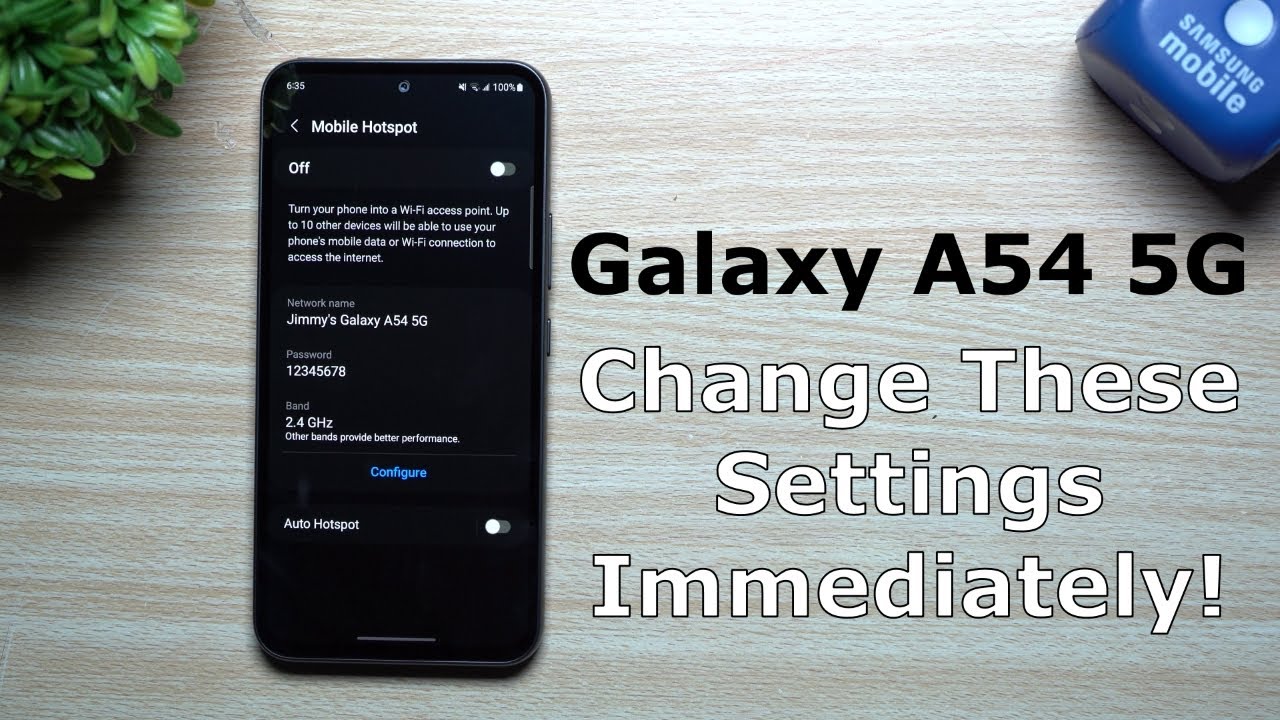
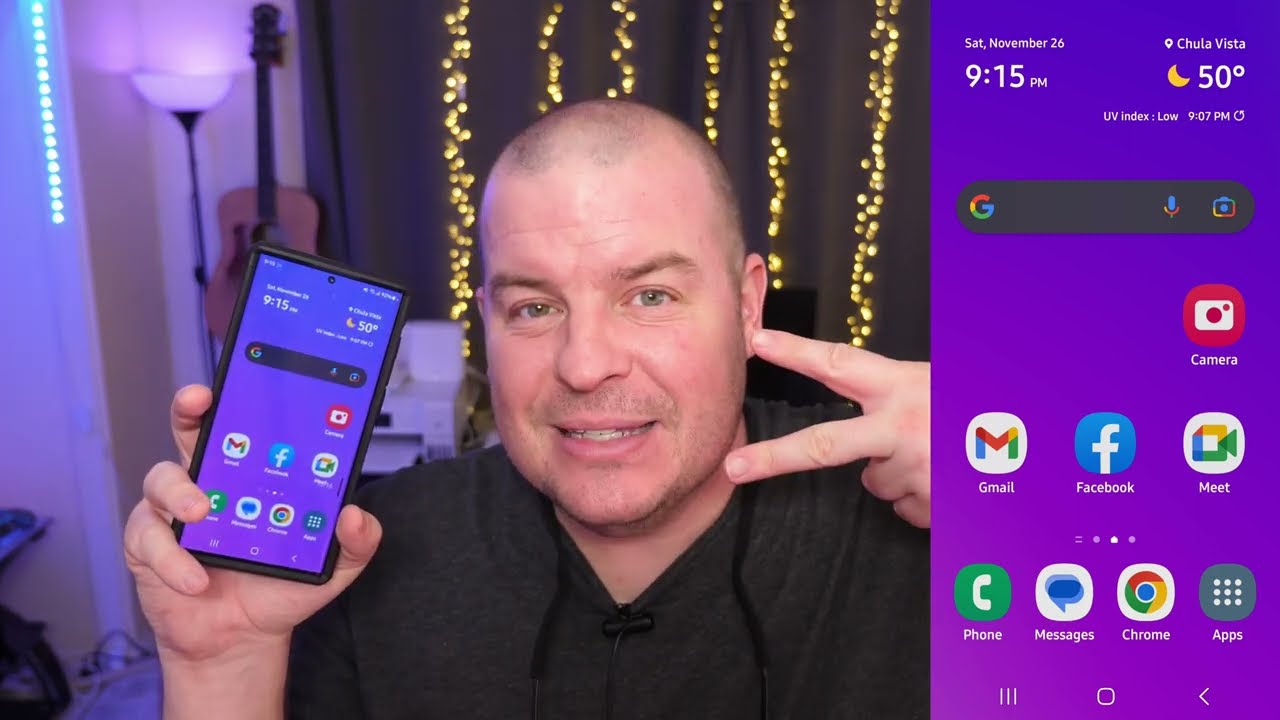
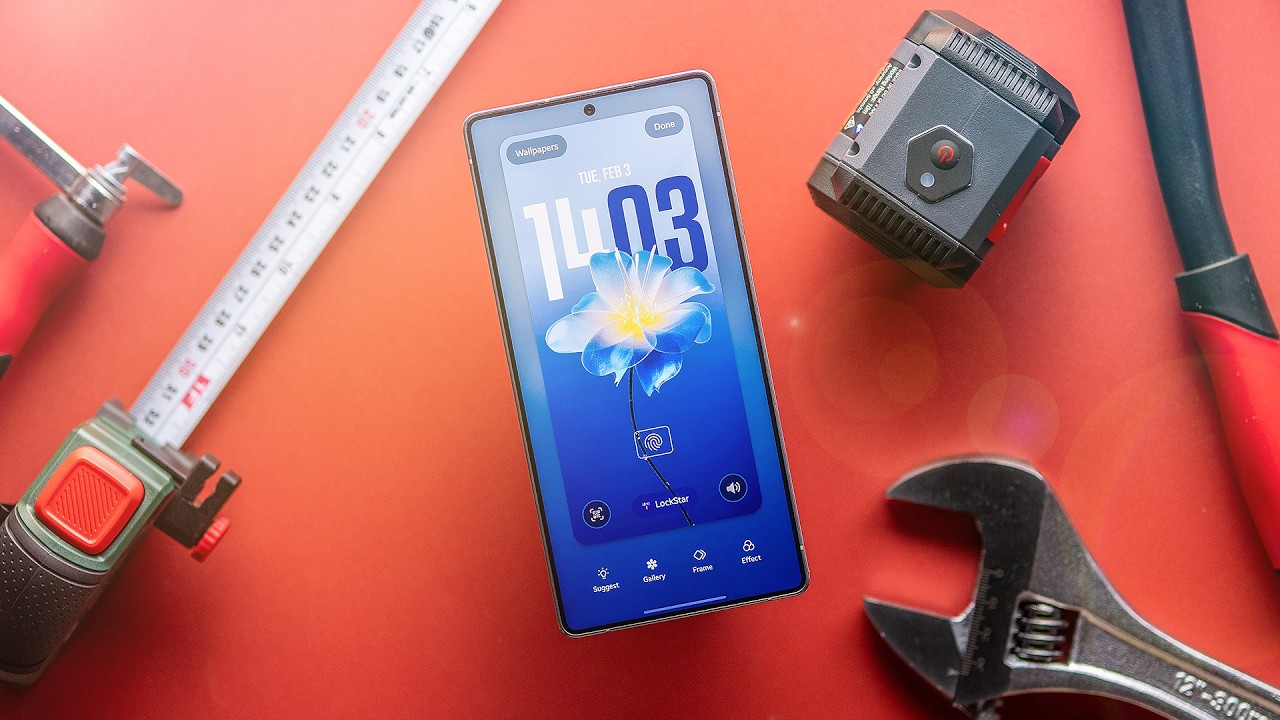
To enable Easy Mode (also known as Senior Mode) on your Samsung Galaxy S25, go to the "Settings" app, then select "Display." Scroll down and tap on "Easy Mode." From there, toggle the switch to turn on Easy Mode. This simplifies the interface by increasing the icon size, reducing clutter, and making the phone easier to use for seniors or anyone who prefers a more straightforward layout.
#SamsungGalaxyS25 #SamsungS25 #SamsungS25Series
You'll also find other videos about Samsung Galaxy S25 phone on my channel, so feel free to check out what tutorials I've recorded for you.
Did you know that by clicking on this link / @timetofixthis you will subscribe to my channel? :)
Повторяем попытку...

Доступные форматы для скачивания:
Скачать видео
-
Информация по загрузке: