How to Add Open to Work on LinkedIn
Автор: Everyday Things
Загружено: 2026-02-26
Просмотров: 1067
Описание:
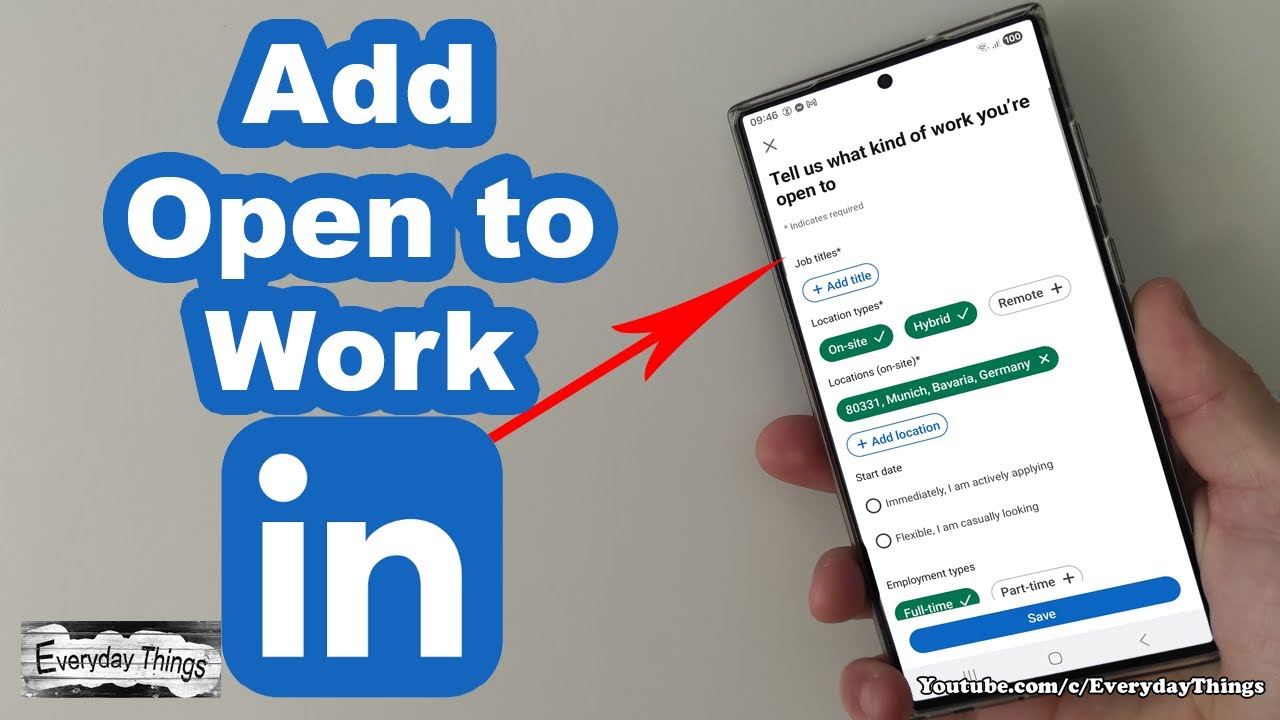
In this video, you’ll learn how to add the Open to Work badge to your LinkedIn profile using the LinkedIn app on your phone. This helps recruiters know you are open to new job opportunities and makes your profile more visible when you are actively job searching.
🕒 Timestamps:
0:00 – Introduction
0:06 – Open LinkedIn app
0:11 – Go to your profile
0:18 – Tap the Open to button
0:22 – Select job preferences
0:33 – Choose visibility settings
0:39 – Save changes
0:43 – Open to Work successfully added
🔎Previous Videos:
How to Add Language Skills on LinkedIn (Easy & Simple): 👉 • How to Add Language Skills on LinkedIn (Ea...
Enable Dark Mode on LinkedIn App (Step by Step): 👉 • Enable Dark Mode on LinkedIn App (Step by ...
📺 For more LinkedIn tips and tricks, explore our LinkedIn Tutorials playlist • LinkedIn Tutorials
💰 Support our channel: ☕ Buy Me a Coffee: 👉PayPal: http://bit.ly/3xuIfis
or by using the 👆Super Thanks button.
DE: Open to Work auf LinkedIn hinzufügen
In diesem Video zeige ich dir, wie du den „Open to Work“-Status in der LinkedIn App aktivierst. So können Recruiter sehen, dass du offen für neue Jobangebote bist und dein Profil besser gefunden wird.
Schritte:
LinkedIn App öffnen
Zum Profil wechseln
„Open to“-Button auswählen
Jobwünsche festlegen
Sichtbarkeit auswählen
Speichern
Open to Work erfolgreich hinzugefügt
#linkedInapp #opentowork #jobsearch
Повторяем попытку...
Доступные форматы для скачивания:
Скачать видео
-
Информация по загрузке: