Adjust PATH POINTS and HANDLES in After Effects | Adobe After Effects Tutorial
Автор: 7 Minute AE Tutorials
Загружено: 2020-05-28
Просмотров: 21912
Описание:
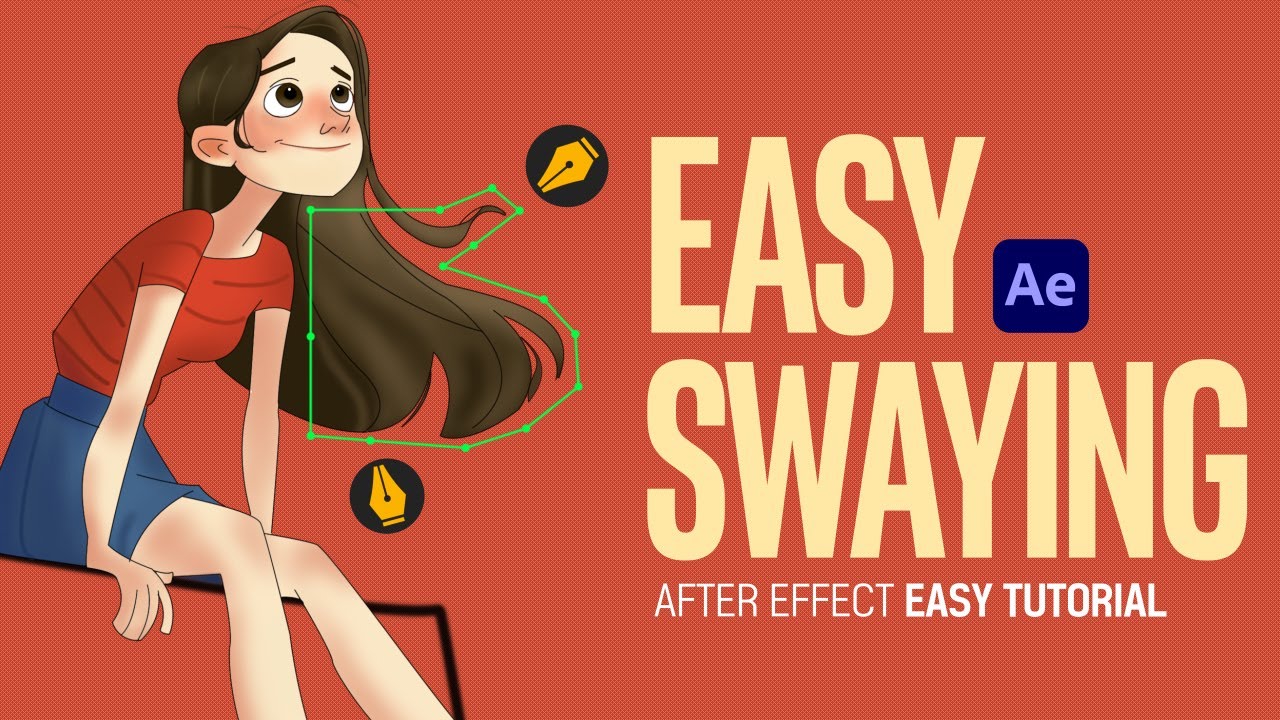
This After Effects Quick Tip is a HIDDEN GEM! You can change the size of your path points and handles so you can animate much more easily. See how in just 47 seconds!
Subscribe for more After Effects tips, tricks, and shortcuts: / 7minuteaetutorials
Click the BELL so you're notified every time I upload new content!
Support our channel by getting your 7 Minute AE merch TODAY: https://7-minute-ae-tutorials.mysprea...
Share this video with fellow motion graphic designers: • Adjust PATH POINTS and HANDLES in After Ef...
Check out these AE QUICK TIPS!: • After Effects Quick Tips
Sign up for my Udemy course TODAY! It's guaranteed to take you a Shape Layer Rockstar!
"The Power of Shape Layers:" https://www.udemy.com/course/power-of...
7 Minute AE on Facebook: / 7minuteaetutorials
7 Minute AE on Instagram: / 7minuteae_jeffknight
Check out our affiliates for amazing deals on After Effects Essentials!
AEJuice Free Plugins https://aejuice.com/free-plugins/?ref...
AEJuice I Want It All Bundle https://aejuice.com/product/i-want-it...
AEJuice YouTube Channel / @aejuice
Envato Elements (Get 70% off your first month's subscription):
https://1.envato.market/c/2492339/298...
Thanks for watching, and I'll see you next time!
Повторяем попытку...

Доступные форматы для скачивания:
Скачать видео
-
Информация по загрузке:


![Pen Tool & Paths in After Effects Ep15/48 [Adobe After Effects for Beginners]](https://imager.clipsaver.ru/0BpmomriWEM/max.jpg)