ycliper

Популярное

Музыка Кино и Анимация Автомобили Животные Спорт Путешествия Игры Юмор

Интересные видео

2025 Сериалы Трейлеры Новости Как сделать Видеоуроки Diy своими руками

Топ запросов

смотреть а4 schoolboy runaway турецкий сериал смотреть мультфильмы эдисон
Скачать

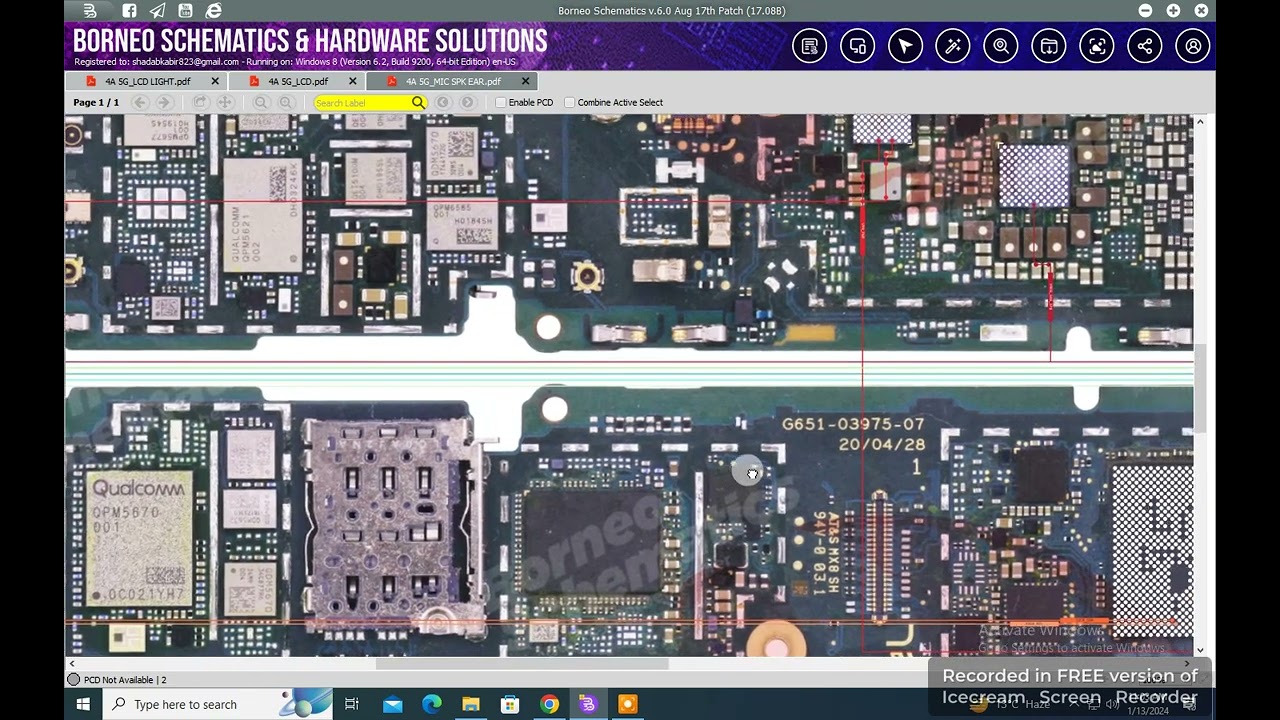
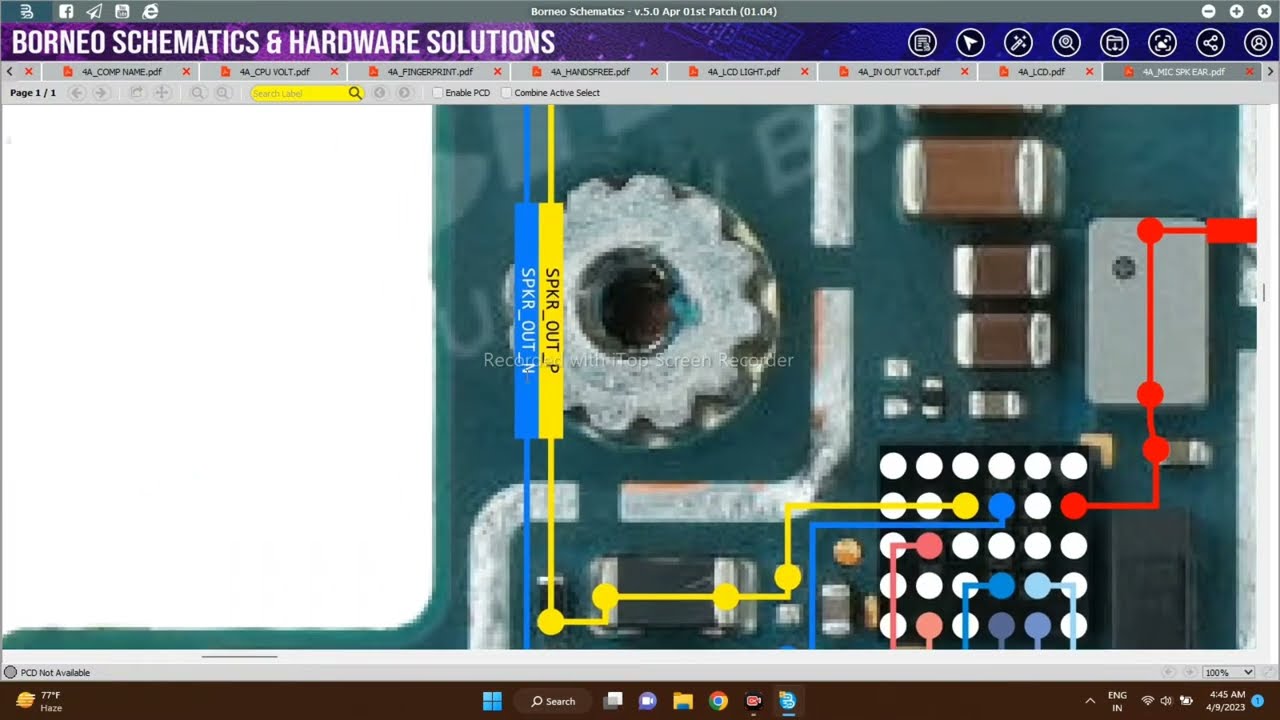
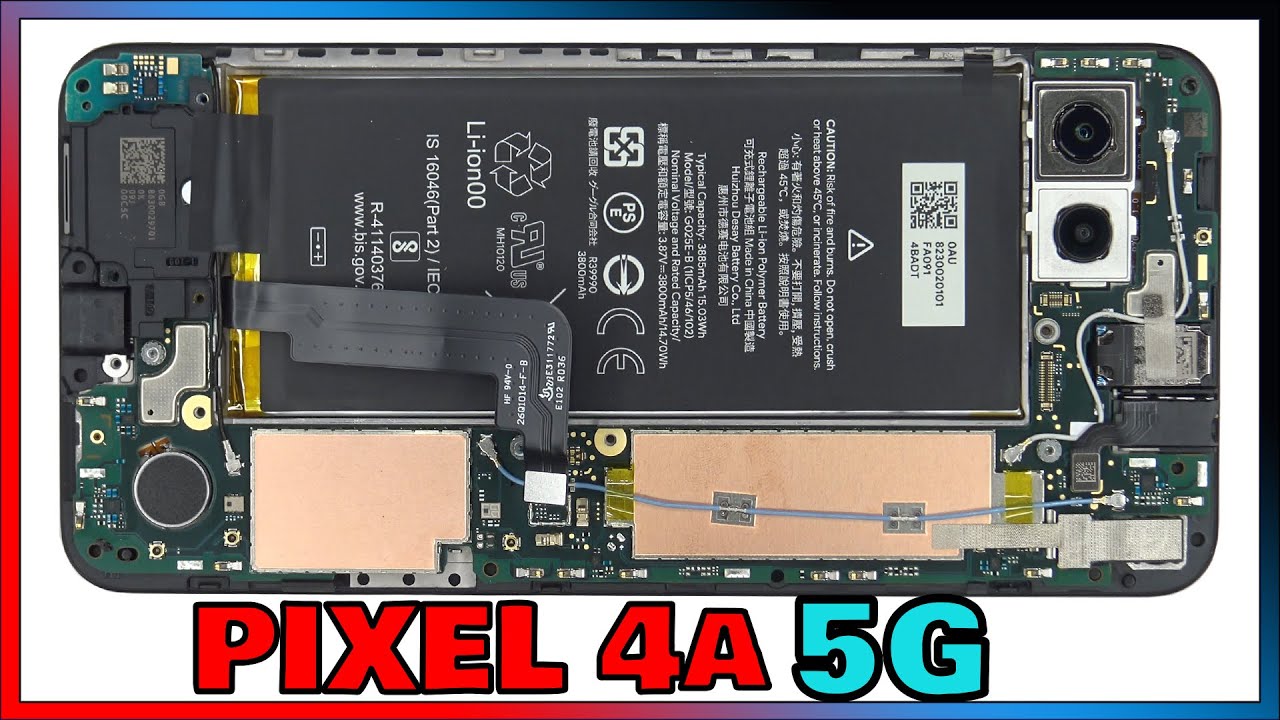
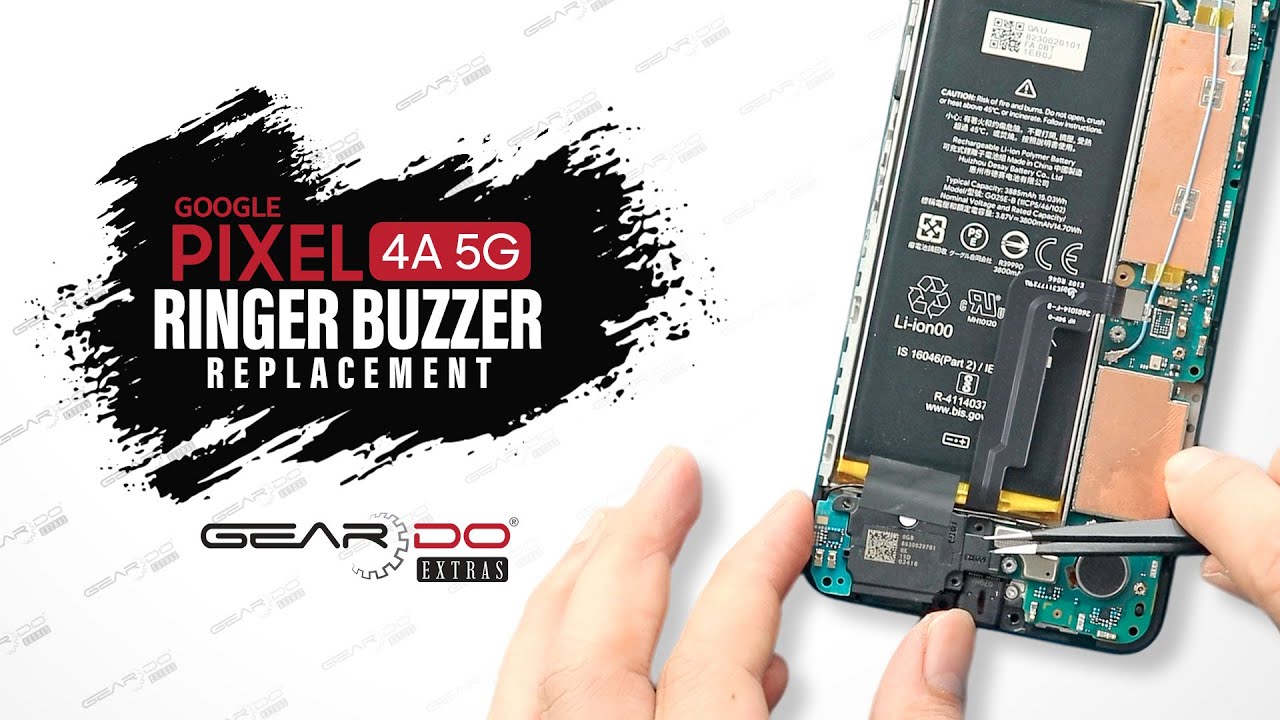
Google pixel 4a 5g mic speaker buzzer problem solution

Автор: Mobile hardware solutions

Загружено: 2024-01-19

Просмотров: 1109

Описание: In this detailed video, you'll learn how to fix Google Pixel 4a 5G mic, speaker, and buzzer problem, including issues like no sound during calls, distorted speaker output, or mic not detecting voice. This repair guide walks you through diagnostics of the main microphone, loudspeaker, earpiece, and audio ICs — plus tips to test with a multimeter and solve hardware faults on your Pixel 4a 5G effectively.

🔧 Step-by-Step Instructions:
Power off the Google Pixel 4a 5G completely.

Remove the SIM tray and heat the back panel.

Pry open the back using plastic tools to avoid damage.

Remove screws and lift the midframe cover.

Disconnect the battery to prevent short circuits.

Inspect the loudspeaker module located at the bottom.

Clean the speaker mesh for dust or blockages.

Detach the speaker module and test it with a multimeter.

Replace the speaker if there is no continuity.

Check the speaker flex cable for damage or disconnection.

Inspect the main microphone (bottom mic) near the USB port.

Use a multimeter to test continuity on mic lines.

Replace the microphone if it shows open circuit or corrosion.

Remove and inspect the sub-board (charging board).

Clean any corrosion on mic or speaker pads.

Test the earpiece speaker for continuity.

If earpiece is faulty, replace it with a tested spare.

Check the earpiece flex and its motherboard connector.

Use a microscope to inspect connector pins for breaks.

Test the audio IC area (usually near the CPU section).

Measure voltages on the audio IC lines using a multimeter.

Reflow or replace the audio IC if signals are not stable.

Look for broken SMD components around the audio lines.

Replace any blown filters or audio line capacitors.

Use a speaker tester tool to verify audio parts off-board.

Reassemble all components carefully and reconnect the battery.

Power on and test speaker, mic, and earpiece individually.

Record voice notes and make a test call to confirm mic.

Play audio or use YouTube to verify loudspeaker output.

Seal the phone and finalize by placing a test sticker for QC.

🔍 Hashtags:
#GooglePixel4a5G #Pixel4aMicProblem #Pixel4aSpeakerFix #Pixel4aBuzzerRepair #Pixel4aAudioIC #MobileMicFix #Pixel4aSoundIssue #Pixel4a5GRepair #SpeakerMicProblem #MobileHardwareRepair

Не удается загрузить Youtube-плеер. Проверьте блокировку Youtube в вашей сети.
Повторяем попытку...
Google pixel 4a 5g mic speaker buzzer problem solution

Поделиться в:

Доступные форматы для скачивания:

Скачать видео

  • Информация по загрузке:

Скачать аудио

Похожие видео

SZALONA KOŃCÓWKA, YAMAL W OSTATNIEJ SEKUNDZIE! NEWCASTLE - FC BARCELONA, SKRÓT MECZU

SZALONA KOŃCÓWKA, YAMAL W OSTATNIEJ SEKUNDZIE! NEWCASTLE - FC BARCELONA, SKRÓT MECZU

MARKOWSKI BEZ LITOŚCI: CZARNEK TO WYDMUSZKA KACZYŃSKIEGO!

MARKOWSKI BEZ LITOŚCI: CZARNEK TO WYDMUSZKA KACZYŃSKIEGO!

TECNO SPARK5 PRO KD7 FAKE CHARGING SOLUTION

TECNO SPARK5 PRO KD7 FAKE CHARGING SOLUTION

Swan | Vintage Frame TV Art | Black Background | Screensaver For Your TV | 1Hr of 4K HD Paintings

Swan | Vintage Frame TV Art | Black Background | Screensaver For Your TV | 1Hr of 4K HD Paintings

Google Pixel 4a Teardown! - its a tricky little guy...

Google Pixel 4a Teardown! - its a tricky little guy...

Google Pixel 4a Ear Speaker 🔊 Loud Speaker/ Microphone 🎙️ Issue Solution Via BorneoSchematicsDiagram

Google Pixel 4a Ear Speaker 🔊 Loud Speaker/ Microphone 🎙️ Issue Solution Via BorneoSchematicsDiagram

GOOGLE PIXEL 4A 5G DEAD CPU REBALL

GOOGLE PIXEL 4A 5G DEAD CPU REBALL

OPPO A53 WIFI NOT WORKING | OPPO A53 BLUETOOTH NOT WORKING

OPPO A53 WIFI NOT WORKING | OPPO A53 BLUETOOTH NOT WORKING

Google Pixel 4a Screen Replacement (Fix Your Broken Display!)

Google Pixel 4a Screen Replacement (Fix Your Broken Display!)

Google Pixel 4a 5g Full Repair Guide – Step-by-Step DIY Course

Google Pixel 4a 5g Full Repair Guide – Step-by-Step DIY Course

Google Pixel 4a 5G Disassembly Teardown Repair Video Review

Google Pixel 4a 5G Disassembly Teardown Repair Video Review

Best of Deep House 2025 | Chill Mix & Deep Feelings #24

Best of Deep House 2025 | Chill Mix & Deep Feelings #24

😮ШЕЙТЕЛЬМАН: Лютый КОЛЛАПС в Москве! Путин НА КОЛЕНЯХ перед Трампом. Сурков СРОЧНО СБЕЖАЛ: КОНЕЦ

😮ШЕЙТЕЛЬМАН: Лютый КОЛЛАПС в Москве! Путин НА КОЛЕНЯХ перед Трампом. Сурков СРОЧНО СБЕЖАЛ: КОНЕЦ

Google pixel 4a 5g lcd problem Solution

Google pixel 4a 5g lcd problem Solution

Tecno Spark 30 Charging Problem Solution | USB Charging Not Working Hardware Repair Guide

Tecno Spark 30 Charging Problem Solution | USB Charging Not Working Hardware Repair Guide

Google Pixel 5 5G Disassembly Teardown Repair Video Review. Screen Gap?

Google Pixel 5 5G Disassembly Teardown Repair Video Review. Screen Gap?

Pastel Pink Coquette Ribbons Aesthetic Background Wallpaper Screensaver | Coquette bow Frame TV art

Pastel Pink Coquette Ribbons Aesthetic Background Wallpaper Screensaver | Coquette bow Frame TV art

Google Pixel 4a 5G Ringer Speaker Replacement

Google Pixel 4a 5G Ringer Speaker Replacement

Deep House Mix 2024 | Deep House, Vocal House, Nu Disco, Chillout Mix by Diamond #3

Deep House Mix 2024 | Deep House, Vocal House, Nu Disco, Chillout Mix by Diamond #3

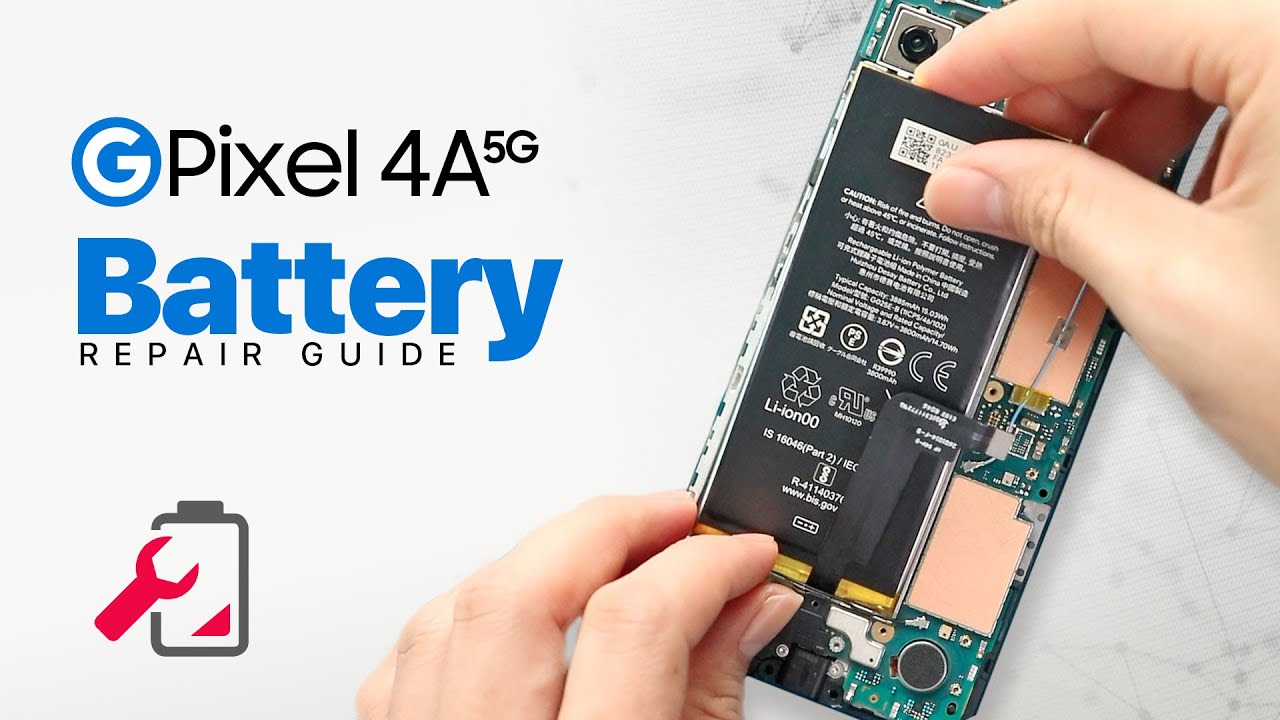
Google Pixel 4a 5G Battery Replacement

Google Pixel 4a 5G Battery Replacement

© 2025 ycliper. Все права защищены.


  • Контакты
  • О нас
  • Политика конфиденциальности


Контакты для правообладателей: [email protected]