Facebook and Instagram Integration Setup - GHL HighLevel
Автор: Lead Nerds
Загружено: 2024-11-01
Просмотров: 1872
Описание:
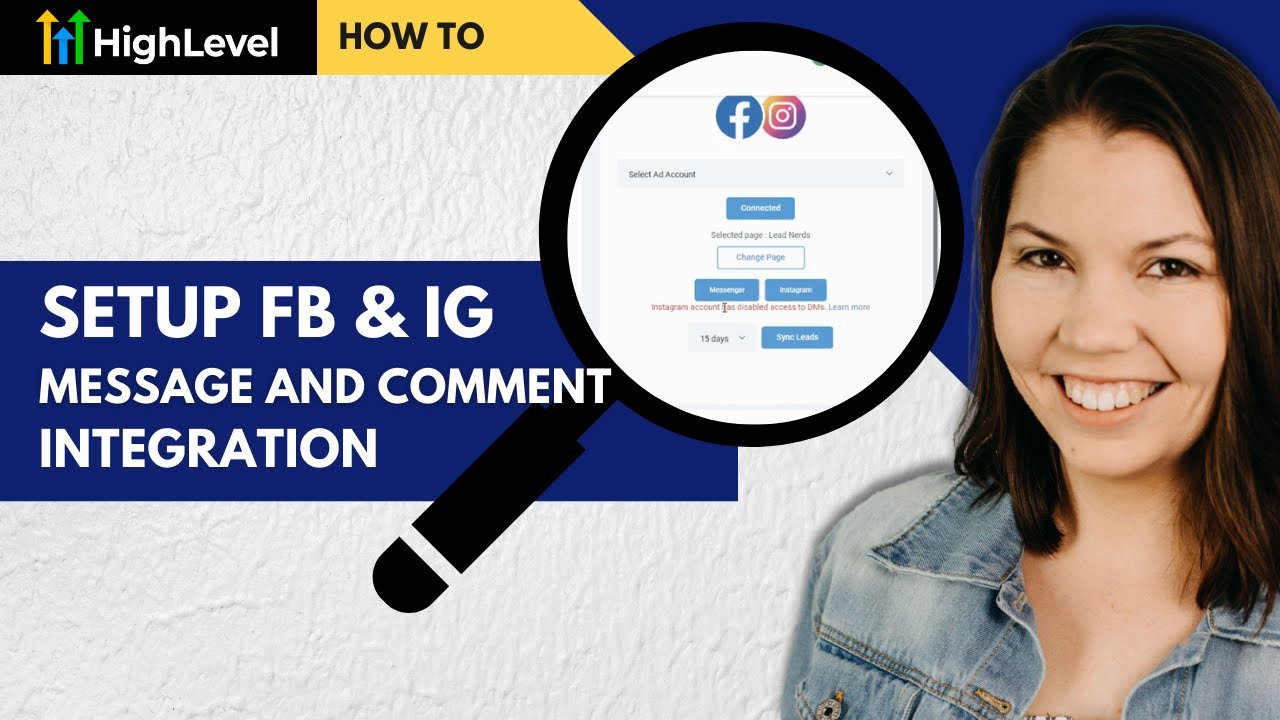
How to Connect Instagram and Facebook to High Level for Message and Comment Workflows
Integrating your Instagram and Facebook accounts with High Level can revolutionize how you interact with your audience. Follow these simple steps to get everything up and running:
1. Connect Your Social Accounts
Navigate to Integrations: Log in to your High Level account and go to Settings -Integrations.
Connect Facebook: Click on the Connect button for Facebook and log in using your Facebook credentials.
Select Pages: Grant High Level access to the Facebook Pages you want to manage. Ensure the Instagram account is linked to your Facebook Page.
2. Enable Instagram Messaging
Go to your Facebook Page settings and ensure your Instagram account is connected under Linked Accounts.
Verify that you have allowed messaging permissions for your Instagram account to enable High Level to access incoming messages.
If you haven't signed up with HighLevel yet, support us through our Referral Link: https://www.gohighlevel.com/?fp_ref=l...
----------------------------------
Did this video help you? Support us and the content we make!
Follow Us on Instagram
/ leadnerds.io
Check out our website for more resources
https://www.leadnerds.io/resources/
Повторяем попытку...
Доступные форматы для скачивания:
Скачать видео
-
Информация по загрузке:


![Chicago Soul | Marvin Gaye Inspired 1970s Soul — Mercy & Grace [Unreleased Album]](https://imager.clipsaver.ru/YTytykkOygg/max.jpg)