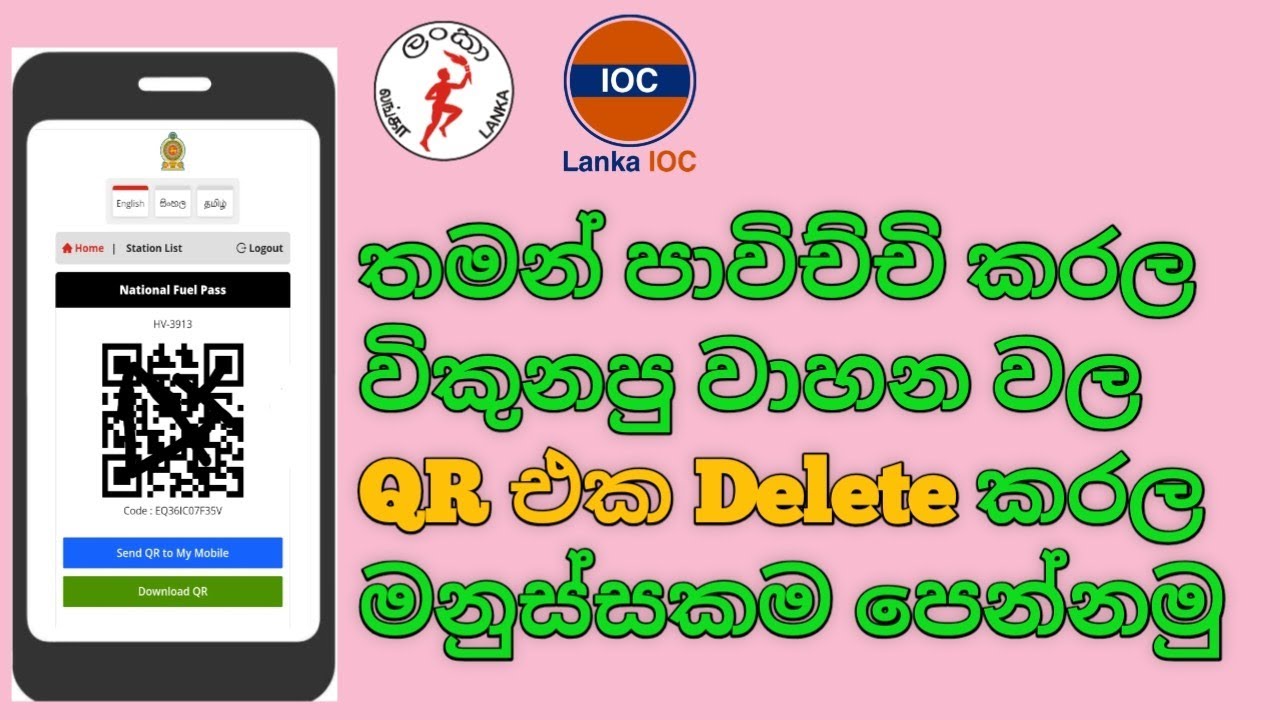
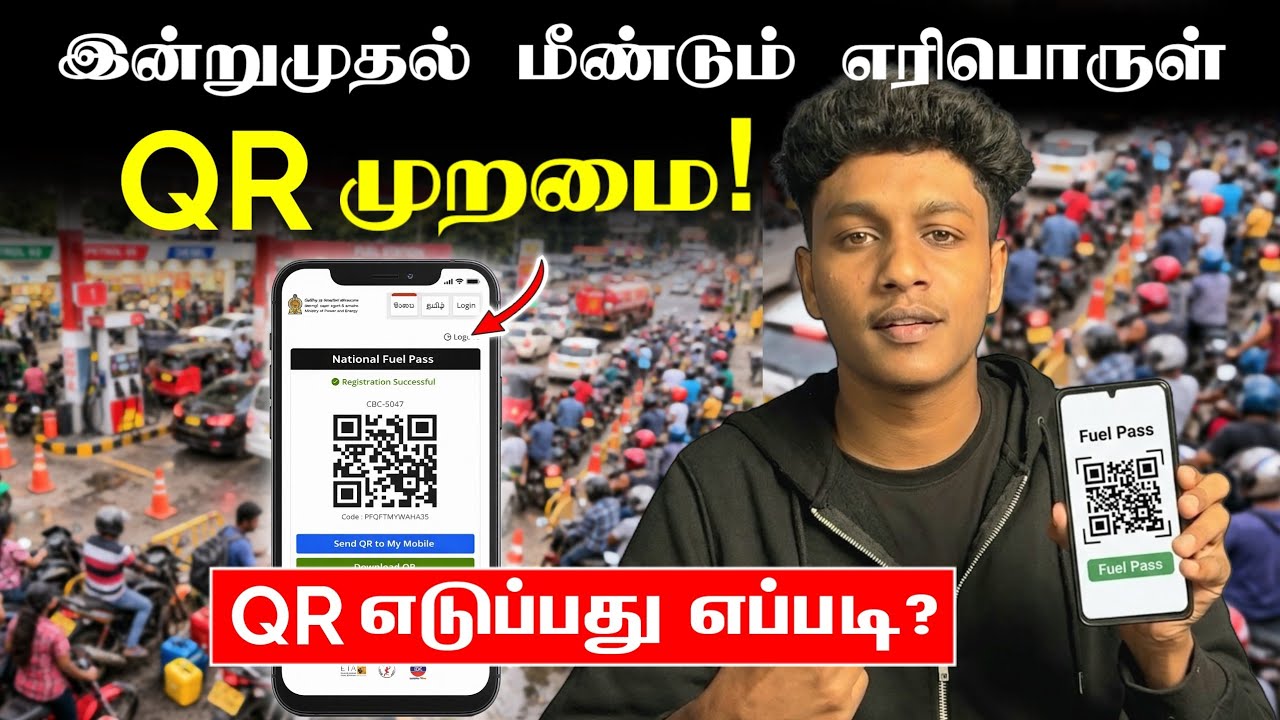
How to Get Qr Code For Fuel Pass | Qr code hadana hati | Register Fuel Pass | qr code petrol
Автор: RV Academy LK
Загружено: 2026-03-15
Просмотров: 100125
Описание:
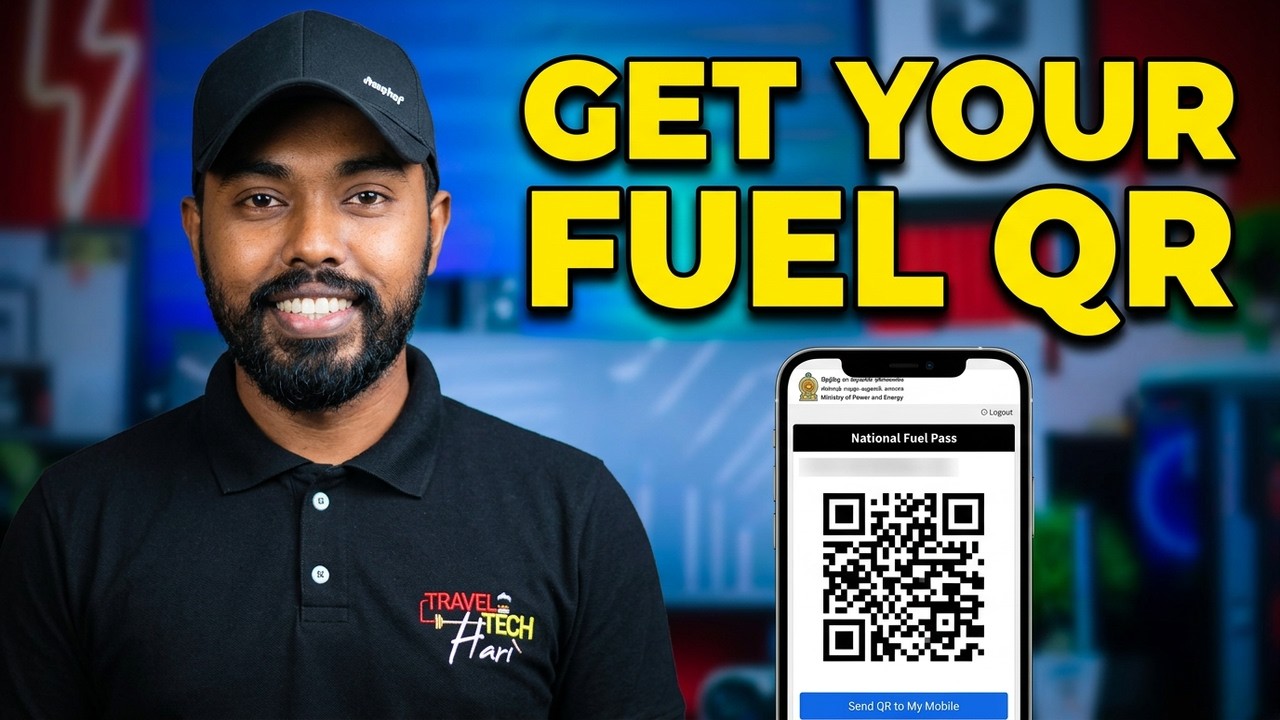
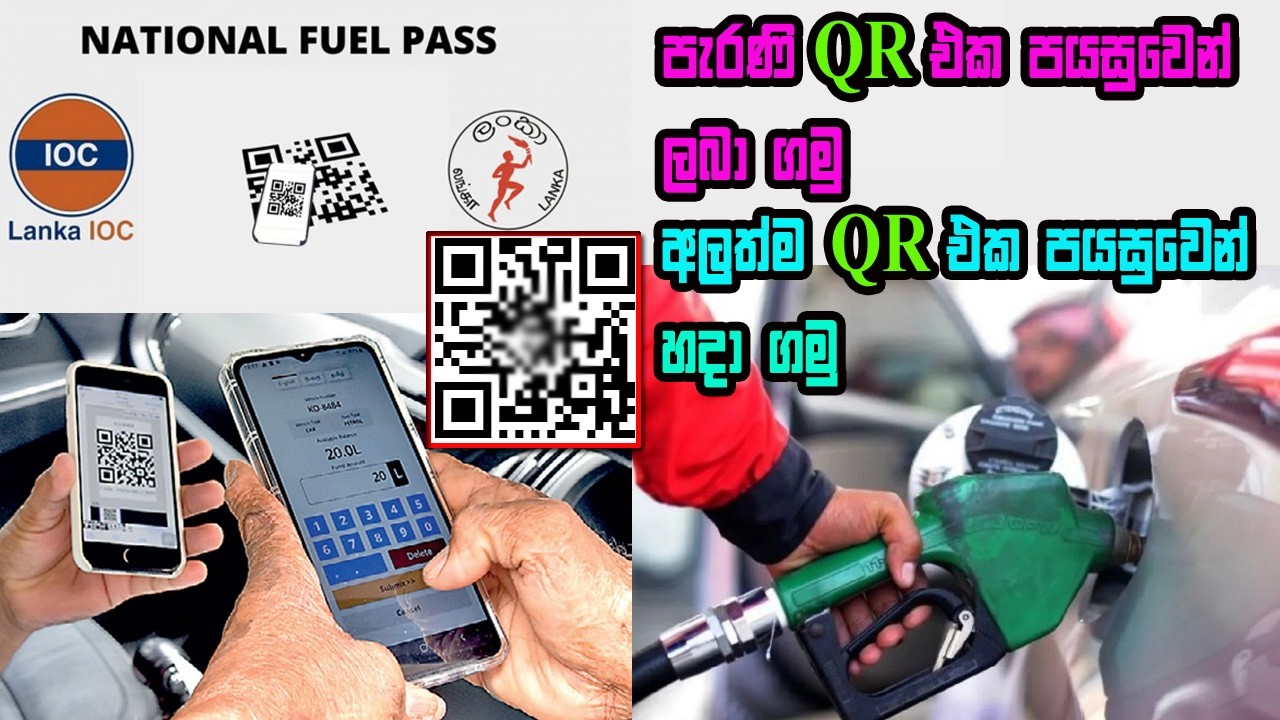
As of March 15, 2026, the National Fuel Pass (QR code) system has been reinstated in Sri Lanka to manage fuel distribution due to global supply disruptions.
Here is a quick guide on how to get or retrieve your QR code:
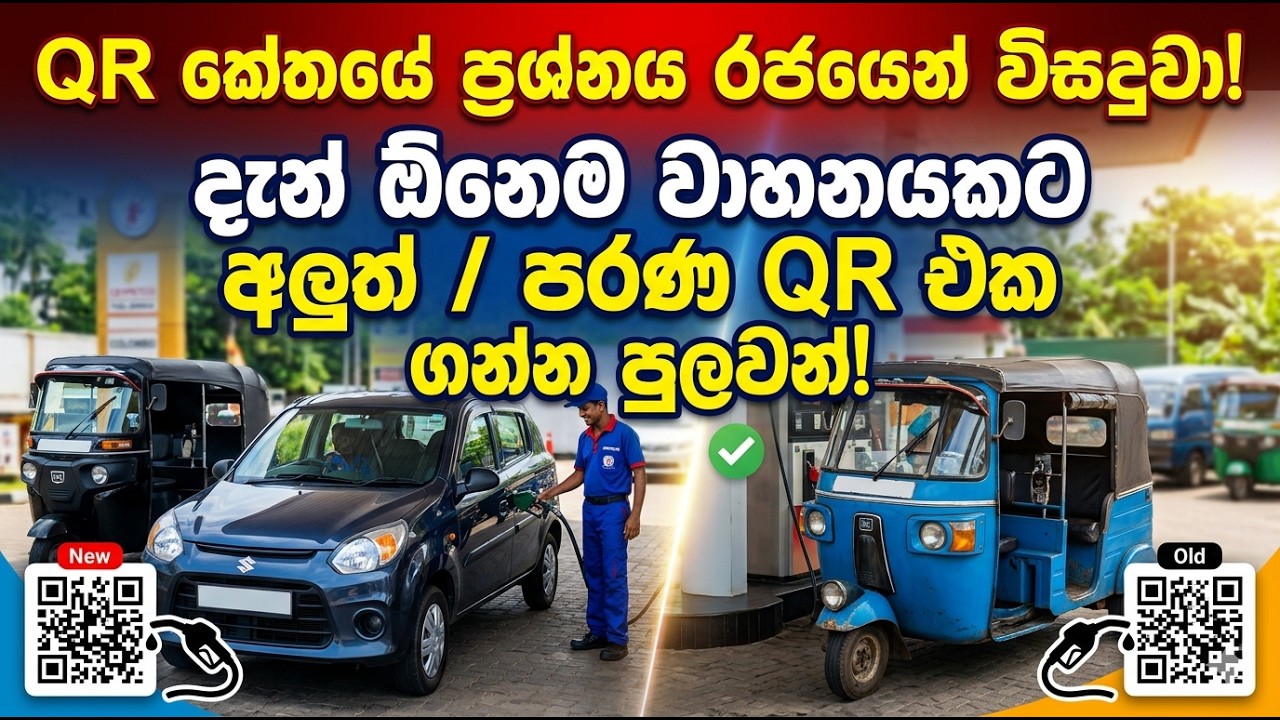
1. Register for a New QR Code
If you have a new vehicle or have changed your phone number since the last time the system was active, follow these steps:
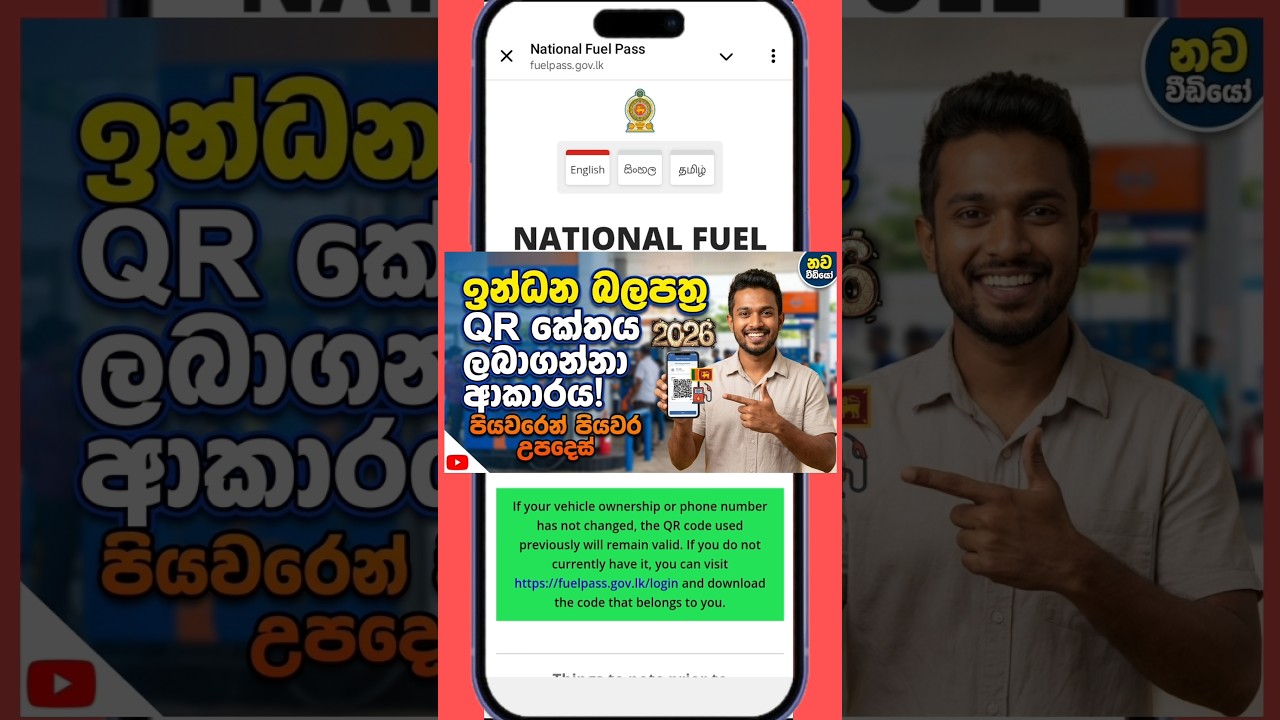
Visit the Website: Go to the official portal at fuelpass.gov.lk (https://fuelpass.gov.lk/).
Enter Details: You will need to provide your NIC/Passport/Business Registration Number, Mobile Number, and Vehicle Registration Number.
Chassis Number: Ensure you enter the chassis number exactly as it appears on your vehicle's registration certificate (CR).
OTP Verification: A One-Time Password (OTP) will be sent to your mobile phone. Enter it to verify your account.
Download: Once registered, your unique QR code will be displayed. Save it as an image on your phone or print a physical copy.
2. Retrieve an Existing QR Code
If you were already registered and your vehicle/phone details haven't changed:
Go to the fuelpass.gov.lk (https://fuelpass.gov.lk/) website.
Select the "Vehicle Login" option.
Enter your registered mobile number to receive an OTP.
Once logged in, you can view and download your original QR code.
3. Current Weekly Quotas (Sample)
The system currently limits fuel based on vehicle category:
Motorcycles: 5 Litres
Motor Cars / Three-Wheelers: 15 Litres
Vans: 40 Litres
Buses: 60 Litres
Quick Tip: If you lose your QR code and can't access the website, you can often retrieve it via SMS by typing Fuel QR (Vehicle Number) and sending it to 0766220000.
#qrcode #srilanka #fuelpass
Повторяем попытку...
Доступные форматы для скачивания:
Скачать видео
-
Информация по загрузке: