Easy RTK set-up on a SparkFun Facet with Polaris RTK
Автор: Point One Navigation
Загружено: 2024-04-14
Просмотров: 2240
Описание:
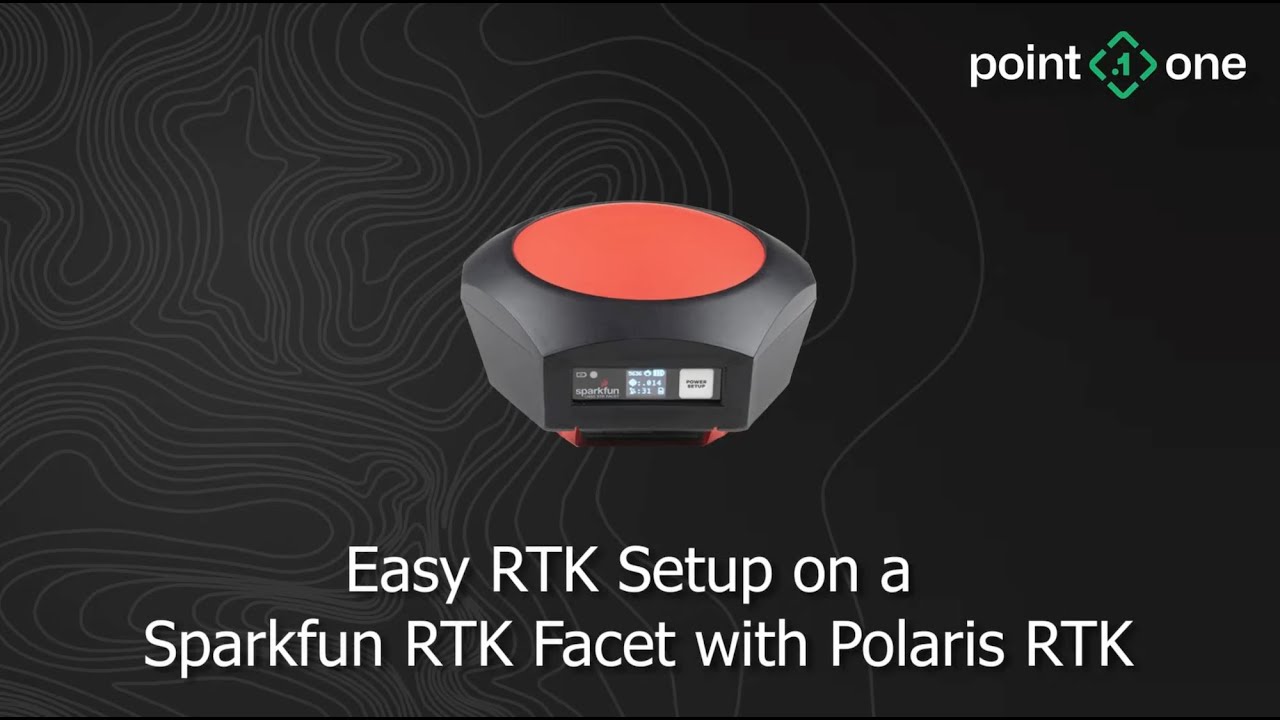
Today we have the @sparkfun RTK Facet. This is an RTK survey receiver with an integrated antenna, and we’re going to show you how to set it up with the Point One Polaris RTK service.
The first step is to turn it on. So we’ll just go ahead and press and hold this button, and you’ll see that it wakes up and shows us the version of the firmware and it should say rover very briefly. And then we’ll immediately start to acquire GPS signals. You’ll see the second line indicate the estimated accuracy, and the third line there indicate the number of satellite that it’s tracking. And the next step is to configure this on our phone. So the first thing we need to do is to create a project.
We’ve already done that, so we’ll go ahead and continue with our current project. The next step is to actually connect the app to the facet. To do that, hit the icon in the upper left, go to Bluetooth GNSS, and then hit the scan button. You’ll see your rover show up on the list.
Go ahead and hit the checkbox and then hit the connect. Just as a note, you’ll actually want to first change this so that it says SparkFun RTK in the instrument model and the height you’ll want to set to the height of your survey pole. This is because the device will give you the position of the antenna, and usually you’re interested on measuring what’s at the bottom of your pole. Today we’ll call that 2 meters. Hit connect, and then you’ll see a position, a latitude or longitude being shown here in the UI and the status on the top saying Bluetooth GNSS connected. Excellent.
So now we can close this and go back into the UI. And if we hit the little button there, we’ll see that we are at the position where we’re recording this video. Now, this is just using the position from the Facet. The next step is to actually connect it to the Polaris RTK network.
So to do that, we’re going to go into the app and then go to the NTRIP client menu. Now, what we’ll see here is a series of settings. You can get the caster and the port from our manual. In the US, that’s going to be polaris.pointonenav.com, and the port will be 2101. In the EU, your caster will be polaris-EU.pointonenav.com.
I happen to have some devices already created, but we can go ahead and create a new device for this SparkFun RTK Facet. We’ll just call it here sparkfun, name it whatever you like, and then hit add. Then we can see the newly created device. Click on that, and then we’ll see our credentials. So we’ll go ahead and copy those credentials, bring them over to our NTRIP client application here. And the same for the password. Make sure that the send NMEA GGA to caster option is set. And then you can go ahead and hit the connect button. You’ll see that it’ll say NTRIP connected. And you’ll see some information about the base station’s position and some other data rate. And go ahead and close this little menu.
And if we look, the position actually turned into a green dot. Green indicates that it’s using an RTK fixed solution. This is the highest possible accuracy that you’ll get out of your Facet. And looking at the Facet itself, it’s reporting about a 1.4 centimeter accurate solution, which is what we’d expect to see using the Polaris network. So now you can go ahead begin your surveying routine as you normally would and enjoy the accuracy of the SparkFun Facet with the Polaris RTK network.
To learn more visit the Point One Navigation website: https://pointonenav.com
#RTK #GNSS #Sparkfun #sparkfunfacet #polarisrtk #GPS #NTRIP
Повторяем попытку...
Доступные форматы для скачивания:
Скачать видео
-
Информация по загрузке: