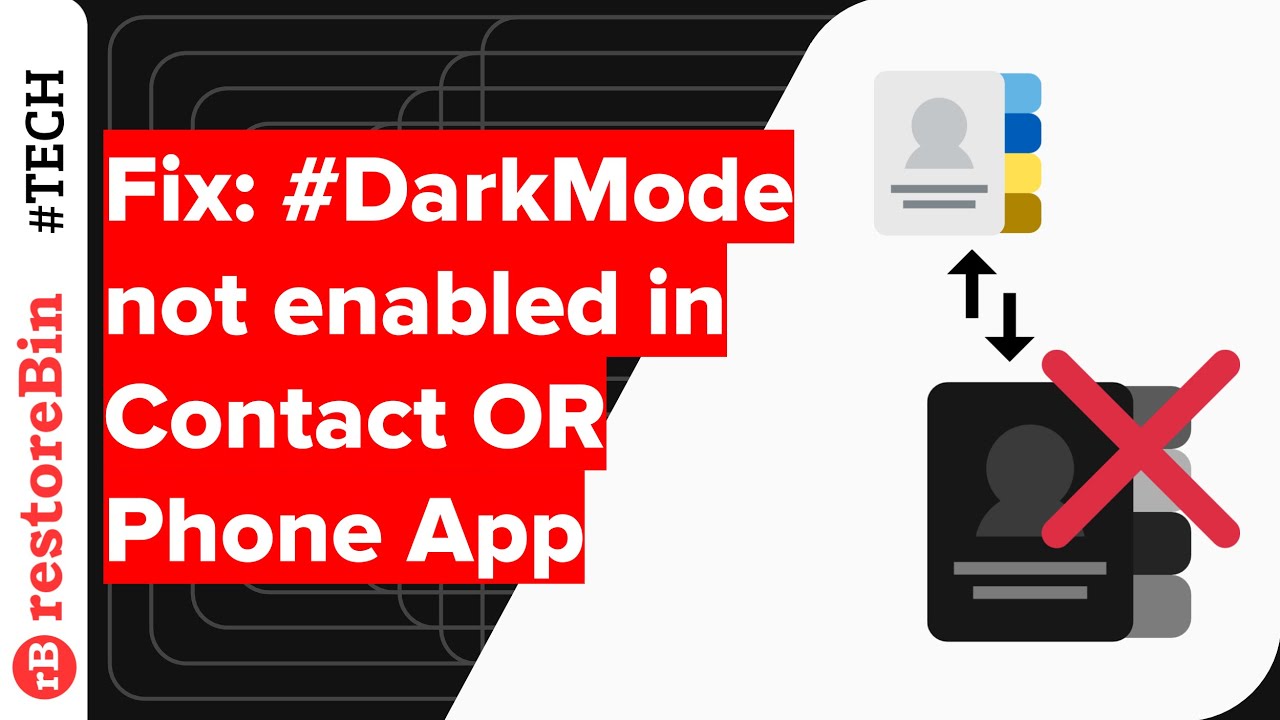
(SOLUTION) Dark theme option not working in Android Contact/Phone App
Автор: Digital Tech Studio
Загружено: 2018-12-25
Просмотров: 2001
Описание:
In this demo, I'm going to share a solution to fix the issue with Android Contact or Phonebook app that does not allow to switch from Dark theme to light theme. Basically, the display option to toggle dark theme is not responding or greyed out.
After doing some ad-hoc checks between different Google basic apps like Contact, Phone, and Messaging I found that somehow these 3 apps are independent but interconnected.
So in order to fix the issue, you need to first disable the dark mode theme in Android Message App. Below are the steps to follow:
1. Open Android Message App
2. Hit on 3 dots at the top to view options/settings
3. Select the 5 options "Disable dark mode"
4. Return to Android Phone or Contact App
5. Hit 3 dots to select Settings and later Display options
6. Now you can see the dark theme toggle button is enabled
Read more:https://www.restorebin.com/tech/apps/...
#AndroidPhoneDarkTheme #DarkModeIssue #AndroidSystemDarkMode
___________________________________
@restoreBin - Live Your Own Life!
We share awesome tips and versatile solutions for tech, digital, money, and living for everyone out there. Stay Curious!
---
Blog: https://www.restorebin.com
---
Повторяем попытку...
Доступные форматы для скачивания:
Скачать видео
-
Информация по загрузке: