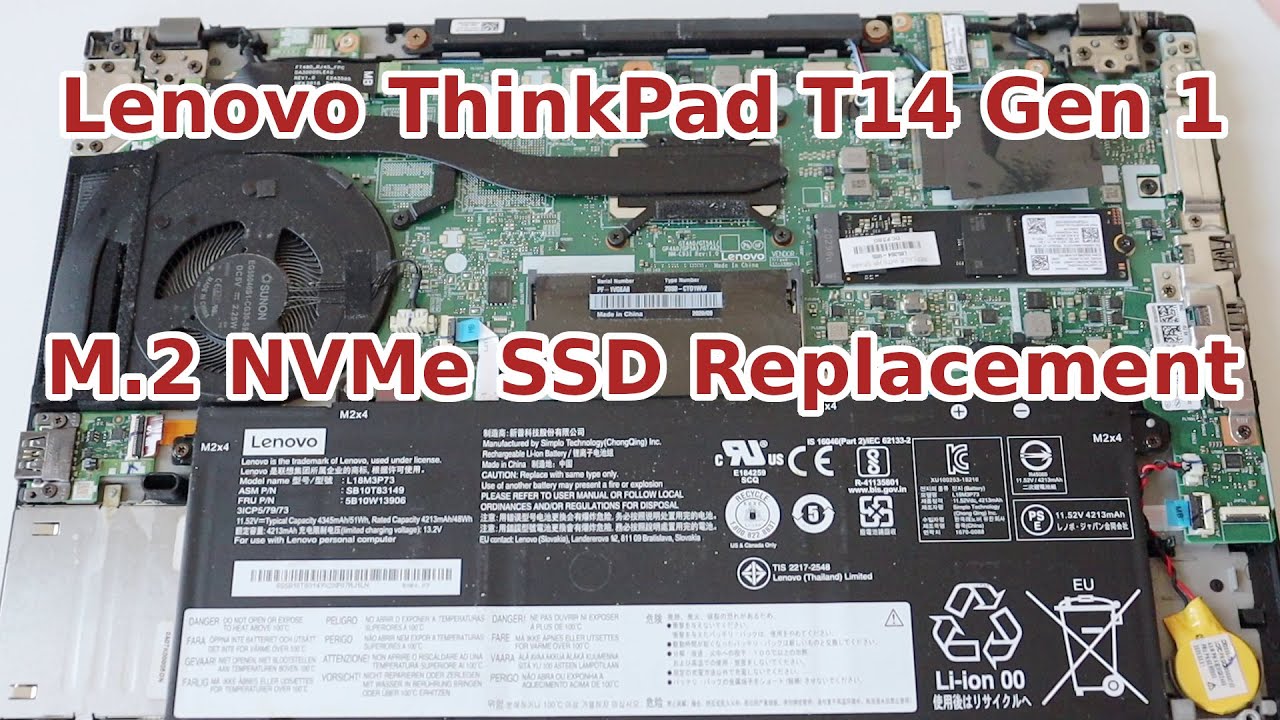
Replacing Your M.2 Solid State Drive | ThinkPad T14 and P14s Gen 1 and 2 | Customer Self Service
Автор: Lenovo Support
Загружено: 2022-06-23
Просмотров: 24769
Описание:
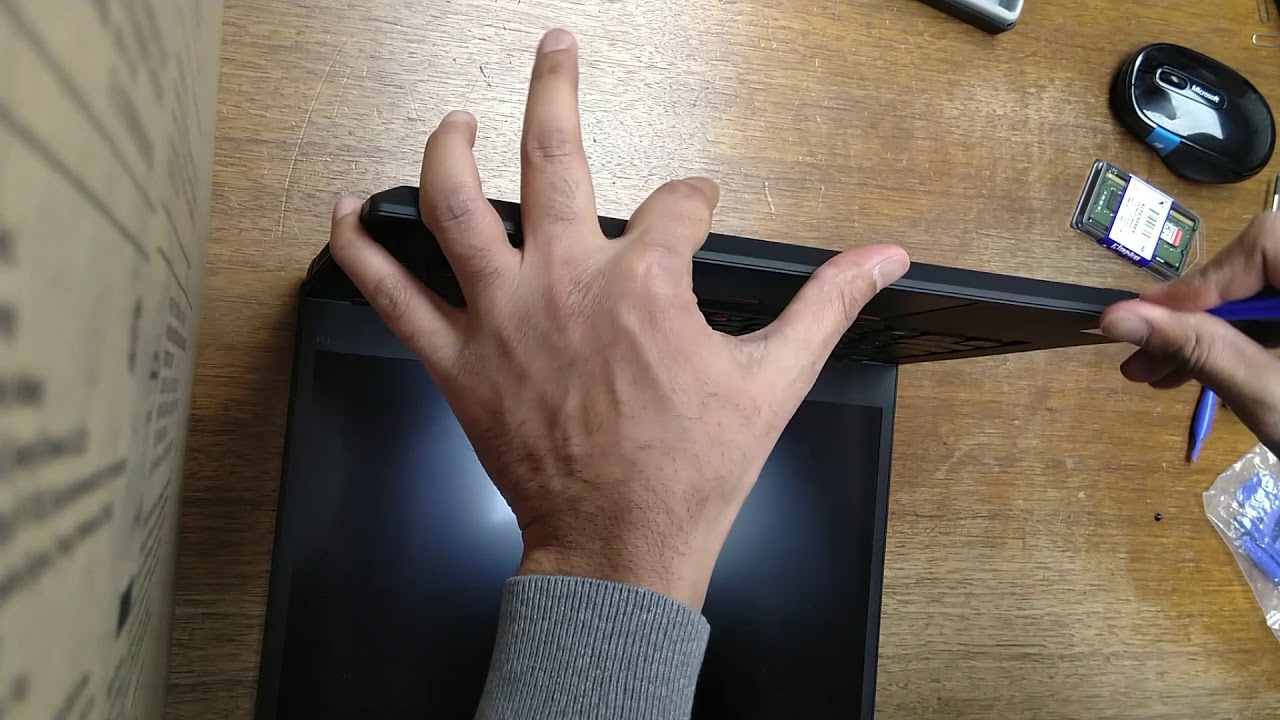
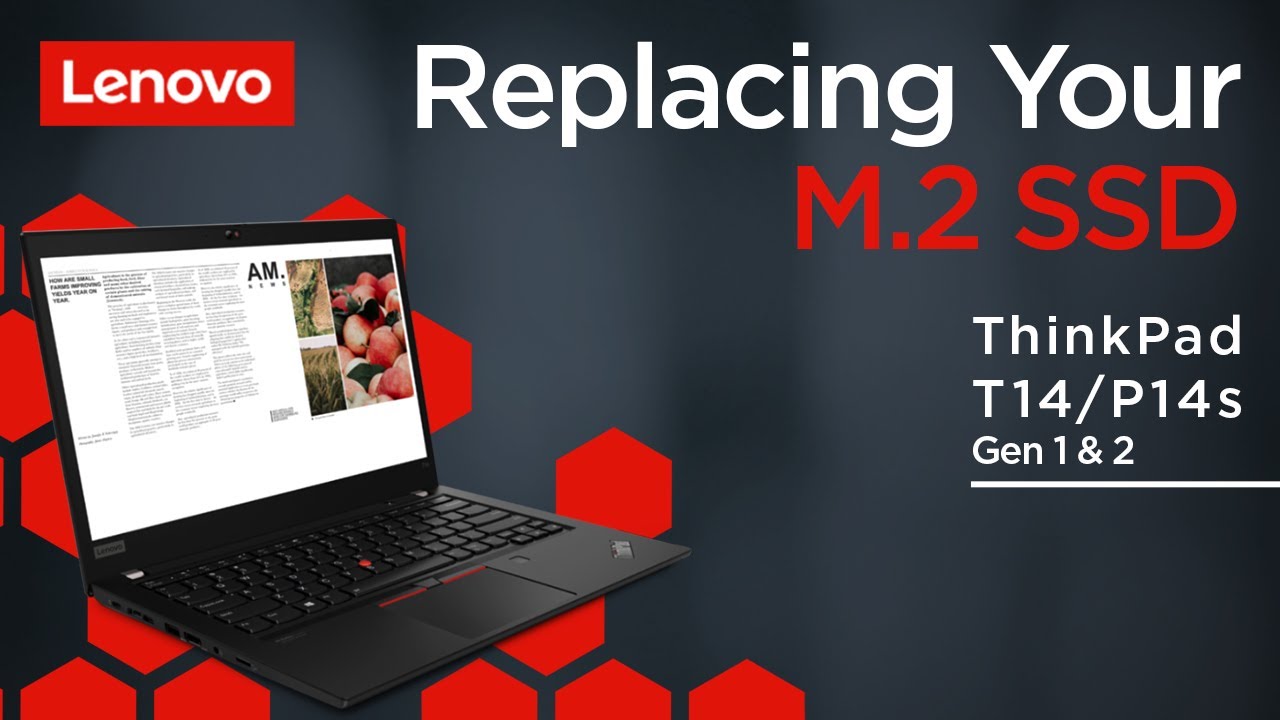
This video will show you how to replace the M.2 Solid State Drive of your ThinkPad. The process in this video will work for the ThinkPad T14 Gen 1 and Gen 2 and the ThinkPad P14s Gen 1 and Gen 2.
You will need a screwdriver kit, a non-metallic pry tool, and 15 minutes of your time.
ThinkPad T14 Gen 1 Repair Guide: https://pcsupport.lenovo.com/us/en/pr...
ThinkPad T14 Gen 2 Repair Guide: https://pcsupport.lenovo.com/us/en/pr...
ThinkPad P14s Gen 1 Repair Guide: https://pcsupport.lenovo.com/us/en/pr...
ThinkPad P14s Gen 2 Repair Guide: https://pcsupport.lenovo.com/us/en/pr...
To learn more about your device go to https://pcsupport.lenovo.com
To find parts for your device go to https://support.lenovo.com/parts-look...
To view the Lenovo Support Self-Repair Guides landing page go to https://support.lenovo.com/us/en/solu...
** NOTE: Static electricity can destroy components. Use a grounding strap, and clean, non-conductive surface to work on. Use plastic or coated tools to prevent scratching and avoid using metal tools on plastic parts. For more detailed information on electrostatic discharge and how to prevent it, please watch our ""Understanding Electrostatic Discharge (ESD)"" video: • Understanding Electrostatic Discharge (ESD)
Applicable Machine Types:
ThinkPad T14 Gen 1 - 20S1, 20S0, 20UE, 20UD
ThinkPad T14 Gen 2 - 20W0, 20W1, 20XK, 20XL
ThinkPad P14s Gen 1 - 20S4, 20S5, 20Y1, 20Y2
ThinkPad P14s Gen 2 - 20VX, 20VY, 21A1, 21A0
#lenovo #LenovoSupport #LenovoTechSupport
Повторяем попытку...
Доступные форматы для скачивания:
Скачать видео
-
Информация по загрузке: