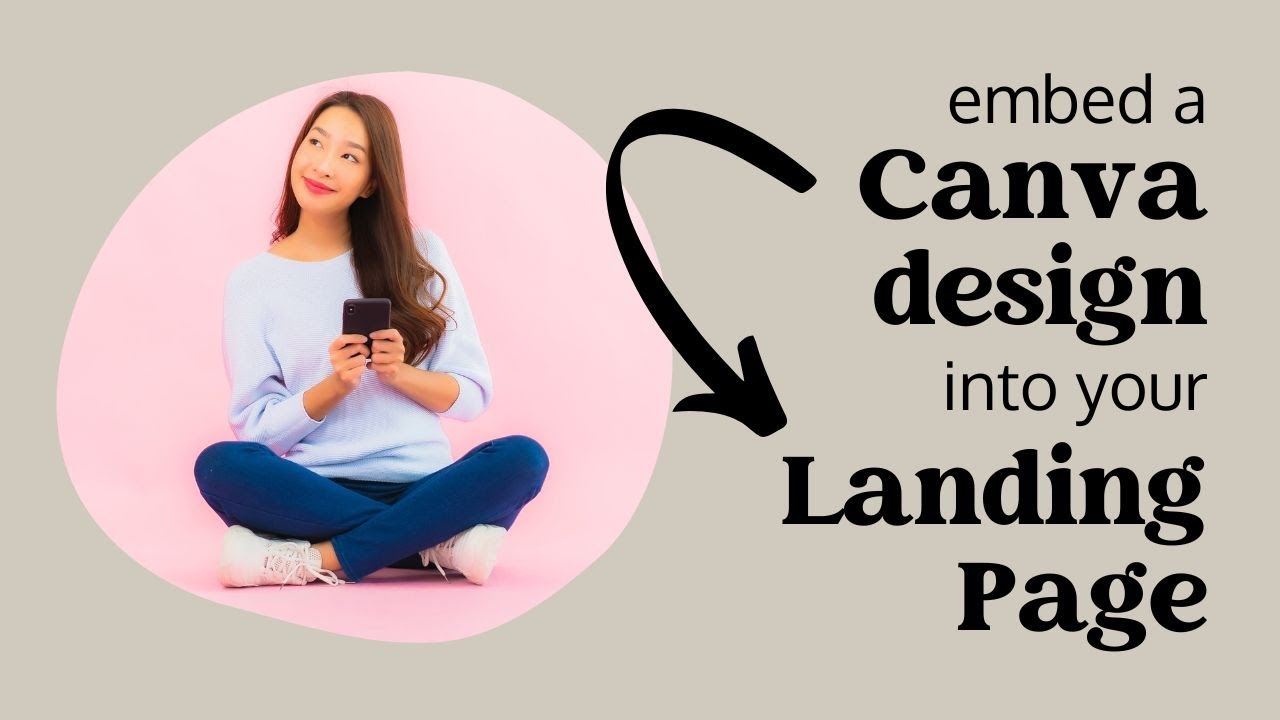
Embed a Canva Design in your Project Broadcast Landing Page: How (and Why)
Автор: Julie Godshall at Sparkhub
Загружено: 2023-03-03
Просмотров: 1144
Описание:
Canva designs make a great addition to your Project Broadcast Landing Pages (PBLPs). Here are a few reasons why - and the exact steps to make sure your design displays beautifully for the viewer.
Join Project Broadcast: sparkhub.app/pb
You can create PBLPs even with a free "social" account!
Learn how Sparkhub can automate your PBLP content for your events at sparkhub.app/demo
Timestamps & outline:
0:00 intro & demo
Why are embedded Canva designs so great?
1:00 - interactivity & streamlined content
1:32 - accessibility
2:11 - flexibility for viewer
2:19 - add video in any dimensions (you can have vertical video on your page!)
3:25 - update content easily across multiple PBLPs
4:12 - reuse content you've already created in Canva
How can you embed a design?
5:12 - how to embed
5:33 - step 1: prepare design to guide the viewer
6:06 - step 2: get the embed code
6:47 - step 3: add code to the PBLP in an HTML block
7:53 - step 4: edit the code if needed so it won't present as a single video, and so you can remove the footer if desired
9:26 - step 5: test desktop and mobile views in real life (not just on the design screen)
Повторяем попытку...
Доступные форматы для скачивания:
Скачать видео
-
Информация по загрузке:








![FIGMA С НУЛЯ ЗА 1 ЧАС: Полный курс для новичков [2025]](https://imager.clipsaver.ru/QxstLdREVYY/max.jpg)