Infinity Symbol - Adobe Illustrator Tutorial
Автор: Holmes Motion
Загружено: 2022-07-11
Просмотров: 10250
Описание:
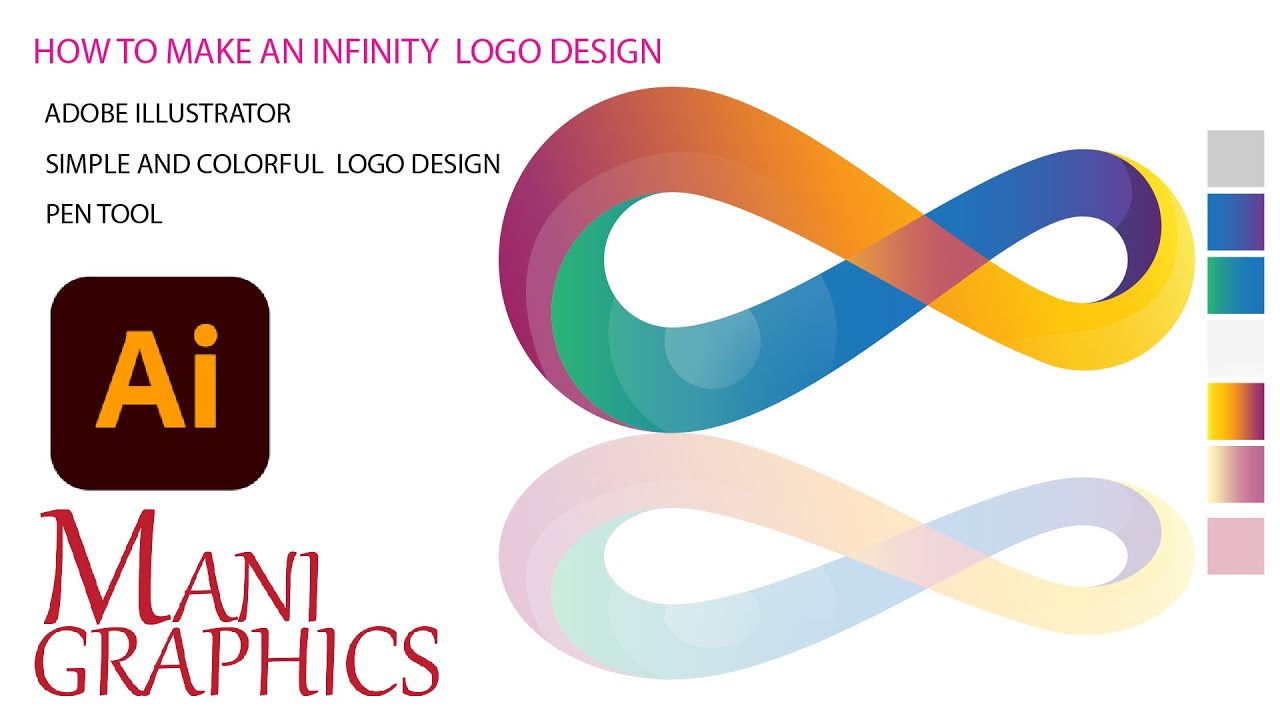
Here's how to design and create an Infinity Symbol in Adobe Illustrator, all within 60 seconds.
----------------------------------------------------------------------------------------------------------------------------------------------------------
Create a 1920x1080 canvas, give it a name and press create
Create two guides, one in the center and one 50px to the left
Create a circle that's 400 by 400 pixels and center it
Move it 250 pixels to the left and give it a 50 point stroke
Move this point on the circle 50 pixels to the right
Use the anchor point tool to make the edge angled
Drag these handles until they touch the second guideline
Duplicate the shape, flip it horizontally and position it like so
Now use the scissors tool to separate the points, leaving one where it is
so we know where the center is.
Select two diagonally opposite points and join them together
Do the same for the other two points
Now drag all the points back to the center
Increase the stroke to 100
Duplicate the shape and drag it down
Delete some of the points until you have an S shape
Duplicate the s and flip it
Align them both to center
Add some color to the main shape and the foreground S
Add a gradient to the background S
set opacity to 0 on the outer gradient edges
Change the gradient color to your background color
And align your gradient along stroke
----------------------------------------------------------------------------------------------------------------------------------------------------------
Instagram - / holmesmotion
Patreon - / holmesmotion
Gumroad - holmesmotion.gumroad.com
Повторяем попытку...

Доступные форматы для скачивания:
Скачать видео
-
Информация по загрузке: