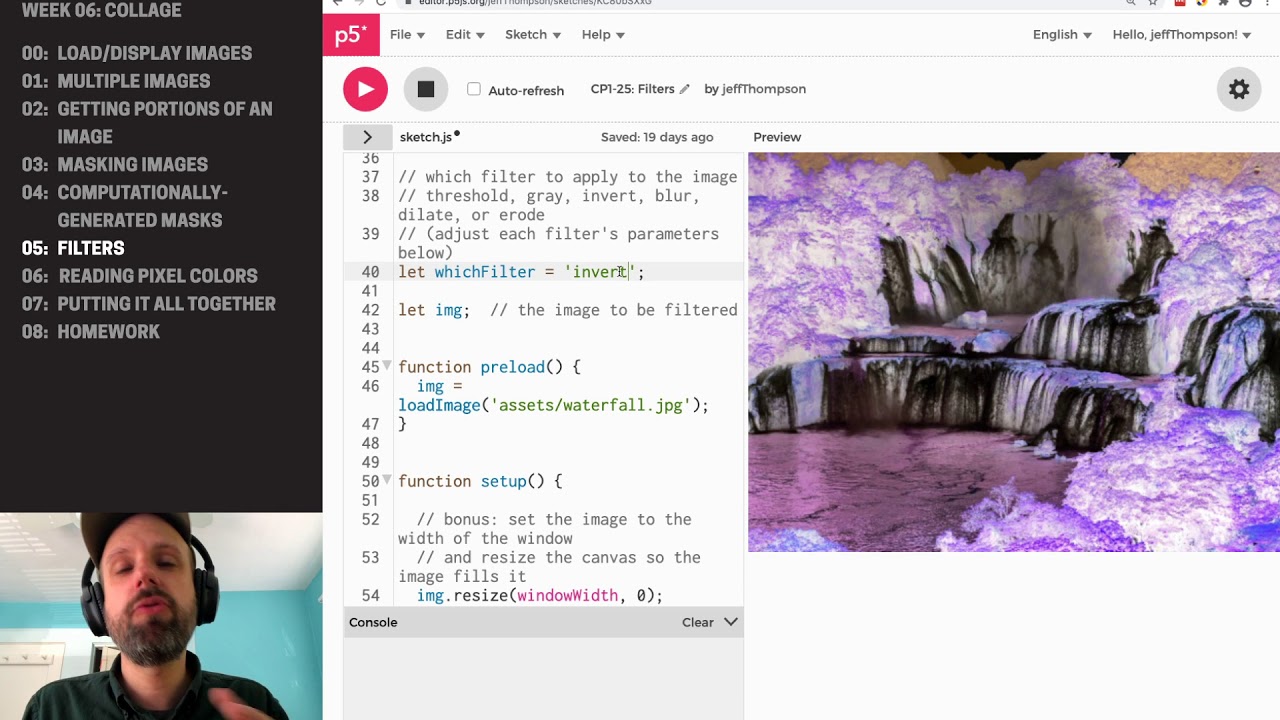
CP1: Collage in P5JS – Filters
Автор: Jeff Thompson
Загружено: 2020-10-19
Просмотров: 1367
Описание:
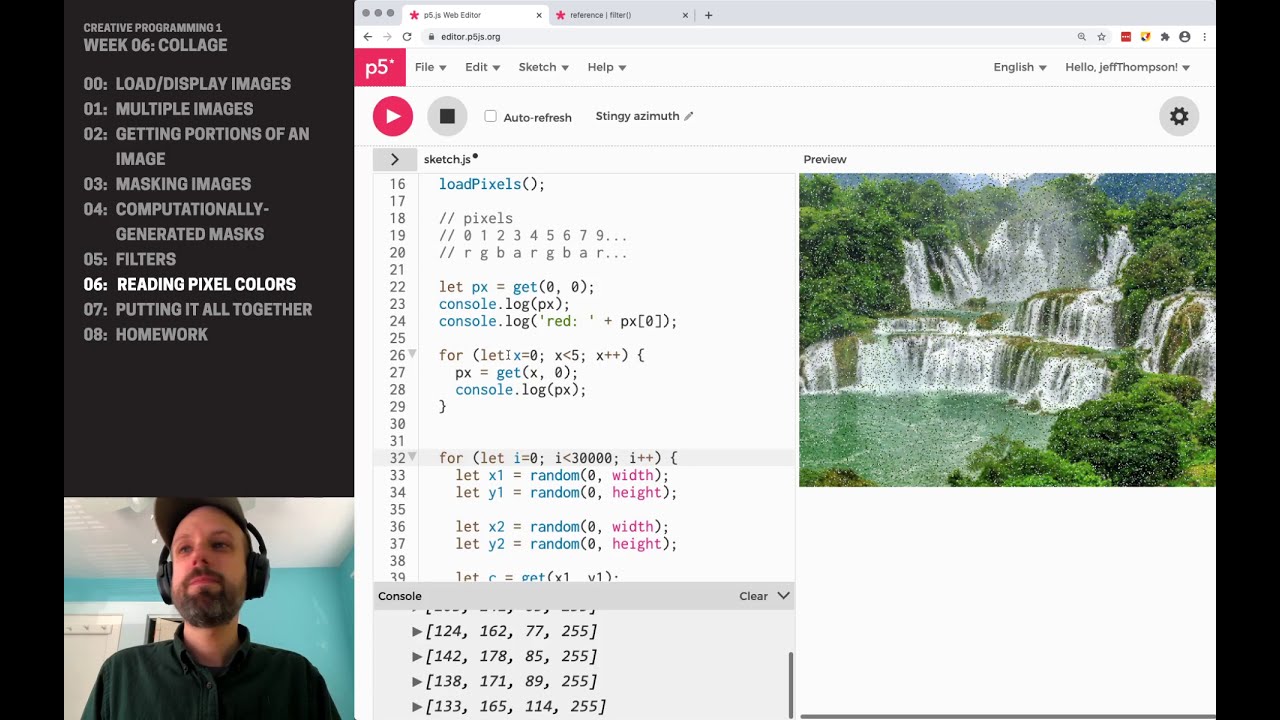
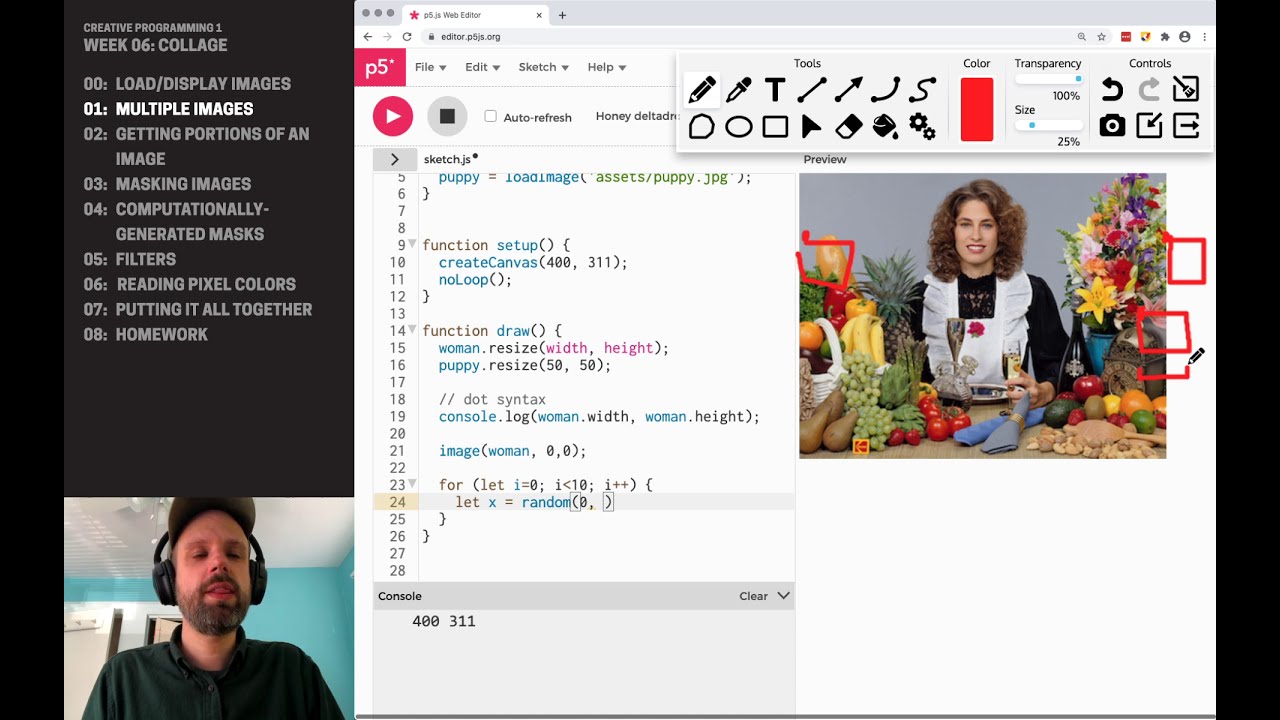
p5.js comes with some pre-built filters that change the pixels onscreen, ranging from converting a color image to grayscale to smooth blurring. The filters can be used for artistic effect on their own (though, like the filters in Photoshop, they tend to look a bit cheesy and pre-made) but can be helpful when combined with other filters or as a step before cutting out sections for collage.
While these filters are awesome, they are also a bit limited. Think about when it makes the most sense to transform the images (resize, crop, filter, etc) in your code vs ahead of time in another piece of software like Photoshop. In CP2 we'll implement a few of these ourselves! We'll also see some of these filters used in computer vision to prepare images for object detection, and again in machine learning to make training and feature extraction easier.
ORDER MATTERS!
Like signal processing in audio, the order in which we apply filters matters. If we first blur, then threshold, we'll get a very different result than in the opposite order. Thinking about how you apply the filters (or at least trying things and see what happens) will be important to get the best results.
🖥 https://editor.p5js.org/jeffThompson/...
ALL THE VIDEOS IN THIS UNIT
🎥 • CP1: Week 06 (Collage)
CHALLENGES
❓ Can you chain several filters together to make something more interesting than a single on by themselves? For example, try blurring before running a threshold filter.
Повторяем попытку...
Доступные форматы для скачивания:
Скачать видео
-
Информация по загрузке: