How To Set Up Email Forwarding in Gmail
Автор: SelfScope
Загружено: 2025-09-17
Просмотров: 3
Описание:
How To Set Up Email Forwarding in Gmail
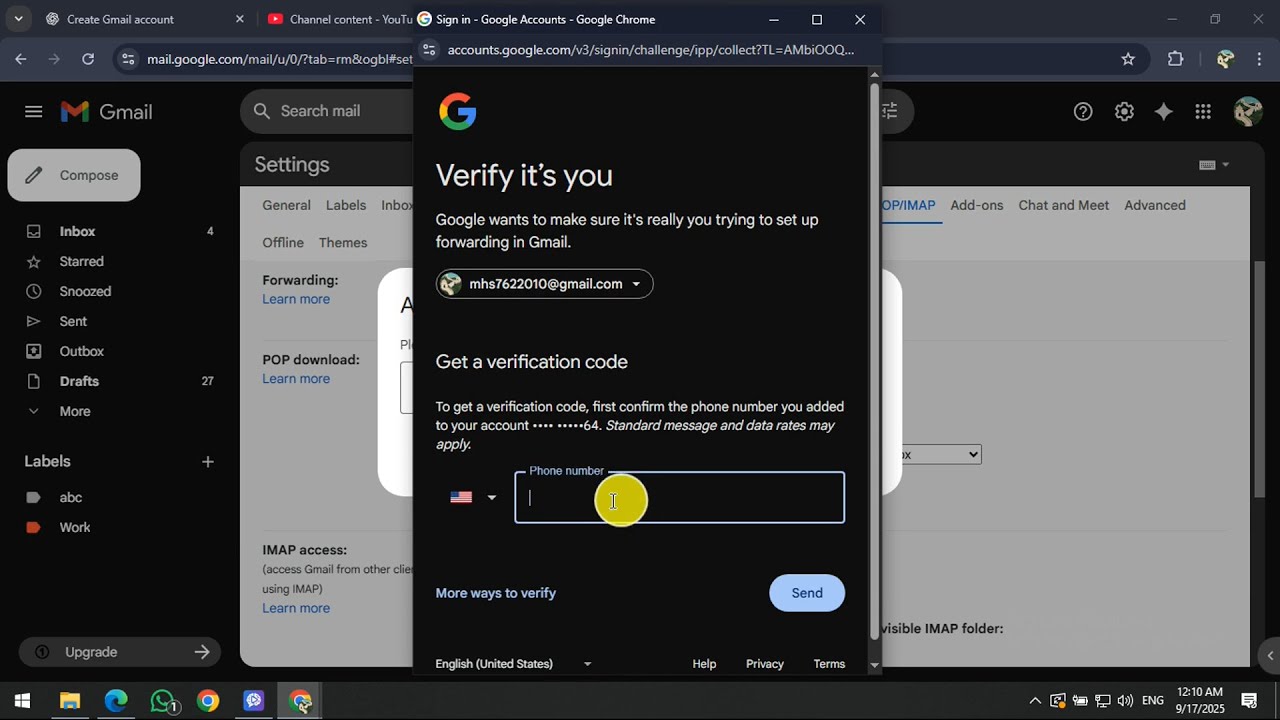
Looking for How To Set Up Email Forwarding in Gmail? In this video, we'll guide you through setting up Gmail email forwarding to ensure you never miss a message, even when using multiple email accounts. Email forwarding is essential for managing emails efficiently, allowing seamless communication by automatically sending emails from one address to another. We start by signing into your Gmail account and navigating to the gear icon in the top-right corner. By clicking "See all settings," you enter the settings dashboard where you'll find critical options for configuring email forwarding. Next, access the 'Forwarding and POP/IMAP' tab to initiate the process of forwarding emails to a different address effortlessly. You'll click 'Add a forwarding address,' where you'll input the email address you prefer for receiving forwarded messages. After entering the address, remember to hit 'Next' and confirm your choice by selecting 'Proceed' and 'OK.' Following this, you'll need to verify your forwarding address by entering a verification code sent to that address. Once verified, you can set how Gmail handles forwarded emails. Choose from keeping a copy in your inbox, marking it as read, archiving, or deleting – it's up to you. Don’t forget to save your changes! This assures that your forwarding setup remains effective. This guide to setting up email forwarding in Gmail is designed to simplify your email management, keep you organized, and save you time. We hope you find this tutorial helpful and implement the best practices to enhance your email handling. If you learned something new or found this helpful, please like the video, share it with others who might benefit, and subscribe for more insightful how-tos. Thanks for watching!
#EmailForwarding #GmailTips #EmailManagement #EfficientEmails #TechTutorials
Повторяем попытку...
Доступные форматы для скачивания:
Скачать видео
-
Информация по загрузке: