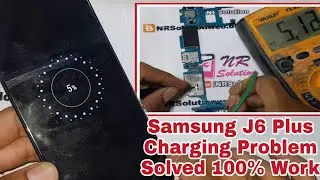
Samsung Galaxy J6 Plus Charging Problem Solution | Samsung J610F Charging Ways Jumper Repair
Автор: Mobile hardware solutions
Загружено: 2024-01-29
Просмотров: 1675
Описание:
This video explains the Samsung J6 Plus Charging Problem Solution in full detail. If your Samsung J610F is not charging, slow charging, fake charging, heating, or showing no battery symbol, this tutorial covers charging IC, USB connector ways, charging filters, jumpers, and voltage testing. Step-by-step guide in Urdu Hindi for mobile hardware repair technicians.
🔧 30 Step-by-Step Instructions
Switch off Samsung J6 Plus.
Remove SIM tray and back cover.
Disconnect battery connector.
Remove screws and lift motherboard shield.
Inspect USB charging port.
Check for dust, rust, or broken pins.
Clean USB port with IPA solution.
If pins broken, replace USB charging connector.
Test charging cable with another device.
Connect good battery and charger.
If still not charging, measure VBUS pin (5V).
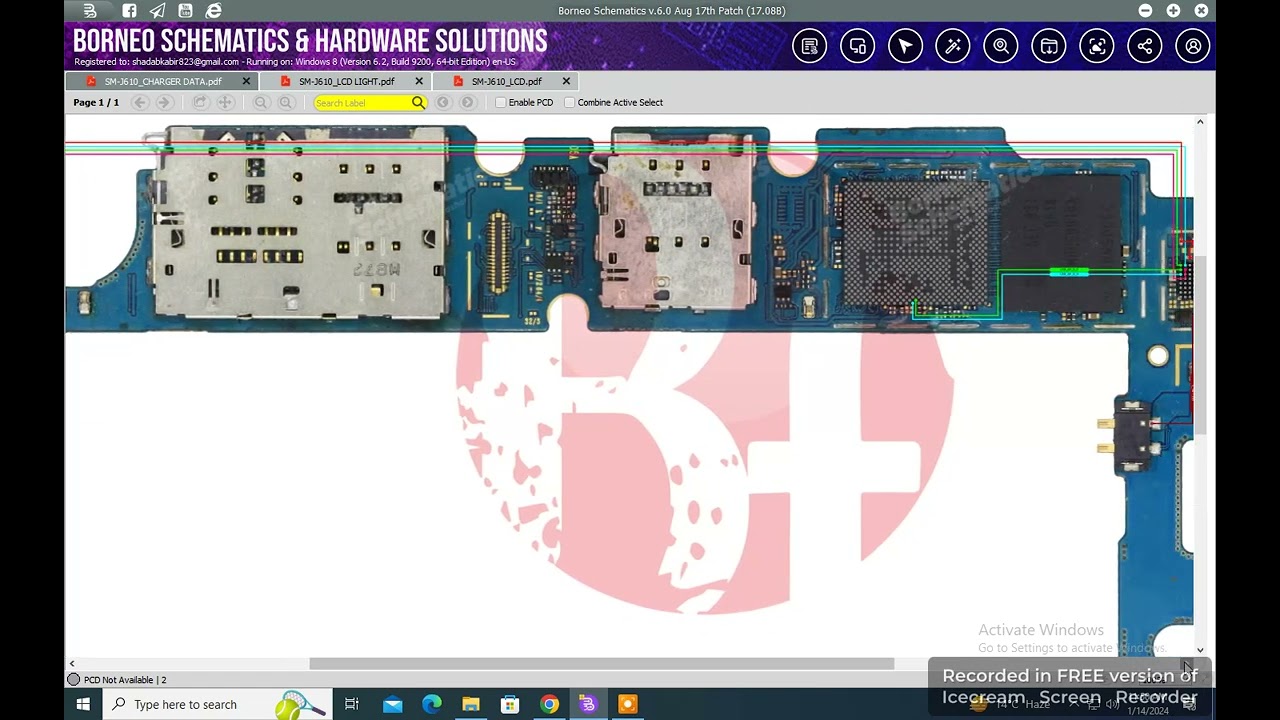
If no 5V, trace USB line to charging IC.
Check USB filter for continuity.
Replace damaged charging filter.
Inspect charging diode for short/open.
Replace faulty charging diode if needed.
Measure VCHARGE output (4.2V).
If missing, check charging IC input.
Replace charging IC if no regulation.
Inspect capacitors near charging section.
Replace shorted capacitors if found.
Reball charging IC if loose connection.
Check battery connector pins for damage.
Ensure BSI line continuity to PMIC.
Repair missing BSI jumper if open.
Test thermistor connection (NTC).
Replace faulty thermistor if not detecting.
Reassemble device carefully.
Connect charger and check charging symbol.
Verify stable charging up to 100%.
📢 Hashtags
#SamsungJ6Plus #SamsungJ610F #SamsungChargingProblem #SamsungNotCharging #SamsungChargingSolution #SamsungRepair #SamsungHardwareSolution #ChargingIC #USBConnectorRepair #MobileRepair
Повторяем попытку...
Доступные форматы для скачивания:
Скачать видео
-
Информация по загрузке: