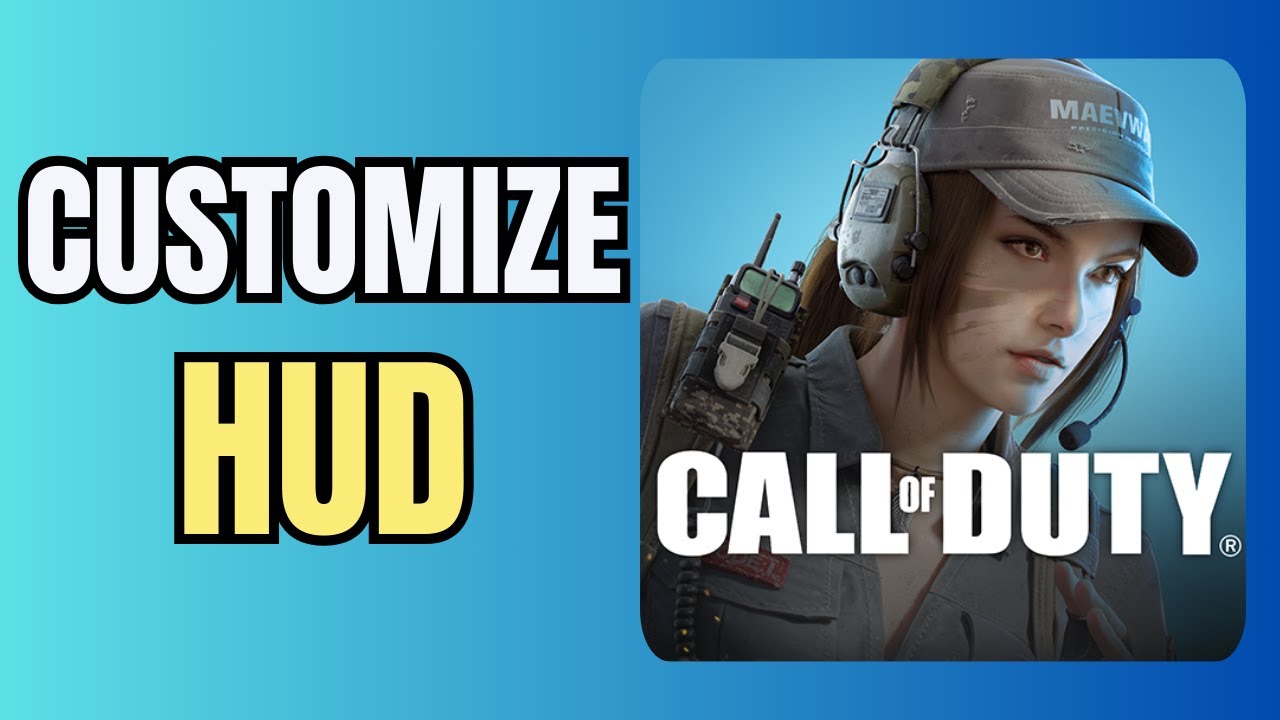
How To Customise HUD Layout In COD Mobile
Автор: Foxy Tech Tips
Загружено: 2021-10-14
Просмотров: 11789
Описание:
Easy to follow tutorial on customising your own HUD layout in Call Of Duty Mobile. By customising your HUD you can literally make the controls and HUD exactly how you want it. You can remap any button, make them bigger or smaller, remove buttons or HUD elements all together, and much more. Learn how to fully customise your HUD and control layout in COD Mobile now!
If you find this tutorial helpful please consider liking the video and subscribing to my channel! 🦊
#CallOfDuty #CODM #CODMobile #Tutorial
----------
Consider supporting me with a small monthly donation by Becoming a Member of FoxyTechTips on Youtube ❤️ - / foxytechtips ✌️
🦊
Do you protect yourself online? 😇👉 Get 68% off NordVPN! Only $3.71/mo, plus you get 1 month FREE at https://nordvpn.org/FoxyTech 🔥 Or use coupon code: FoxyTech at checkout👍 (I’ll get a small commission if you join✌️) - Protect yourself online while unlocking loads of new content on your Streaming services!
🦊
Get NordPass - The No.1 Password Manager 👉 https://go.nordpass.io/SH2sr
----------
Steps:
From the main dashboard of COD mobile, tap the settings icon from the top right of the screen.
In settings, tap ‘basic’.
In basic settings, scroll down to ‘MiniMap Settings’.
Tap ‘custom layout’.
Here you can rearrange every single button and hud display.
Tap an item to select it and then you can move it around the screen, make it bigger or smaller and change the opacity. If you don’t want that button or HUD element at all you can tap ‘hide button’.
Once you are finished customizing your HUD, tap ‘save and use’. Or tap ‘reset’ if you want to start again.
Повторяем попытку...
Доступные форматы для скачивания:
Скачать видео
-
Информация по загрузке: