Personal Mobile PDF Generator with HTML, CSS, and JavaScript
Автор: CODE_EATER
Загружено: 2025-09-09
Просмотров: 77
Описание:
📝 Code Description
This is a complete PDF generator web application that allows users to create and download PDF documents directly from their browser. The application features a clean, modern interface with a live preview panel that updates in real-time as users modify their content.
🏗️ How It Was Built
1. HTML Structure (index.html)
The HTML file creates the basic structure of the application with:
· A header section with title and subtitle
· An editor panel with form inputs for title and content
· Formatting options for font family and size
· A preview panel that shows how the PDF will look
· Instructions section with usage guidelines
2. CSS Styling (style.css)
The CSS file provides:
· A responsive layout that works on both desktop and mobile devices
· A modern color scheme with gradients and shadows
· Card-based design for different sections
· Clean typography and spacing
· Interactive elements with hover effects
3. JavaScript Functionality (script.js)
The JavaScript implements:
· Real-time preview updates as users type
· PDF generation using the jsPDF library
· Customizable font settings
· Automatic text wrapping for longer content
· Timestamp addition to generated PDFs
🔧 Technical Implementation
PDF Generation Process:
1. User inputs content in the form fields
2. The preview updates instantly using event listeners
3. When the "Generate PDF" button is clicked:
· A new jsPDF instance is created
· Document properties are set (title, author, etc.)
· Content is formatted with user-selected fonts
· Text is split to fit within PDF page boundaries
· A timestamp is added to the footer
· The PDF is saved with the filename "generated-document.pdf"
Key Features:
· Live Preview: See changes in real-time before generating PDF
· Font Customization: Choose from Helvetica, Times New Roman, or Courier
· Size Options: Select from 12px to 20px font sizes
· Responsive Design: Works on mobile, tablet, and desktop devices
· Professional Output: Generated PDFs include proper formatting and metadata
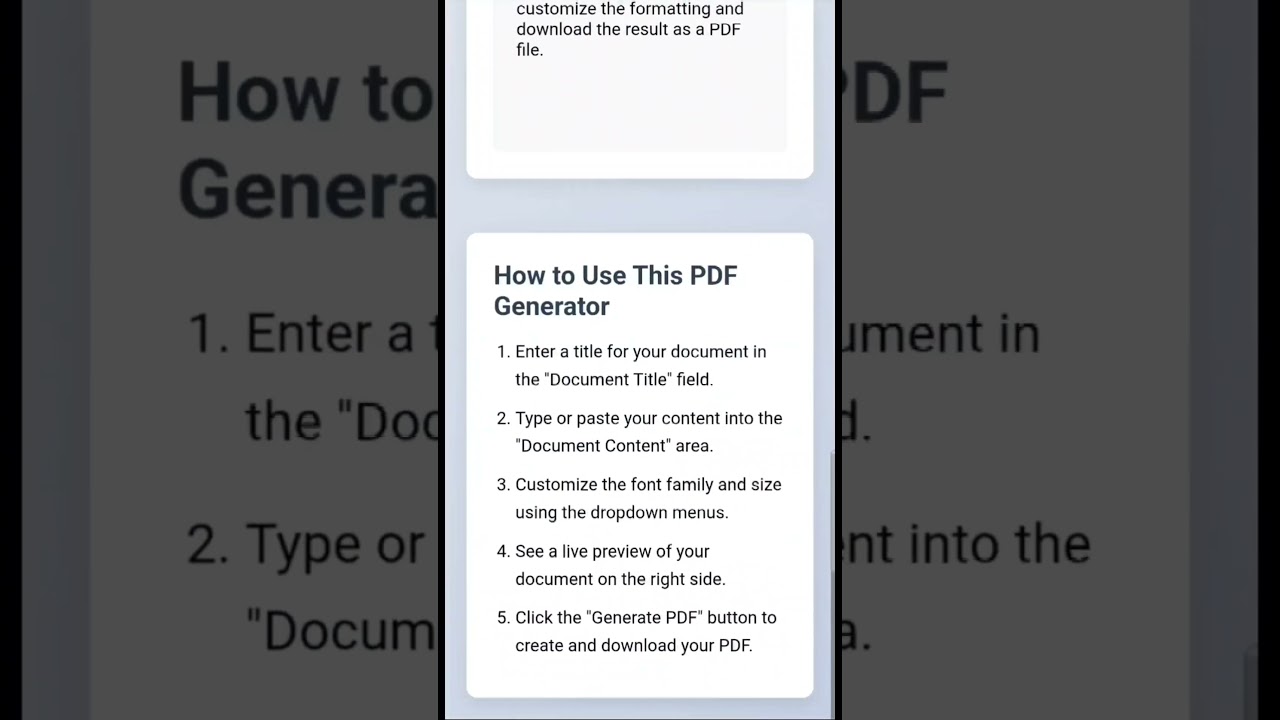
🚀 How to Use
1. Enter a title for your document
2. Type or paste your content into the text area
3. Select your preferred font family and size
4. Watch the preview update in real-time
5. Click "Generate PDF" to create and download your document
📦 Dependencies
· jsPDF: Client-side PDF generation library
· No server-side processing required
Повторяем попытку...
Доступные форматы для скачивания:
Скачать видео
-
Информация по загрузке: