How to Link Apple Business Manager with Microsoft Intune | Enrollment Program Token Step by Step
Автор: Modern Auth Enrollment
Загружено: 2026-06-09
Просмотров: 219
Описание:
In this video, I'll show you exactly how to link your Microsoft Intune tenant
with Apple Business Manager (now called Apple Business) — step by step.
This connection is what makes zero-touch enrollment possible, where a brand
new iPhone can be unboxed and automatically configured without IT ever touching it.
✅ What you'll learn:
How to create an Enrollment Program Token in Intune
How to download your public key from Intune
How to set up a Management Service in Apple Business Manager
How to upload the token back into Intune
Pro tips to avoid issues at renewal time every year
⏱️ Timestamps:
0:00 - Introduction
0:20 - Why linking ABM to Intune matters
0:40 - Create Enrollment Program Token in Intune
1:00 - Download Public Key
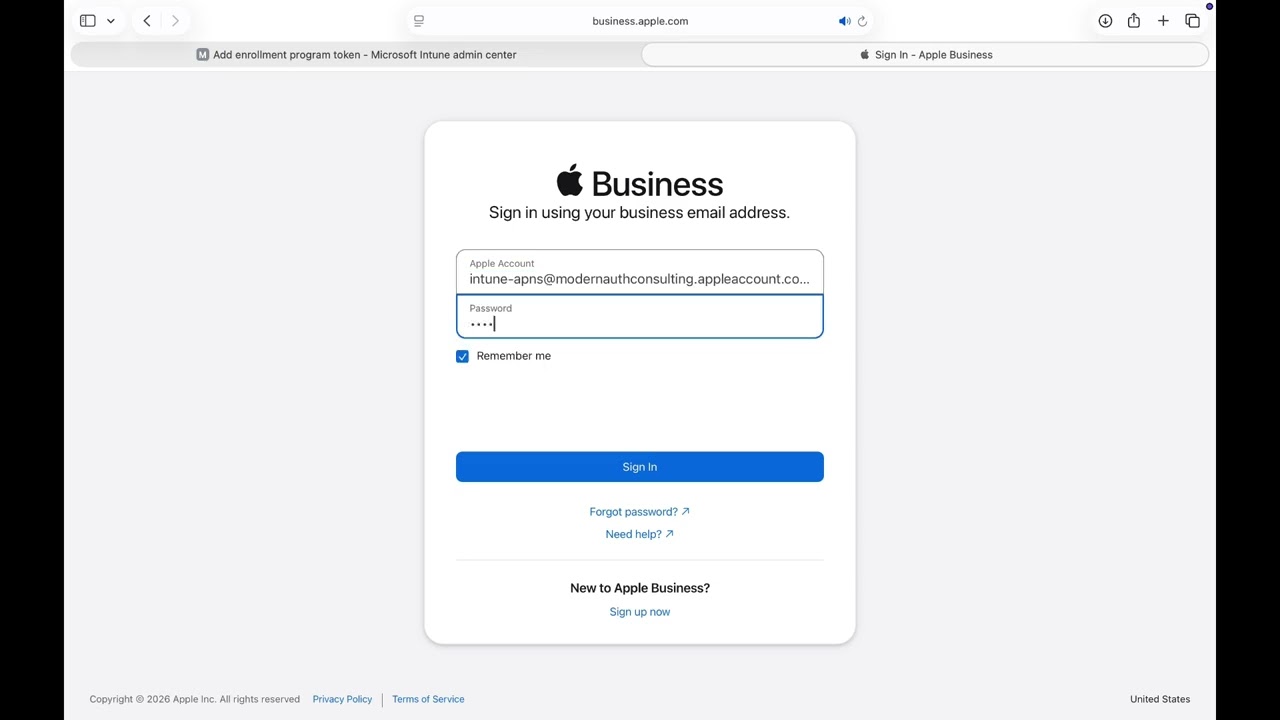
1:15 - Sign in to Apple Business Manager
1:35 - Create Management Service in ABM
2:05 - Download Token from ABM
2:20 - Upload Token into Intune
2:40 - Setup Complete
💡 Note: Apple Business Manager was rebranded to Apple Business in April 2026.
Steps remain the same.
🔔 Subscribe for more Microsoft Intune and Apple device management tutorials.
---
🔗 Useful Links:
Microsoft Intune Admin Center: https://intune.microsoft.com
Apple Business Manager Portal: https://business.apple.com
---
#Intune #AppleBusinessManager #MicrosoftIntune #ZeroTouchEnrollment
#ABMIntune #MDM #ITAdmin #AppleBusiness #EndpointManagement #DEP
Повторяем попытку...
Доступные форматы для скачивания:
Скачать видео
-
Информация по загрузке: