How to Design Your Own Custom Stitch with My Custom Stitch™
Автор: Brother Sews USA
Загружено: 2017-04-11
Просмотров: 15170
Описание:
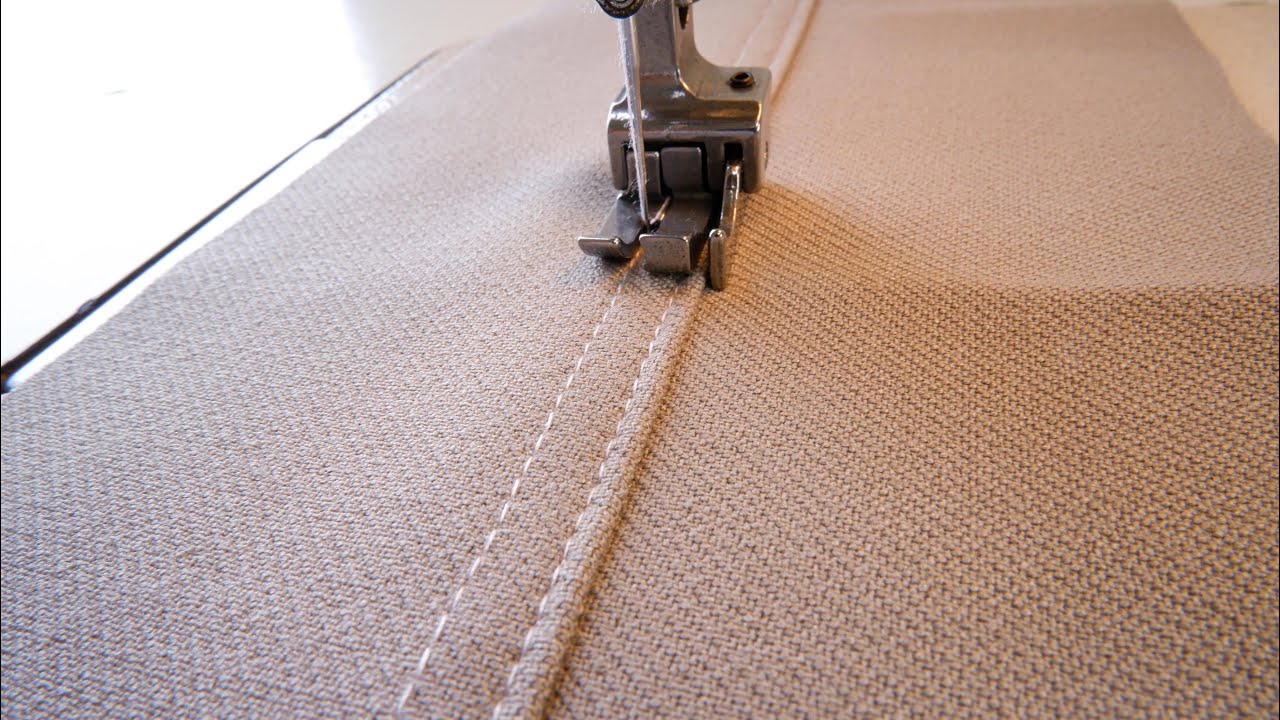
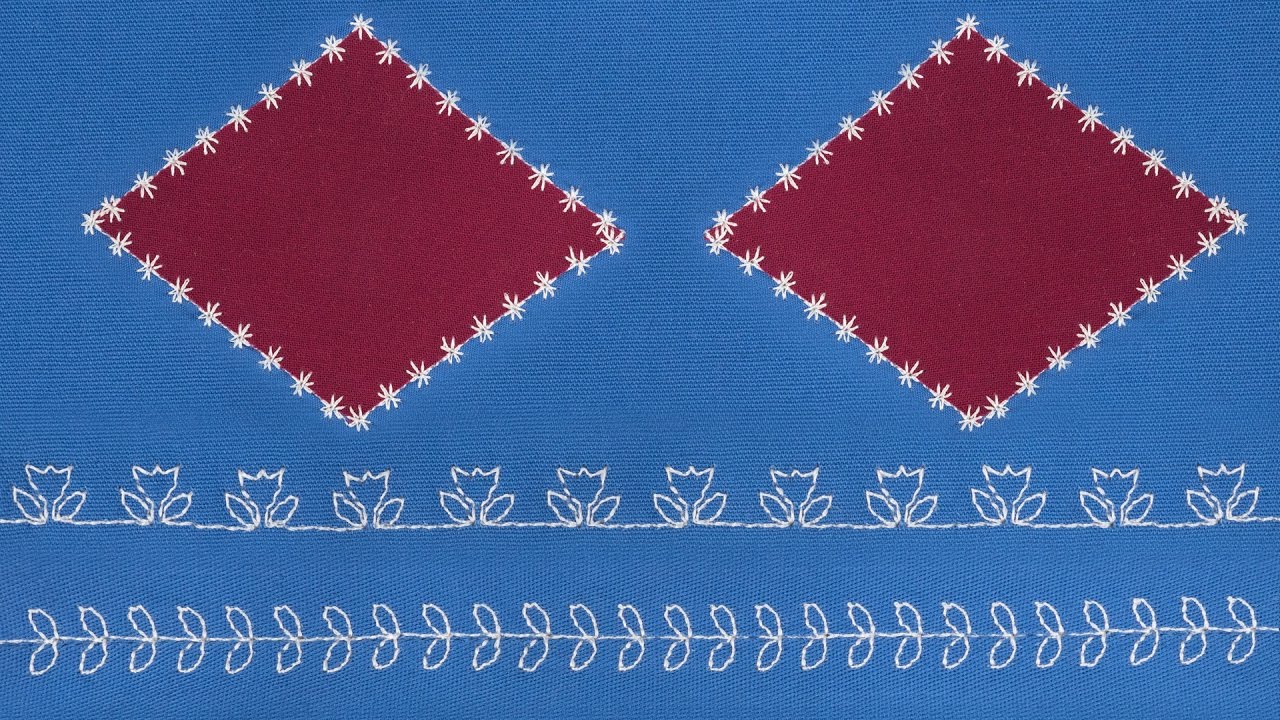
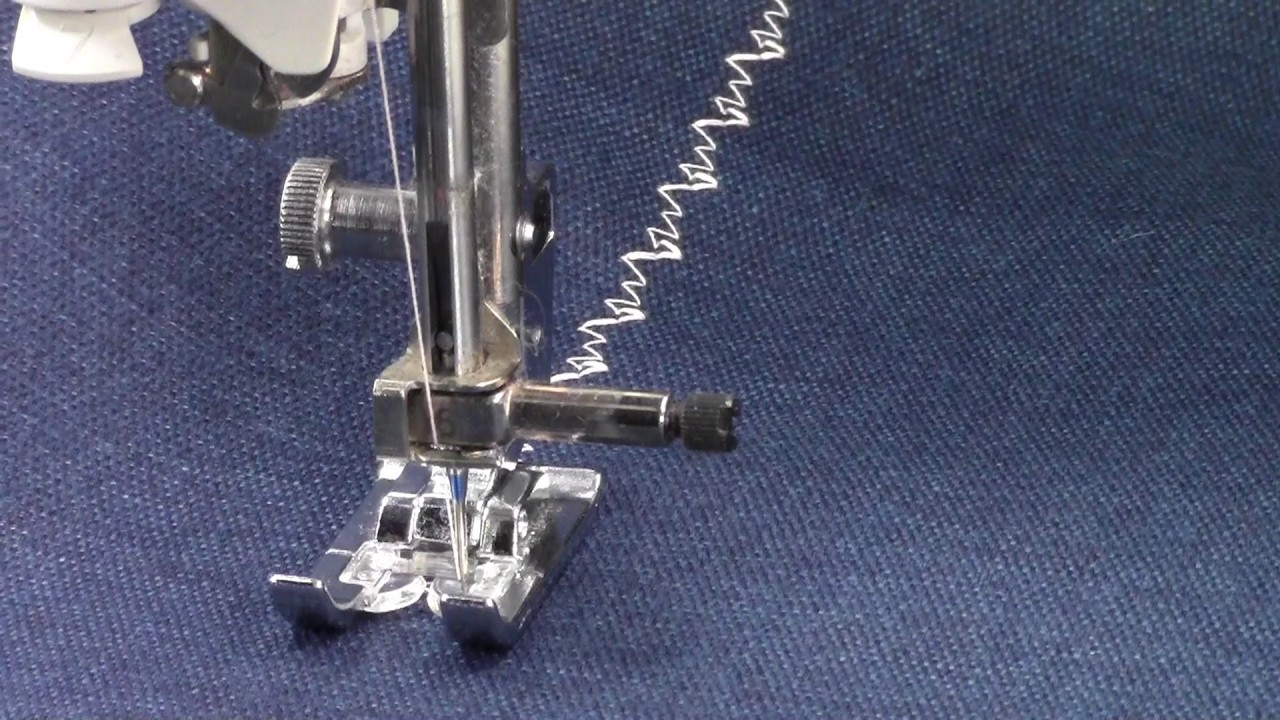
One of the benefits of sewing is the capabilities of adding your own unique style to every project. This tutorial will show you how to expand on that creativity by designing your own custom stitch. The stitch options include a single stitch, triple stitch, or a combination of both.
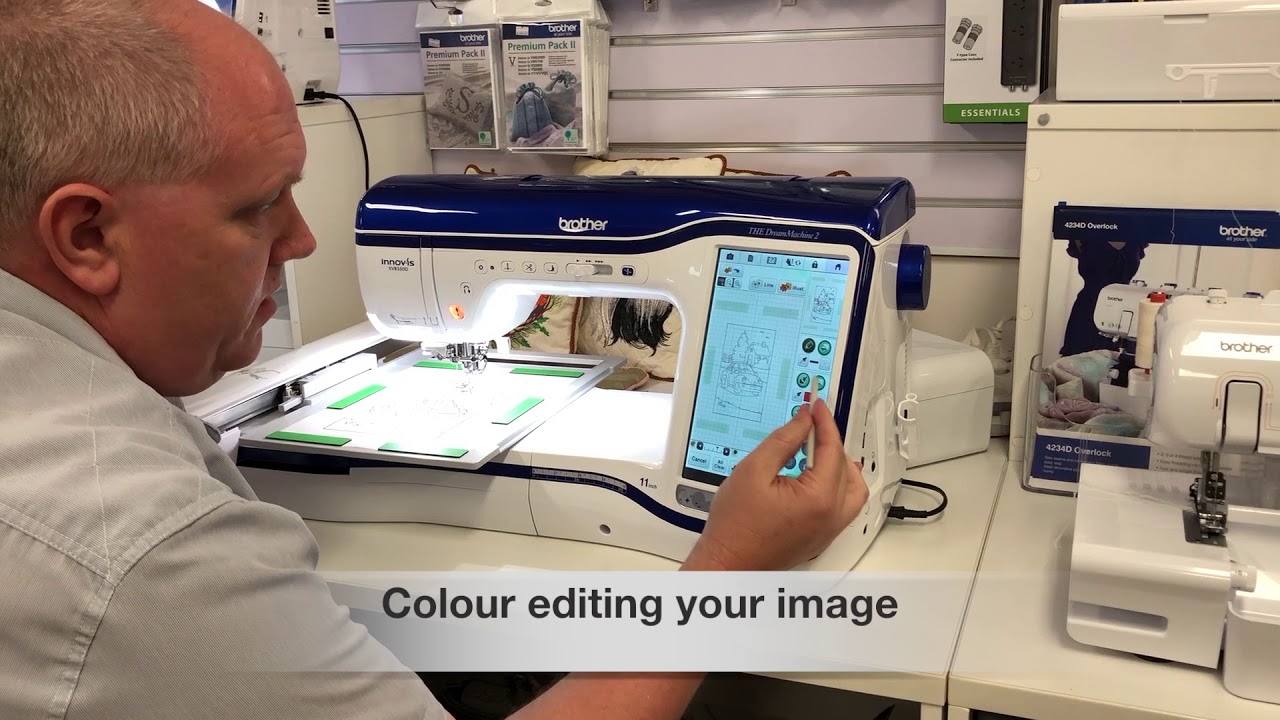
The My Custom Stitch™ feature is available on select Brother machines including the DreamWeaver™ XE VM6200D that I use in this video. There are multiple ways to design your stitch, including touching the screen and selecting a point. With the repeat function, the new design can be stitched over and over and you can even save the stitch design to the machine!
I have used the My Custom Stitch™ feature to create my own look when top stitching on jeans and embellishing fabrics for home dec and accessories. Be sure to share photos of your custom stitches on Facebook and Instagram tagging us at #StitchingSewcial and @BrotherSews.
Find a dealer to purchase this product: http://www.brother-usa.com/homesewing...
__
Related playlist: • Blog: Stitching Sewcial
More information on brother machines: http://www.brother-usa.com/HomeSewing/
Facebook: / brothersews
Instagram: / brothersews
Pinterest: / brothersews
BrotherSews Blog, Stitching Sewcial: http://blog.brothersews.com/
__
If you are having any technical issues, visit: http://www.brother-usa.com/Support/?W...
For any general questions, visit our Facebook page: / brothersews
Повторяем попытку...
Доступные форматы для скачивания:
Скачать видео
-
Информация по загрузке: