How to Open and Inspect a Selectavision CED Videodisc Caddy and Disc
Автор: Josh Gibson
Загружено: 2016-03-05
Просмотров: 14289
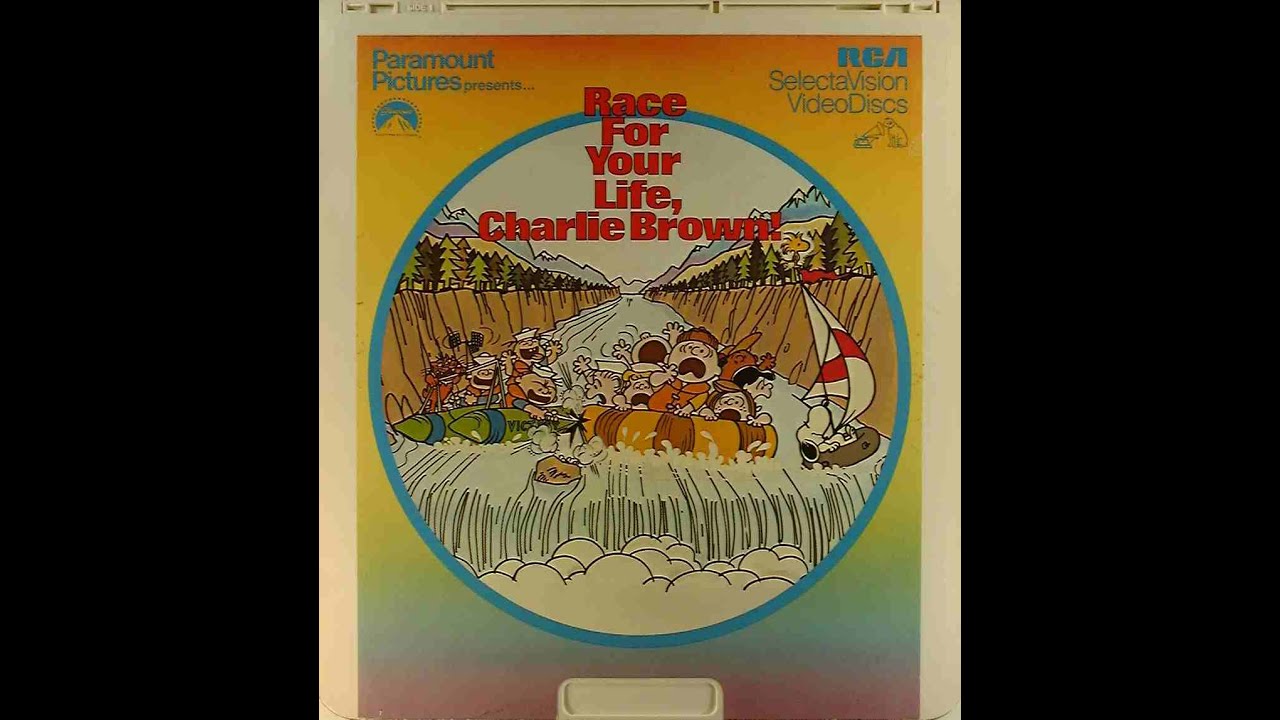
Описание: This video will show you how to open and inspect a disc inside a caddy of a Selectavision CED Videodisc. This may seem tedious but over time you will get faster at it. It's worth the 20 seconds it may take to inspect a disc vs. having one explode and ruin your player. Please, NEVER touch the surface of the disc. Touching the disc can get oils from your fingers in the grooves of the disc and cause skipping. Do not attempt to clean any disc. The stylus in the player will clean any dust and debris off the surface off the disc as it plays. It was designed this way. It may take a couple plays for the disc to get completely clean to where it stops or has minimal skipping. If the grooves of the disc got crushed, caused by stacking discs, then the disc is ruined. There is no repair for crushed grooves. Over time, inspecting the disc, you will see what crushed grooves look like and be able to identify this just upon visual inspection of the disc. Finally, if there is a substance on the disc that can not be removed by the stylus, say spilled soda/pop, you can use distilled water to rinse the disc. Do not dry it with a towel. For the most part the water will just bead off the disc and it should not need drying but any remaining water should just be allowed to dry in the air before putting the disc back in the caddy. Using anything other than distilled water can rise off the silicone protectant that was sprayed on the disc during manufacture to prevent wear to the stylus and the disc. I hope this has answered any questions you may have and thank you for viewing my video.
Повторяем попытку...
Доступные форматы для скачивания:
Скачать видео
-
Информация по загрузке: