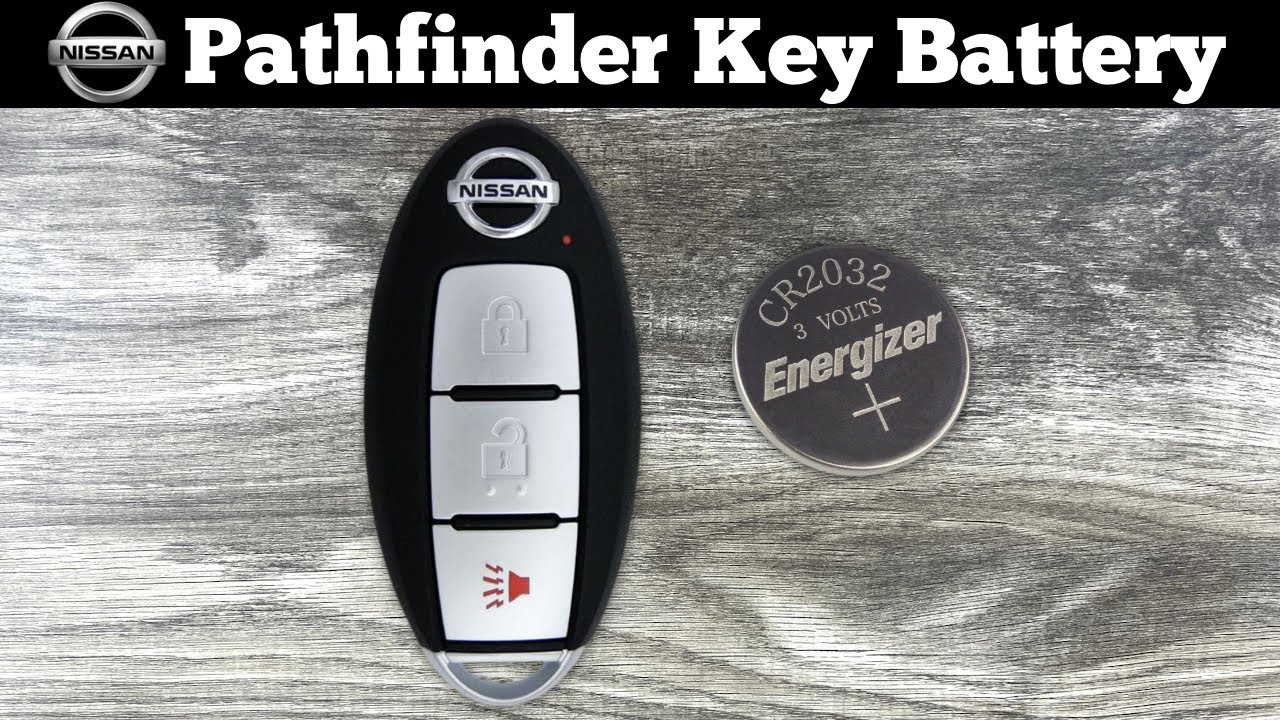
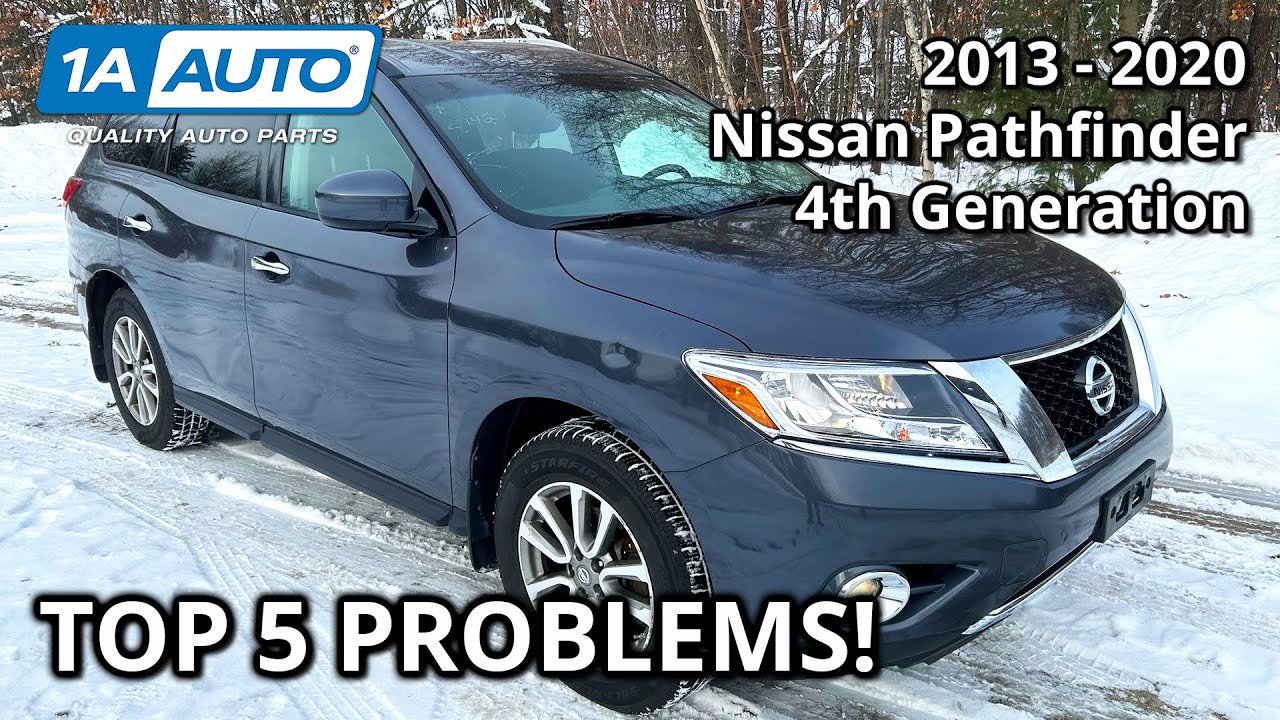
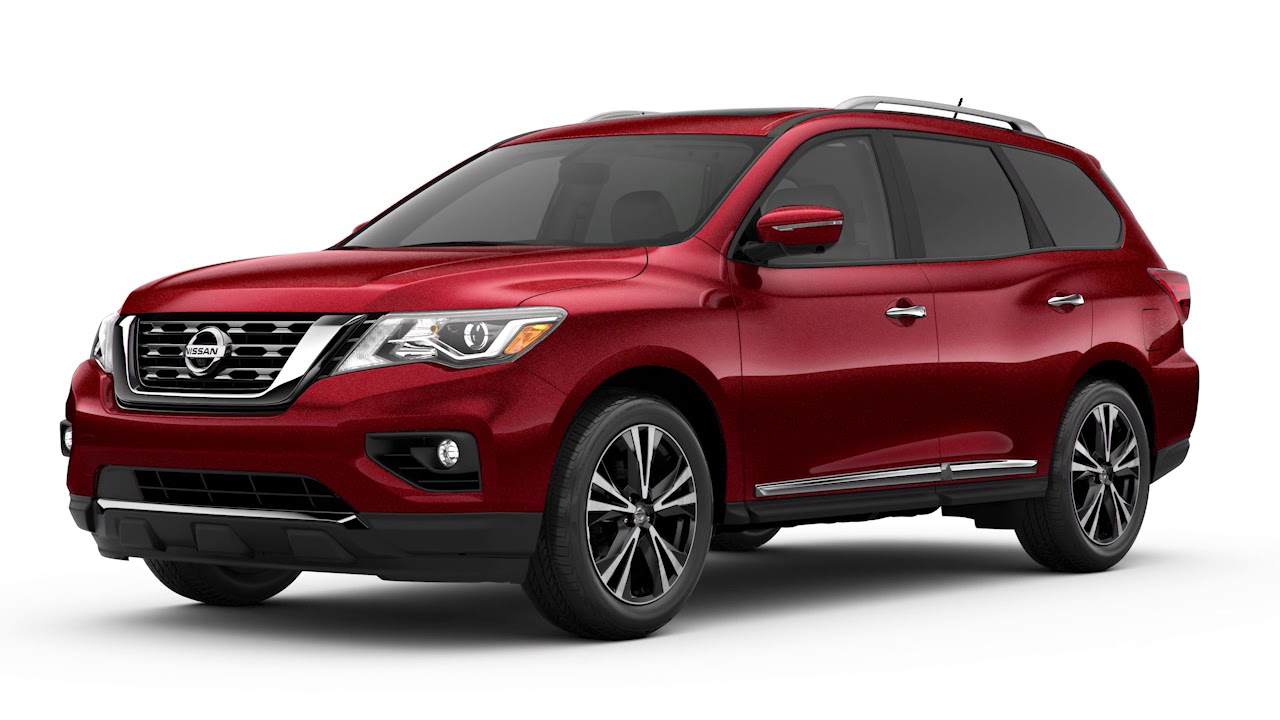
2019 Nissan Pathfinder - Intelligent Key Remote Battery Replacement
Автор: Nissan Owner Channel
Загружено: 2018-10-05
Просмотров: 55225
Описание:
"This video is copyrighted material of Nissan North America, Inc. and should not be copied, edited, or reproduced without the permission of Nissan.
For information please visit https://owners.nissanusa.com/nowners/. You will find quick reference guides and other useful information about your warranty, Bluetooth® system, and much more!
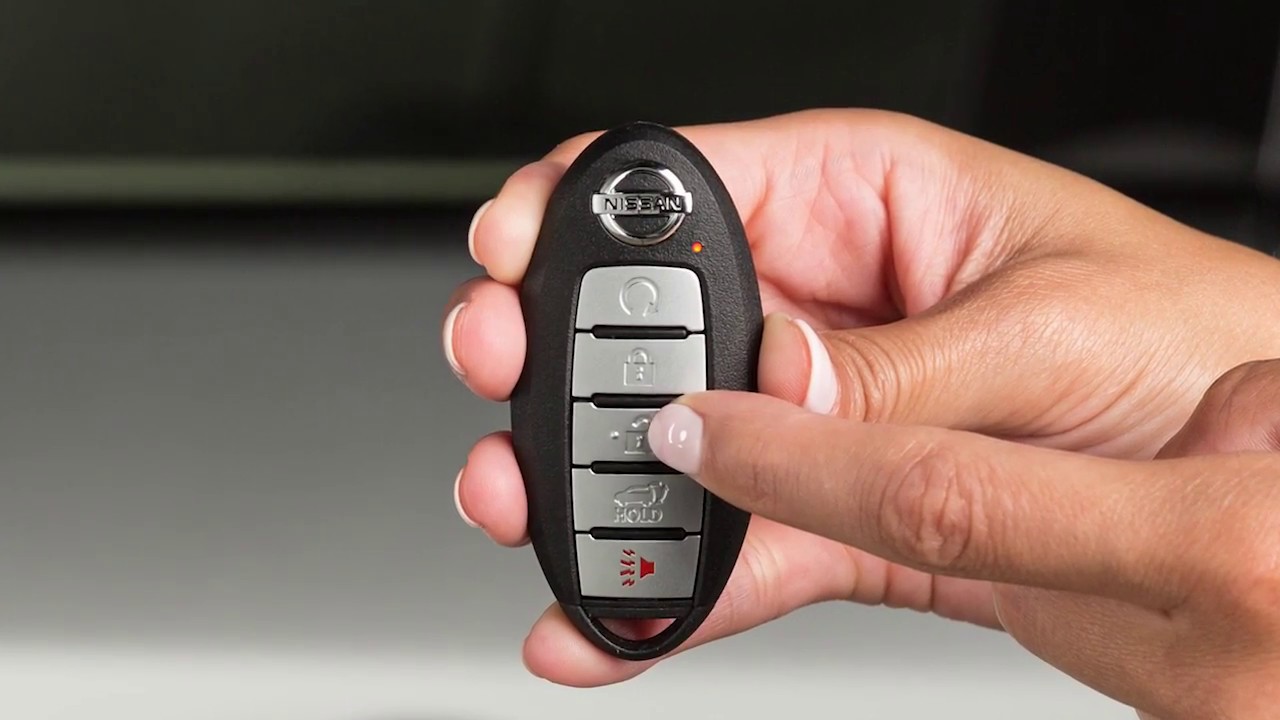
If THIS light does not blink, your battery may be too weak to communicate to the vehicle. If this occurs, the battery may need to be replaced.
Replacing the battery in your Intelligent Key can be simple if you follow this procedure.
● First, see the Owner’s Manual for the recommended battery before replacing.
● Next, release the lock knob and remove the mechanical key from the Intelligent Key.
● Place a cloth over a small flathead screwdriver and insert the tip into THIS slit.
● Now, twist the screwdriver to separate the Intelligent Key into two pieces.
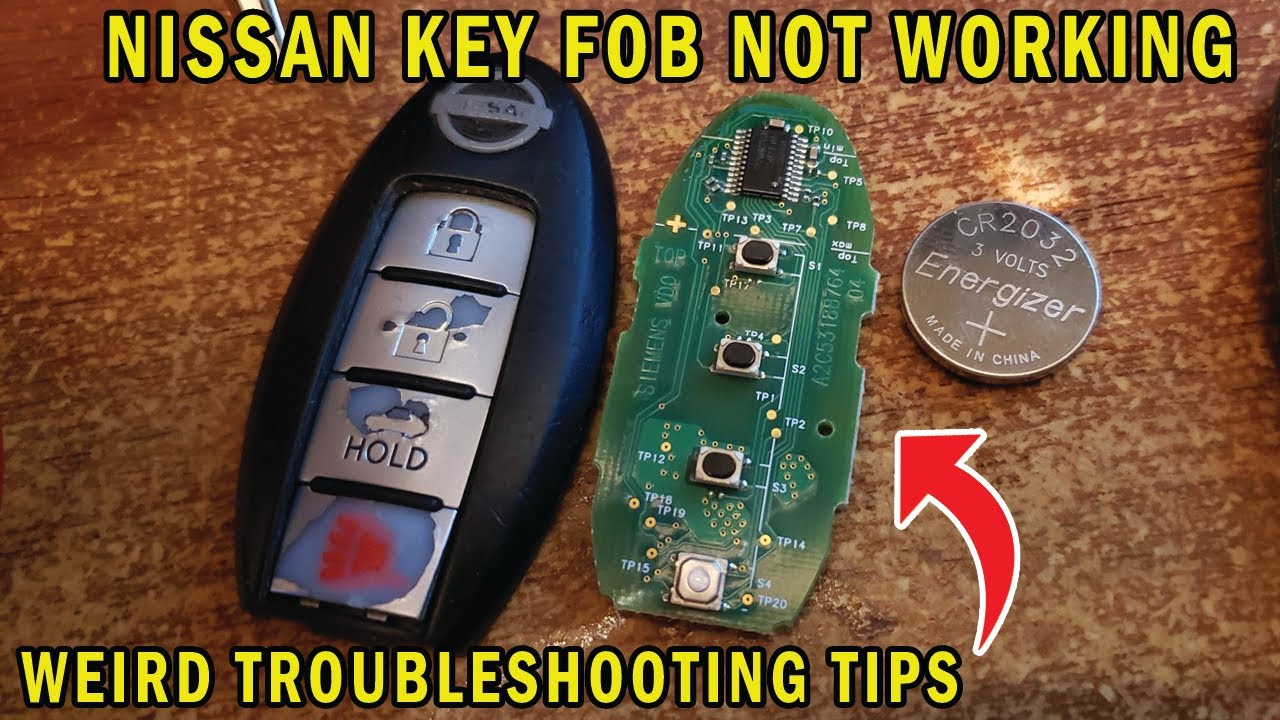
● Look at the battery to observe which side is up, so you can put the replacement battery in the same way.
● Ensure your hands are clean and free from oil and grease before touching anything inside the keyfob.
● Carefully hold the new battery by the edges every time you pick it up.
● Remove the discharged battery while being careful not to touch the internal circuits or electrical terminals.
● Gently place the new battery into the Intelligent Key with the negative side oriented in the same direction you noted during removal.
● Align the tips of the two halves and then close the keyfob by pushing along the edges.
● Lastly, operate the Intelligent Key to ensure it works properly.
If you need assistance with replacement, it is recommended you visit a Nissan dealer.
Please see your Owner’s Manual for important safety information, system limitations, and additional operating and feature information."
Повторяем попытку...
Доступные форматы для скачивания:
Скачать видео
-
Информация по загрузке: