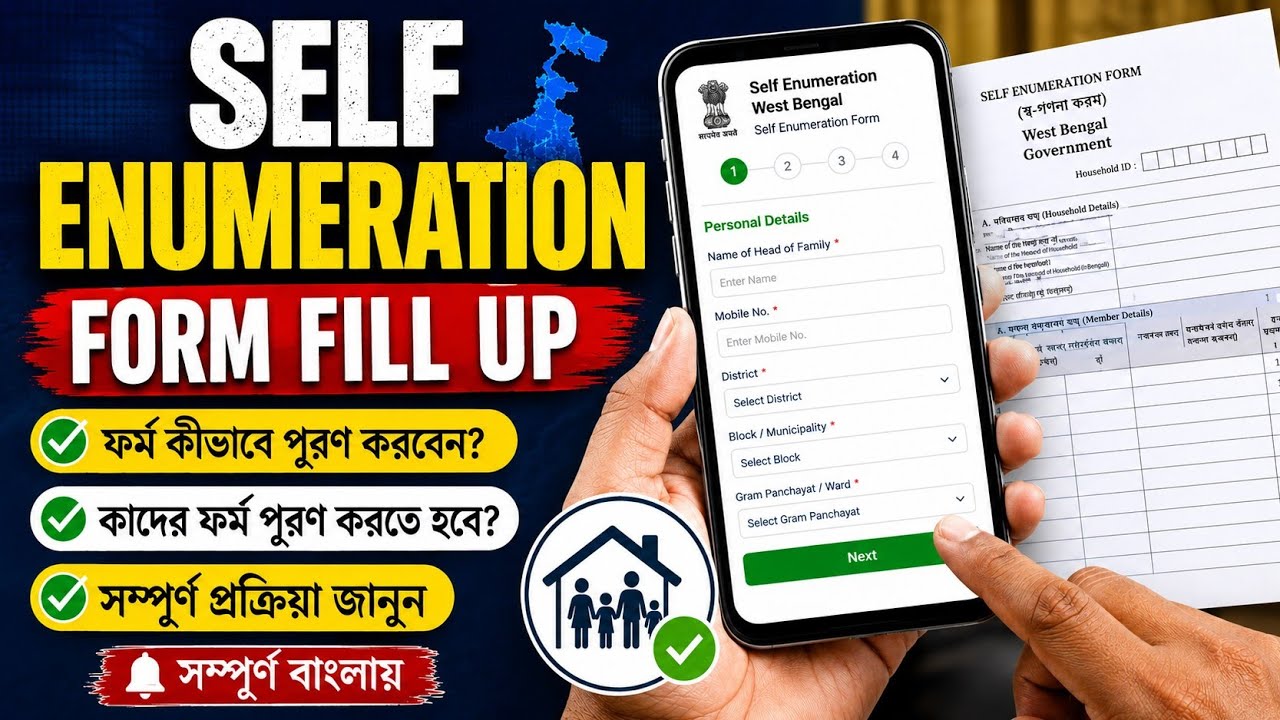
WB Census Self Enumeration Online Form Fill Up | enumeration form fill up | wb census form |
Автор: Vision Calcutta
Загружено: 2026-08-06
Просмотров: 61
Описание:
WB Census Self Enumeration Online Form Fill Up | enumeration form fill up | wb census form | wb census online form fill up | enumeration form |
Description :-
The Census Self-Enumeration Portal allows citizens to fill out and submit their household details online prior to door-to-door visits by census officials.
Key Overview & Portal Details
Official Portal: se.census.gov.in
The Indian Express
Self-Enumeration Window (West Bengal - Phase 1): August 1, 2026 – August 15, 2026
The Indian Express
House-Listing Field Phase: August 16, 2026 – September 14, 2026
The Indian Express
Estimated Time: 15–20 minutes
The Indian Express
Prerequisites: Active mobile number for OTP verification, laptop/desktop (recommended for mapping accuracy), basic household details.
Step-by-Step Guide to Filling the Form
Access Portal & Initial Registration
Recommended on desktop/laptop for digital map visibility
1.Access Portal & Initial Registration:Recommended on desktop/laptop for digital map visibility.
Visit the official portal at se.census.gov.in.
Select West Bengal from the State/UT drop-down menu.
Enter the name of the Head of Household (Note: This name cannot be modified after registration).
Enter an active mobile number and optional email ID, solve the Captcha, and proceed.
2.Language Selection & OTP Verification:
Choose your preferred language for filling the questionnaire (e.g., Bengali, English).
Enter the One-Time Password (OTP) sent to your registered mobile number and click Verify.
3.Address & Location Identification:
Select your District.
Enter your PIN code, Village/Town name, Locality, or nearby landmark, then click Search.
On the interactive map, drag the red marker directly over your residential building/house and click Save & Next.
4.Fill the Housing & Household Questionnaire:
Complete the Houselisting & Housing Census form with details including:
Residential status and ownership.
Main source of drinking water, electricity, and sanitation facilities.
Assets owned (vehicle, television, internet access, etc.).
Total number of family members residing in the household.
5.Review & Final Submission:
Use the Preview option to verify all entered details section by section.
Click Final Submit.
Once submitted, a unique 11-digit Self-Enumeration ID (SE ID) starting with 'H' will be generated on screen and sent via SMS/Email.
Important Points to Remember
Save Your SE ID: Take a screenshot or write down your 11-digit SE ID. When the Census Enumerator visits your home during the field survey, share this ID. The enumerator will scan/verify it on their official mobile app to confirm your submission without needing to re-collect your data.
Your Quaries :-
census 2027 self enumeration form fill up
how to fill enumeration form step by step
how to fill sir form online election commission
enumeration form fill up
how to fill enumeration form in english
how to fill enumeration form offline
enumeration form fill up sir online
how to fill enumeration form online
enumeration form fill up sir
how to fill enumeration form
Hastag:-
#census #census2027 #censusofindia #enumeration #enumerationform #selfenumeration #জনগণনা #onlineform #onlineformfillup #onlineapply #scheme #governmentscheme #laxmibhandar #annapurnabhandar #ayusmancard
#westbengalpolitics #news #indiagovernment #westbengalgovernment #bhadreswarstudycentre #bhadreswarstudyclass #information
@SuvenduAdhikariBJP
@bjp
@BJP4Bengal
@biswascyber
@bhadreswarstudycentre
@bhadreswarstudyclass
Повторяем попытку...
Доступные форматы для скачивания:
Скачать видео
-
Информация по загрузке: