Can You Use Gmail with a Custom Domain for Free? Yes.
Автор: WebsitePlanet
Загружено: 2026-02-02
Просмотров: 646
Описание:
📧 Get a free domain and business email connected to Gmail with Hostinger!
💻 Get 75% off & 2 months free here: https://www.websiteplanet.com/yt/host... (affiliate link - we may earn a commission, at no extra cost to you)
You can link it to your personal Gmail inbox using the SMTP method shown in this video. Best for freelancers or small teams who want the Gmail interface with a professional email address.
---
You have a professional business email, but you hate logging into a separate "Webmail" inbox every day?
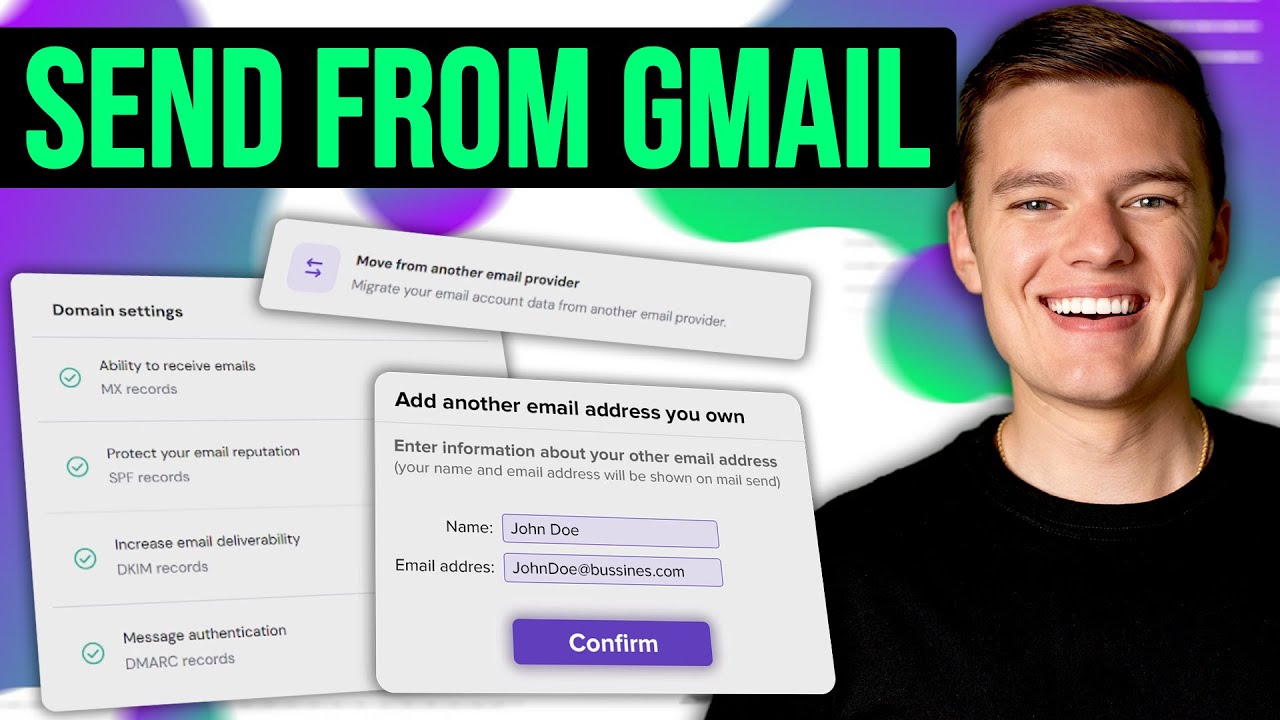
In this video, I’ll show you a simple SMTP Hack that lets you send and receive your custom domain emails ([email protected]) directly inside your personal Gmail app — for free.
You get the professional look of a custom domain with the easy interface of Gmail.
⚙️ THE SMTP SETTINGS (Copy & Paste):
Use these exact settings when Gmail asks for your server info:
• SMTP Server: smtp.hostinger.com
• Port: 465 (SSL)
• Username: [Your Full Business Email Address]
• Password: [Your Email Password]
👇 TROUBLESHOOTING (If it fails):
• Emails Bouncing? Check your MX Records in Hostinger.
• Marked as Spam? You need to set up SPF & DKIM (I explain this at 2:30).
---
⏰ Time Stamps:
00:00 Free Business Email Setup Tutorial
00:14 Why You Should Stop Using Personal Email for Business
00:31 How to Get a Free Business Email With Hosting
00:43 Connect Your Business Email to Gmail (SMTP Setup)
01:40 Fix Common Business Email Problems (Spam, Delivery & Bounced Emails)
02:41 Final Business Email Tips
---
📖 Hostinger Full Review:
https://www.websiteplanet.com/web-hos... 📖
#websitebuilder #freedomain #customdomain #businessemail #websitetips #googleworkspace #hostinger
Повторяем попытку...
Доступные форматы для скачивания:
Скачать видео
-
Информация по загрузке: