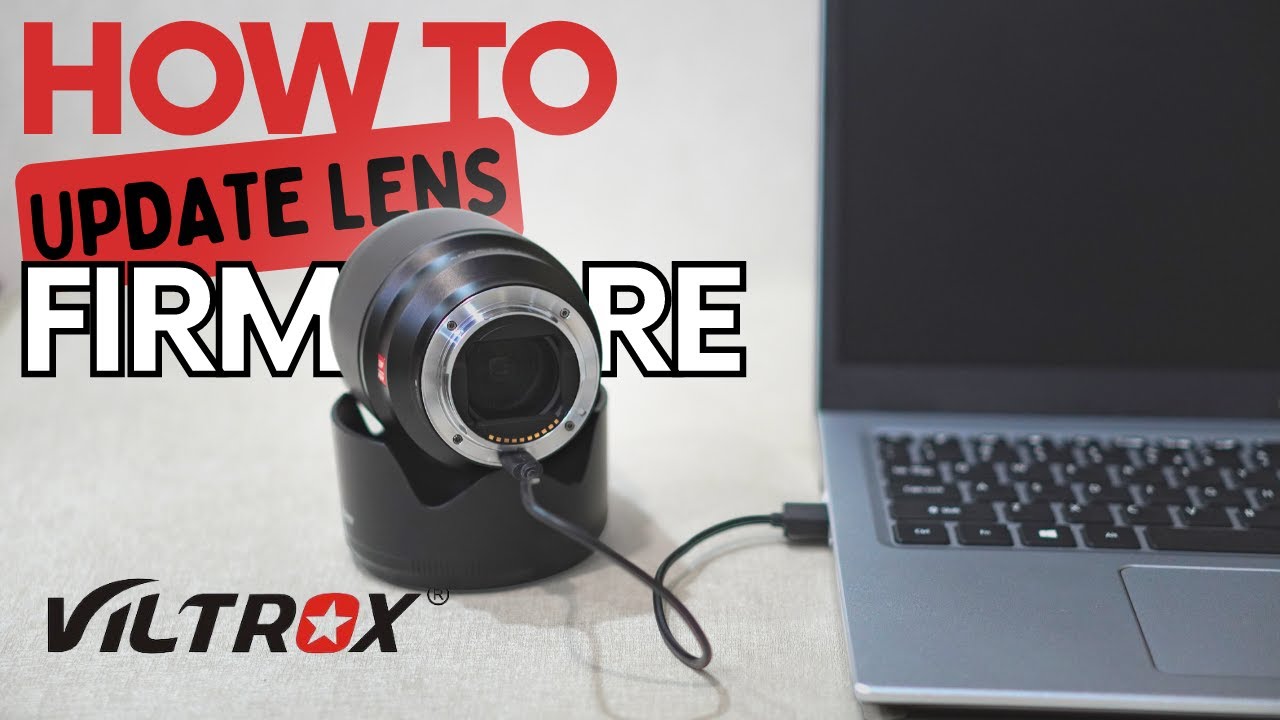
How to Update Viltrox Lens Firmware (FAST & EASY)
Автор: Bits And Bobs
Загружено: 2026-01-18
Просмотров: 809
Описание:
How to Update Viltrox Lens Firmware (FAST & EASY)
Is your Viltrox lens up to date? In this quick 1-minute and 35-second tutorial, I show you the exact process for updating your Viltrox lens firmware to ensure you have the latest autofocus improvements and bug fixes.
Steps covered in this video:
✭ Download the firmware ZIP file from the official Viltrox website.
✭ Extract the ZIP file on your computer.
✭ Launch the Viltrox Firmware Update application.
✭ Connect your lens to your laptop via a high-quality USB-C cable.
✭ Click "Connect" to check your current version.
✭ Click "Update" if a newer version is available.
Important Note: Do not disconnect the USB-C cable during the update process to avoid damaging the lens firmware.
Helpful Links: 🌐 Viltrox Official Download Center: https://viltrox.com/
If this video helped you, please give it a thumbs up and subscribe for more quick tech and photography tips!
#Viltrox #FirmwareUpdate #PhotographyTips #ViltroxLens #CameraGear #TechTutorial
Music:
Title: "Geographer"
Artist: Float
Source: YouTube Studio Audio Library
Повторяем попытку...
Доступные форматы для скачивания:
Скачать видео
-
Информация по загрузке: