Turn Your Laptop into a Gaming Beast! RX 6750 GRE + EXP GDC
Автор: Genesis Lalas
Загружено: 2025-01-31
Просмотров: 701
Описание:
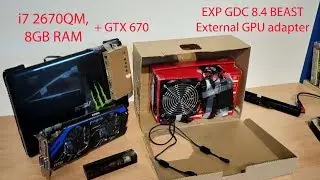
In this video, I’ll share with you how I set up an eGPU (External GPU) using the Sapphire Pulse AMD Radeon RX 6750 GRE 12GB and the EXP GDC Beast 10.2. If you're looking to boost your laptop’s gaming performance or need more power for GPU-intensive tasks, this setup might be the perfect solution!
💡 What You’ll Learn:
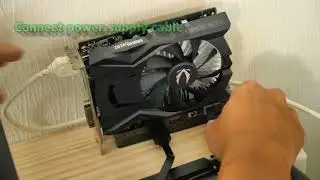
✅ How to connect and configure the eGPU setup
✅ Step-by-step installation guide
✅ Performance benchmarks & gaming tests
✅ Troubleshooting tips and potential challenges
⚙️ Components Used:
🖥️ GPU: Sapphire Pulse AMD Radeon RX 6750 GRE 12GB
🔌 eGPU Adapter: EXP GDC Beast 10.2
⚡ Power Supply: GIGABYTE P650G Power Supply 80 PLUS GOLD
💻 Laptop Model: LENOVO Slim 3 (12th Gen Intel(R) Core(TM) i7-1255U 1.70 GHz) | IdeaPad 3 15IAU7 Laptop - Type 82RK
Controller: Microsoft XBOX
🔗 Useful Links:
https://wiki.geekworm.com/GDC
📢 Don't forget to LIKE 👍, SUBSCRIBE 🔔, and COMMENT 💬 if you found this guide helpful! Let me know if you have any questions or if you need troubleshooting tips.
#eGPU #GamingLaptop #RX6750GRE #EXPGDCBeast #LaptopUpgrade #oculink
Повторяем попытку...

Доступные форматы для скачивания:
Скачать видео
-
Информация по загрузке: