ycliper

Популярное

Музыка Кино и Анимация Автомобили Животные Спорт Путешествия Игры Юмор

Интересные видео

2025 Сериалы Трейлеры Новости Как сделать Видеоуроки Diy своими руками

Топ запросов

смотреть а4 schoolboy runaway турецкий сериал смотреть мультфильмы эдисон
Скачать

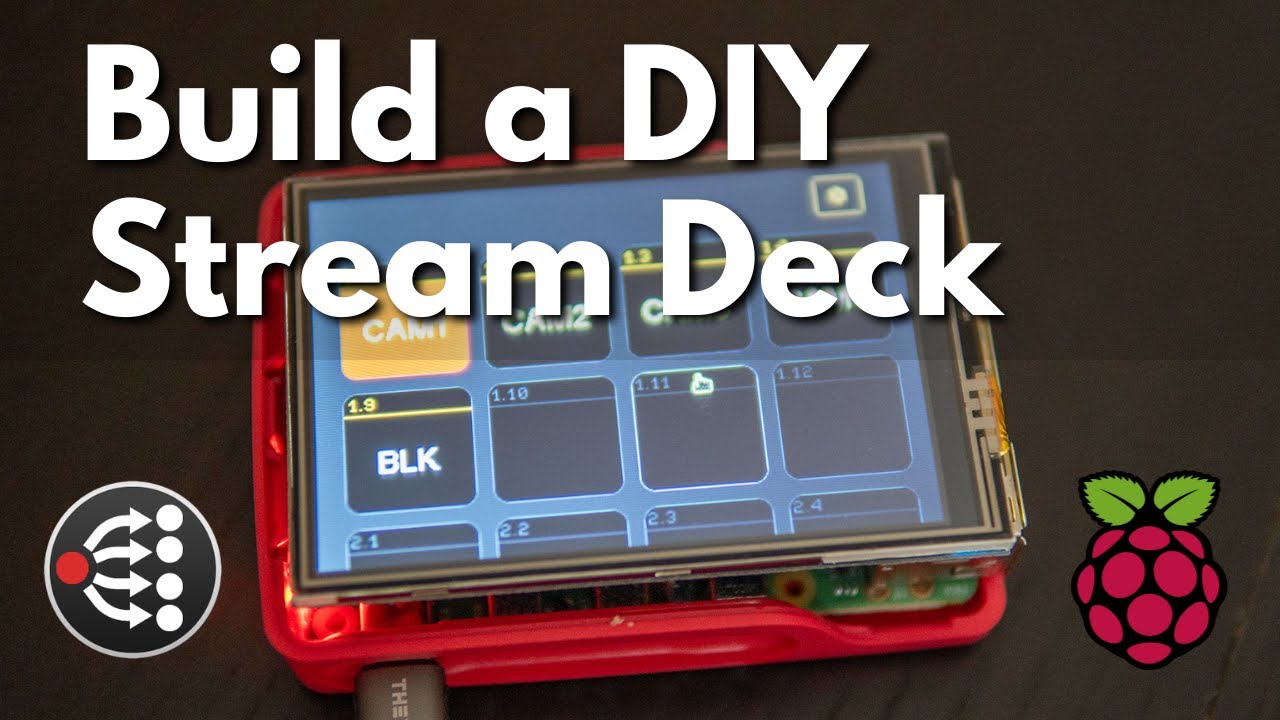
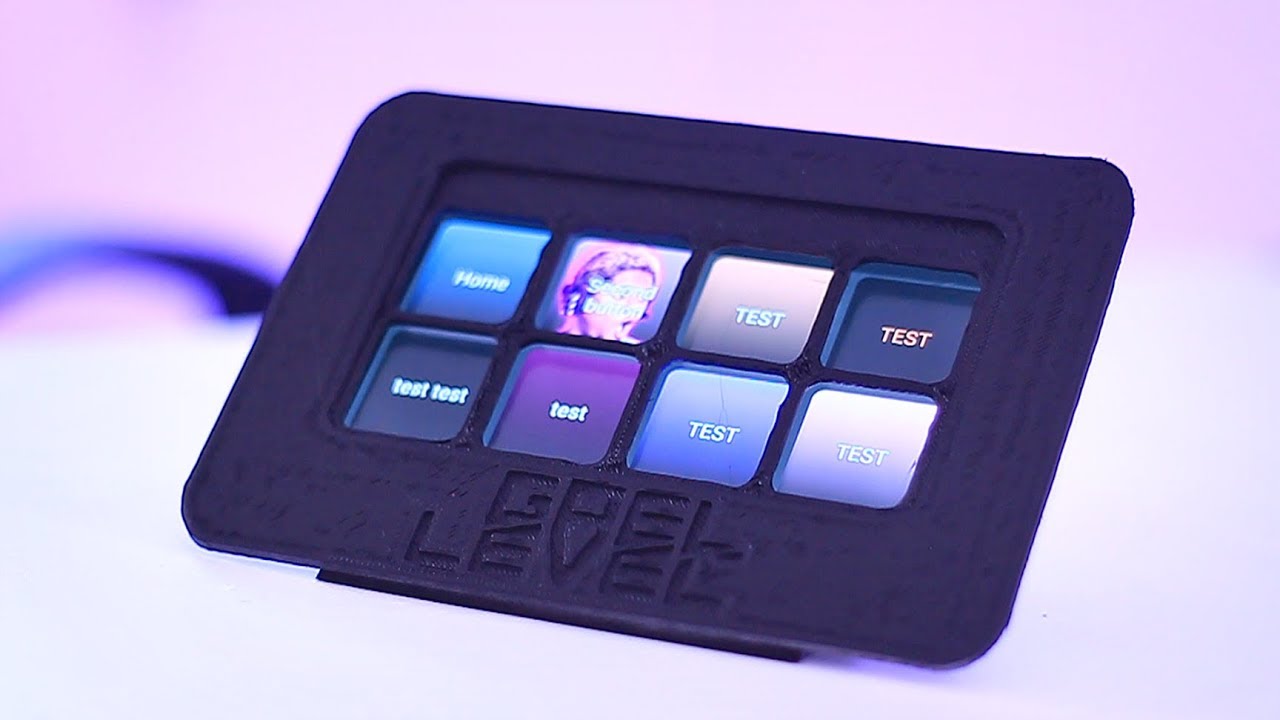
Building a DIY Stream Deck

Автор: Everyday Tech

Загружено: 2023-08-18

Просмотров: 18939

Описание: In this video, I build a DIY Stream Deck, using the Raspberry Pi, an inexpensive LCD touch screen, and Companion software. This is a cheaper alternative to having an Elgato Stream Deck, which retails for $80 for the smallest model. In this video, I take you through the steps you need to build your own DIY Stream Deck.


Raspberry Pi 4 - May be out of stock but comes back into stock regularly.
https://www.pishop.us/product/raspber...

Companion Software
https://bitfocus.io/companion


Raspberry Pi LCD Screens (Affiliate Links)

3.5" Screen - https://amzn.to/3YDhLrW
3.5" Screen with Case - https://amzn.to/3P1rLbf
5" Screen - https://amzn.to/44gkeJO
7" Screen - https://amzn.to/44h9o6D
10.1" Screen - https://amzn.to/44g9gnT


Commands mentioned in the video

Installing the LCD Drivers for the 3.5 inch LCD touch screen. (Your commands may be different depending on the LCD screen you purchase. Follow the instructions that come with your screen) -

git clone https://github.com/goodtft/LCD-show.git
cd LCD-show/
sudo ./LCD35


Installing the LXDE desktop environment:
sudo apt-get install lxde-core xserver-xorg xinit


Install Chromium browser on your Raspberry Pi:
sudo apt install chromium-browser -y


Configure LXDE to launch our Companion buttons in the Chromium Browser at startup:

cd ~/.config/lxsession/LXDE/
nano autostart

Add the following line in the autostart file
chromium-browser --kiosk http://localhost:8000/tablet?cols=4&nofullscreen=1&rows=2


Other related videos I've made:

Setting up your Raspberry Pi
   • Raspberry Pi Imager Software  

Companion Overview and Setup
   • Companion Overview and Setup - Part 1 of 2  


👉 You can support this channel here: https://www.buymeacoffee.com/everyday...

Gear I use:
https://everydaytech.notion.site/Stud...

0:00 Intro
1:33 Download and Installing Companion
4:58 Install LCD drivers
6:27 Install Desktop environment
8:29 Install Chromium browser and configure autostart
12:33 Advantages
13:52 Disadvantages
14:40 LCD Alternatives
15:58 Ending

Не удается загрузить Youtube-плеер. Проверьте блокировку Youtube в вашей сети.
Повторяем попытку...
Building a DIY Stream Deck

Поделиться в:

Доступные форматы для скачивания:

Скачать видео

  • Информация по загрузке:

Скачать аудио

Похожие видео

Создаю собственную «Stream Deck» [Stream-Pi & Macro Deck]

Создаю собственную «Stream Deck» [Stream-Pi & Macro Deck]

Как я с нуля сделал ноутбук на базе C64 — Portable 64 (эмуляция)

Как я с нуля сделал ноутбук на базе C64 — Portable 64 (эмуляция)

ЛУЧШИЕ АЛЬТЕРНАТИВЫ СТРИМ-КОЛОДАМ

ЛУЧШИЕ АЛЬТЕРНАТИВЫ СТРИМ-КОЛОДАМ

Получайте доступ к своим файлам, где бы вы ни находились — идеальная конфигурация Raspberry Pi 5.

Получайте доступ к своим файлам, где бы вы ни находились — идеальная конфигурация Raspberry Pi 5.

Я создал 3D-печатную площадку для трансляций на YouTube и Twitch — как это сделано

Я создал 3D-печатную площадку для трансляций на YouTube и Twitch — как это сделано

Альтернатива Stream Deck, которая может сделать гораздо больше за гораздо меньшие деньги.

Альтернатива Stream Deck, которая может сделать гораздо больше за гораздо меньшие деньги.

How to make a DIY Smart Mirror

How to make a DIY Smart Mirror

Я создал конфигуратор клавиатуры с нуля

Я создал конфигуратор клавиатуры с нуля

This $30 Stream Deck is ALMOST Perfect...

This $30 Stream Deck is ALMOST Perfect...

Get Companion running on a Raspberry Pi and create your first show automations!

Get Companion running on a Raspberry Pi and create your first show automations!

Metoda na

Metoda na "Giertych Debil"

Build your own wireless Stream Deck that works with the Stream Deck software!

Build your own wireless Stream Deck that works with the Stream Deck software!

Деревянная клавиатура/Macropad с открытым исходным кодом: ваш путь к продуктивности своими руками

Деревянная клавиатура/Macropad с открытым исходным кодом: ваш путь к продуктивности своими руками

Turn Your Raspberry Pi Into a Travel Router (RaspAP) (2025 Edition!) with Captive Portal workarounds

Turn Your Raspberry Pi Into a Travel Router (RaspAP) (2025 Edition!) with Captive Portal workarounds

How to Install Bitfocus Companion on Raspberry Pi |  Full Installation & Stream Deck Setup

How to Install Bitfocus Companion on Raspberry Pi | Full Installation & Stream Deck Setup

Это УНИЧТОЖИЛО мой ПК за 4000 долларов

Это УНИЧТОЖИЛО мой ПК за 4000 долларов

JetKVM - девайс для удаленного управления вашими ПК

JetKVM - девайс для удаленного управления вашими ПК

How to make an OBS Live Stream Controller (DIY Stream Deck)

How to make an OBS Live Stream Controller (DIY Stream Deck)

How I made my own DIY STREAM DECK (FOR FREE)

How I made my own DIY STREAM DECK (FOR FREE)

Я В ШОКЕ! Обновление Windows убило ноутбук за 5 минут. Вот что случилось...

Я В ШОКЕ! Обновление Windows убило ноутбук за 5 минут. Вот что случилось...

© 2025 ycliper. Все права защищены.


  • Контакты
  • О нас
  • Политика конфиденциальности


Контакты для правообладателей: [email protected]