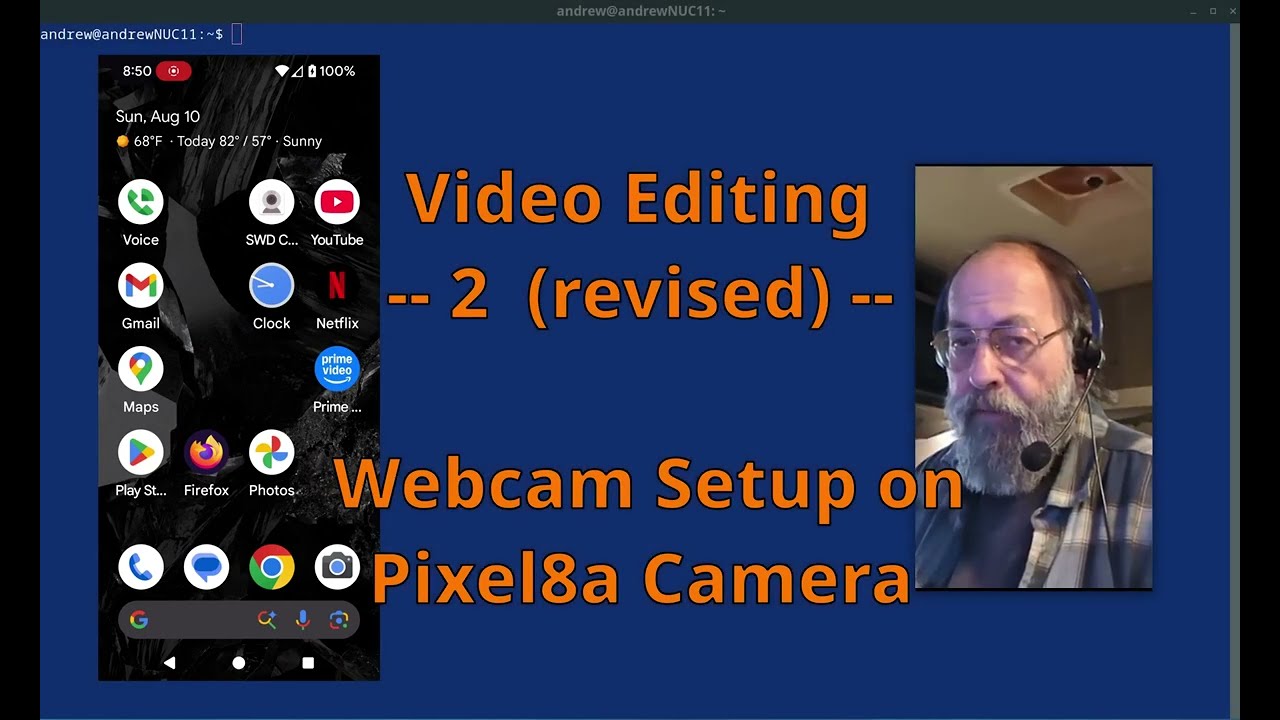
Video Editing -- 2 (revised) -- Webcam Setup on Pixel 8a Camera
Автор: Andrew Kelly
Загружено: 2025-08-11
Просмотров: 23
Описание:
Welcome. This is a (revised) working session demonstrating in detail how to bring up a webcam running on a Pixel 8a phone, connected by USB cable to a Linux Debian 12 desktop, showing the webcam viewer running successfully in less than 5 minutes. The session then continues with subsequent steps that improve the operation and make it complete.
As promised in the video, here is the command line that was used to start the MPV utility for the webcam viewer shown in the video:
mpv \
av://v4l2:/dev/video0 \
--profile=low-latency \
--geometry=407x732 \
--no-border \
--video-rotate=270
When used by the person working on a video, obviously all of the parameters used in the mpv command can be modified to suit your needs (the video rotation flag, for example, can be set to anything you need (180, 90, etc).
As mentioned in the Introduction to this playlist, the issues discussed here are meant for intermediate Linux users, those making beginning efforts with using kdenlive, those somewhat familiar with video and sound recording, maybe also screen capture utilities, and those who are fearless in the face of technology.
References:
Simple Screen Recorder: https://www.maartenbaert.be/simplescr...
Kazam: Install Kazam Screencaster on Debian /Ubuntu/Linux Mint
https://www.linuxbabe.com/multimedia/...
kdenlive: https://kdenlive.org/
Linux mpv video viewer: https://mpv.io/
Decent YouTube tutorial for kdenlive: • Kdenlive Beginner Tutorial (Windows, macOS...
And another tutorial: • Video Editing Basics - 2023 Kdenlive Tutorial
Video on Pixel 8a "Screen Record" capability: • How to Screen Record on Google Pixel 8a | ...
Tags: kdenlive beginner, graphics artist, video technology, linux user, sound recording, screen capture, kdenlive, simplescreenrecorder, kazam, mpv video viewer on linux, screen recording, how-to, pixel 8a, android 16, debian 12, Video Editing Tools
My direct email is: [email protected].
Channel: @TheRealAndrewKelly
Thank you for visiting,
Andrew.
Повторяем попытку...
Доступные форматы для скачивания:
Скачать видео
-
Информация по загрузке: