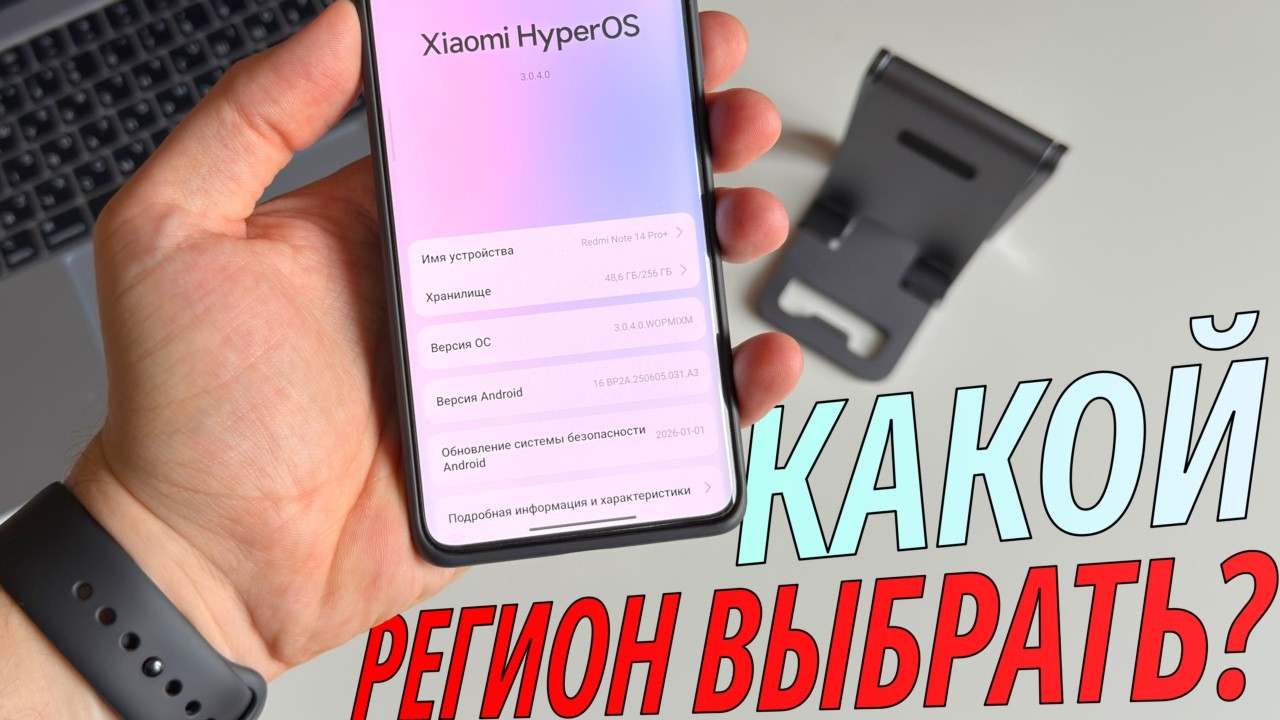
How to Enable eSIM on Redmi Note 15 Pro 5G (Full Setup Process Explained)
Автор: HUBBING ECOM PRIVATE LIMITED
Загружено: 2026-02-15
Просмотров: 44
Описание:
How to check phone supports eSIM? @
Prerequisites[0:22]
-Before you start the process check you have installed latest software on your device
-A strong WiFi or mobile data connection is required to download and activate the eSIM
-Ensure You have the eSIM QR code or manual activation details from your carrier or eSIM provider. In this video we will use QR Code for activation and I have this QR code saved on a different device.
-If you already have two mobile plans running on your device you need to turn off any one as only two profiles can work simultaneously at a time.
Installation Process[0:57]
Final Check [2:24]
eSIM on Redmi Note 15 Pro 5G –Not showing : Fix for i [2:37]
#RedmiNote15Pro5G #XiaomiESIM #eSIMSetup #eSIMActivation #RedmiNoteSeries #TechGuide2026 #TravelESIM
Повторяем попытку...

Доступные форматы для скачивания:
Скачать видео
-
Информация по загрузке: