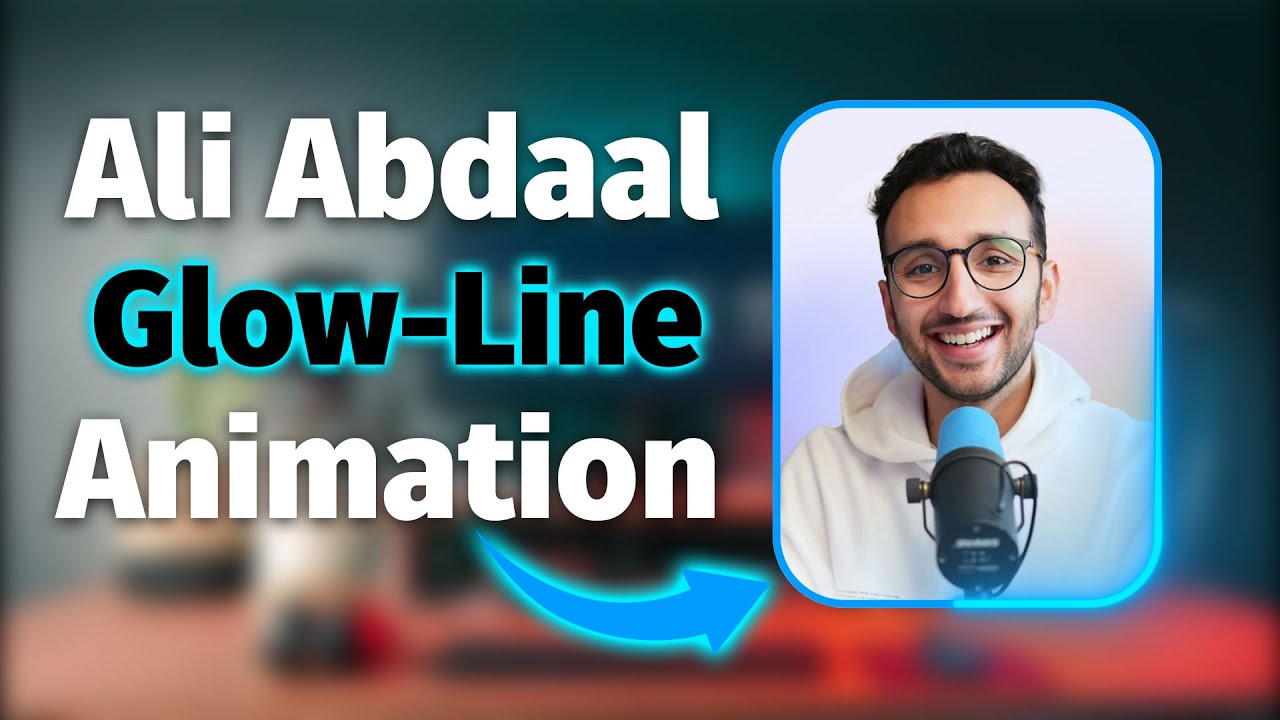
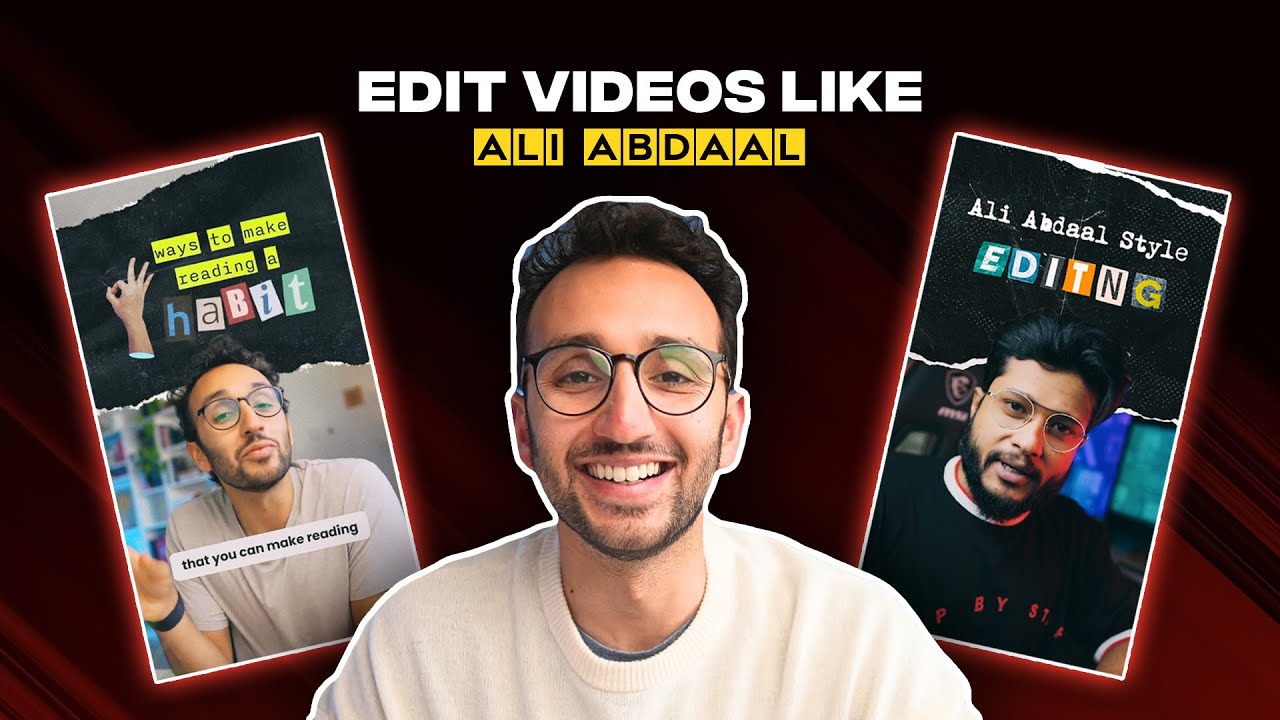
Ali Abdaal Webcam OVERLAY Effect in Premiere Pro
Автор: One Minute Premiere
Загружено: 2024-12-11
Просмотров: 855
Описание:
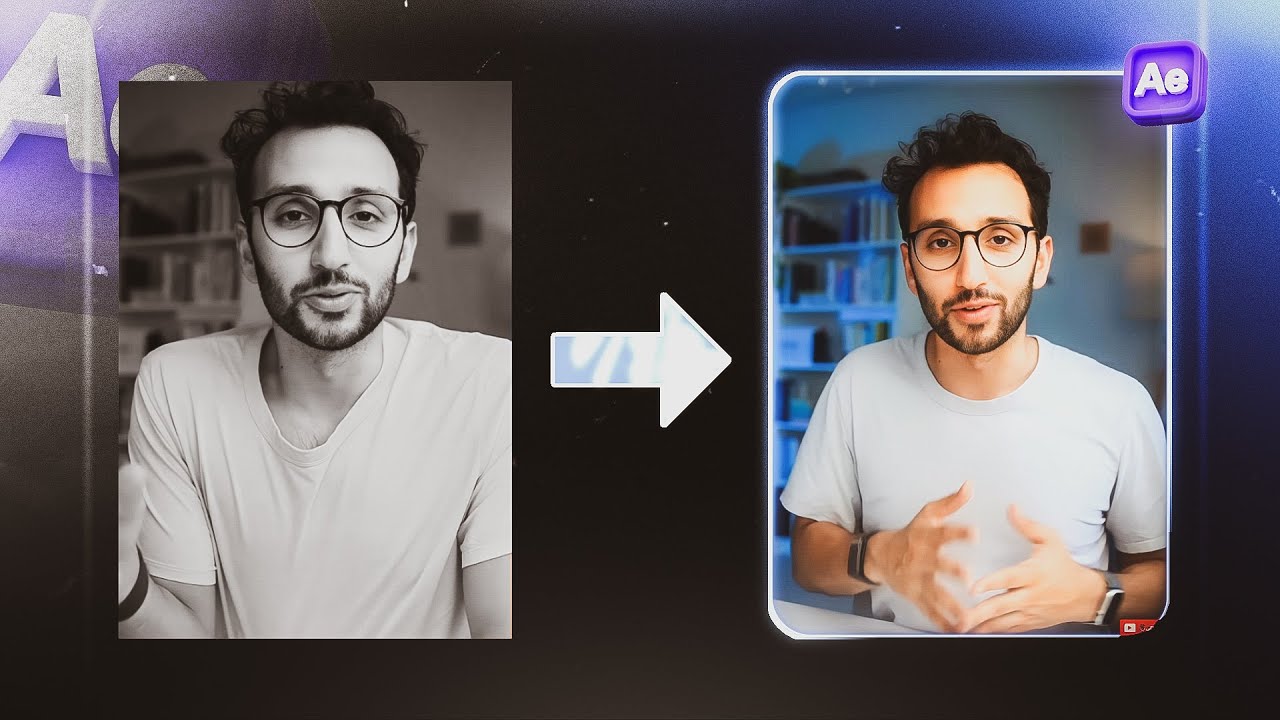
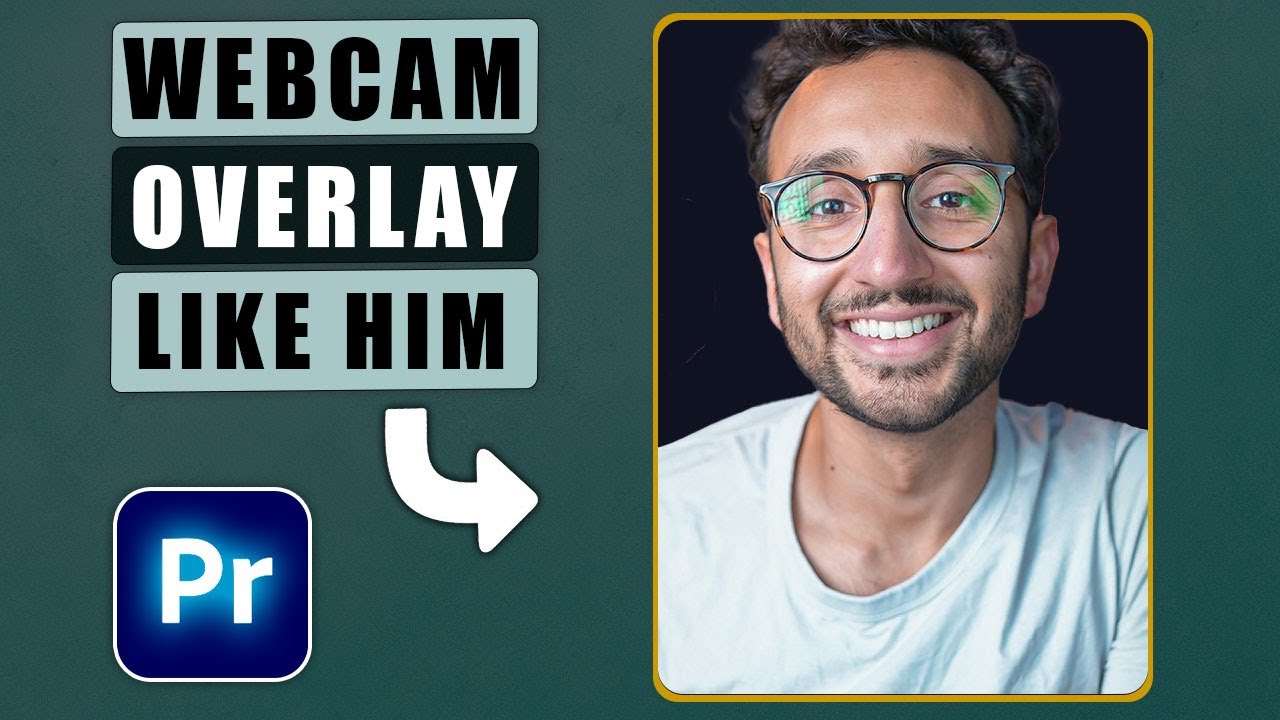
Create a professional webcam overlay effect like Ali Abdaal in Premiere Pro using track matte key, tint, and radial wipe effects for a polished look.
🔔 Subscribe and Learn MORE: https://bit.ly/3D6M6p3
Learn how to create a professional webcam overlay effect akin to Ali Abdaal's style in Premiere Pro. Begin by using the rectangle tool to create a rectangle in the preview window, adjusting its radius to 100 in the essential graphics panel. Add a camera icon to your layout by clicking the plus button, setting its format to PNG for transparency, and ensuring it is imported into the project. Remove the initial rectangle and arrange your webcam video on the third track and the PNG rectangle image on the fourth track, adjusting their sizes accordingly.
To blend the webcam overlay seamlessly, use the track matte key effect on the webcam video, setting the matte to match the track where the rectangle is located. Duplicate the rectangle layer to create a subtle border effect, adjusting its scale slightly. Enhance the visual appeal by applying a tint effect to the bottom layer, giving it a light purple hue, and then duplicating it with a darker purple tint for added depth. Add a radial wipe effect to create smooth transitions between scenes, setting keyframes for transition completion and start angle to control the animation. Finally, nest the layers for a cohesive overlay and adjust the size and position within the nested sequence for a polished look.
Edit Like Ali Abdaal, Nice VIDEO OVERLAY Effect Chapters:
00:00 create a rectangle
00:29 place video inside rectangle
00:53 add border to rectangle
01:18 animate rectangle border
#premiere #premierepro #premiere_pro
Important Videos and Playlists
======================================
💡 Premiere Pro Tutorials: • Premiere Pro Tutorials
💡 Subtitle Edit Tutorials: • Subtitle Edit Tutorials
💡 DaVinci Resolve Tutorials: • DaVinci Resolve Tutorials
💡 Audacity Tutorials: • Audacity Tutorials
►I want to mention that this video is original content of the One Minute Premiere channel, it takes a lot of time and energy to create content that are clear and concise.
❤ Thank YOU for watching! If you know someone who could use this video, share it with them!
👇🏼 Have any questions? Leave a comment below.
✉ Contact me for any inquiries at: [email protected]
Повторяем попытку...
Доступные форматы для скачивания:
Скачать видео
-
Информация по загрузке: