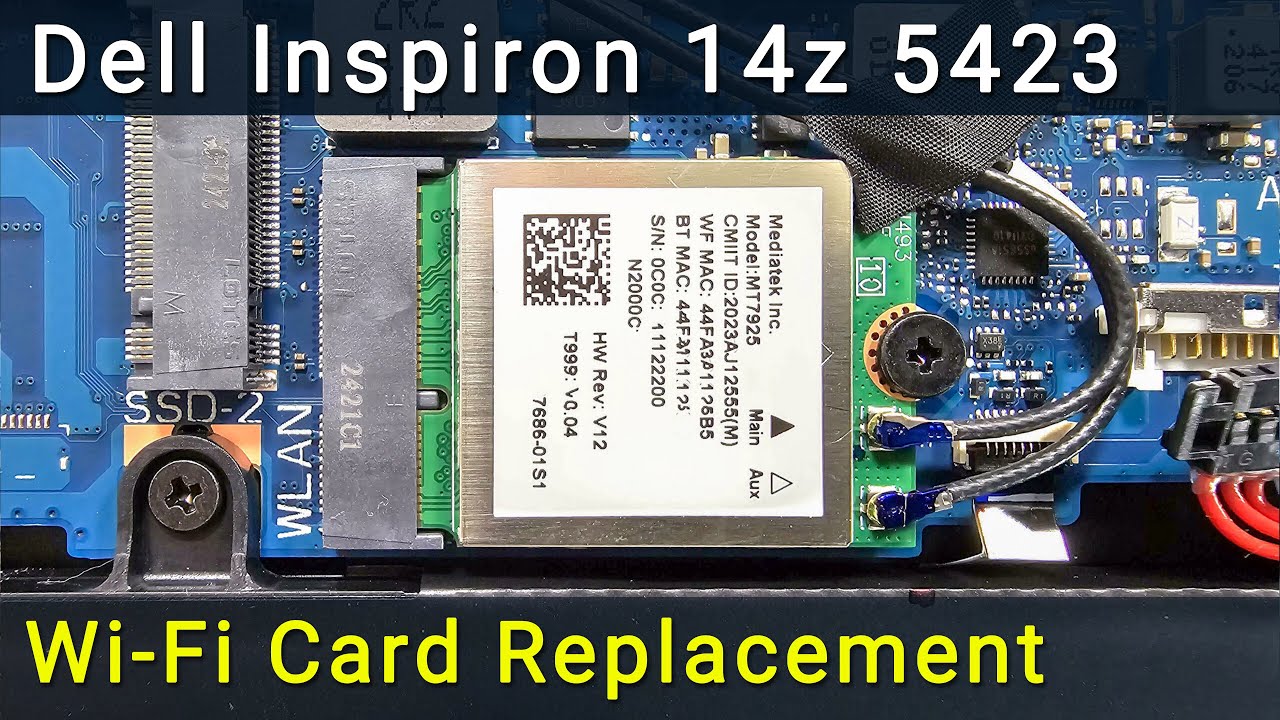
Dell Inspiron 14z 5423 Wi-Fi Card Replacement | DIY Repair Guide
Автор: How-FixIT
Загружено: 2016-09-30
Просмотров: 2487
Описание:
If you have a wifi connection problem on your Dell Inspiron 14z 5423 or your Wireless Card is not working properly, use this guide to fix this issue!
Buy tools and wifi card on AMAZON:
Screwdriver Set: https://hfixt.com/spro
Tool Kit: https://hfixt.com/pryt
Tweezers: https://hfixt.com/tzrs
Magnetic Mat: https://hfixt.com/mat
Wi-Fi Card: https://hfixt.com/nwk
Buy tools and wifi card on AliExpress:
Screwdriver set: https://hfixt.com/alis
Tool Kit: https://hfixt.com/alit
Tweezers set: https://hfixt.com/altz
Magnetic Mat: https://hfixt.com/amat
Wi-Fi Card: https://hfixt.com/net
📌*Useful links*
Best Screwdriver Set: • How to Choose the Best Screwdriver Set for...
Repair Tools & Safety Tips: • Electronics Repair for Beginners: How to S...
DIY repair guides: https://how-fixit.com
📱Follow us for more tech tips and guides!
TikTok: / howfixit
Instagram: / howfixit
Facebook: / howfixit
X: https://x.com/howfixit
DESCRIPTION
Facing a frustrating wifi laptop connection problem or noticing your Wi-Fi is not working correctly on your Dell Inspiron 14z 5423? Don't worry, we've got you covered! In this detailed HowFixit tutorial, we will guide you step-by-step through safely replacing your Wi-Fi card, quickly resolving those annoying connectivity issues.
This tutorial is compatible with the Dell Inspiron 14z 5423.
You don't need advanced technical skills—just basic tools and a little guidance. We'll walk you through each step, from safely opening your Dell Inspiron 14z 5423 to correctly replacing the wireless card and reassembling your device. Never struggle with Wi-Fi connectivity issues again—this DIY repair guide provides everything you need to confidently tackle your wifi laptop connection problem yourself.
Don’t forget to like, subscribe, and hit the notification bell for more handy DIY laptop repair guides from HowFixit!
❓ Frequently Asked Questions:
Question: What if my Wi-Fi still doesn’t work after replacement?
Answer: Ensure antenna cables are securely connected and the Wi-Fi card is compatible.
Question: Can I use any Wi-Fi card for Dell Inspiron 14z 5423?
Answer: No, always use a compatible Wi-Fi Mini PCI-e card as linked in the description.
Question: Is it necessary to disconnect the battery?
Answer: Yes, this prevents accidental damage from short circuits.
Question: How long does the Wi-Fi card replacement take?
Answer: Typically, 15-30 minutes for beginners.
AFFILIATE PROGRAM
We are a participant in the Amazon Services LLC Associates Program, an affiliate advertising program designed to provide a means for us to earn fees by linking to Amazon and affiliated sites.
#howfixit #laptoprepair #diy #techguide
Повторяем попытку...
Доступные форматы для скачивания:
Скачать видео
-
Информация по загрузке: